Free NDIS Invoice Tools vs. Subscription Software: What Sole Traders Actually Need
Most sole-trader support workers don't need a practice management platform. They need one thing: a way to produce a correctly coded, accurately priced
Free NDIS Invoice Tools vs. Subscription Software: What Sole Traders Actually Need
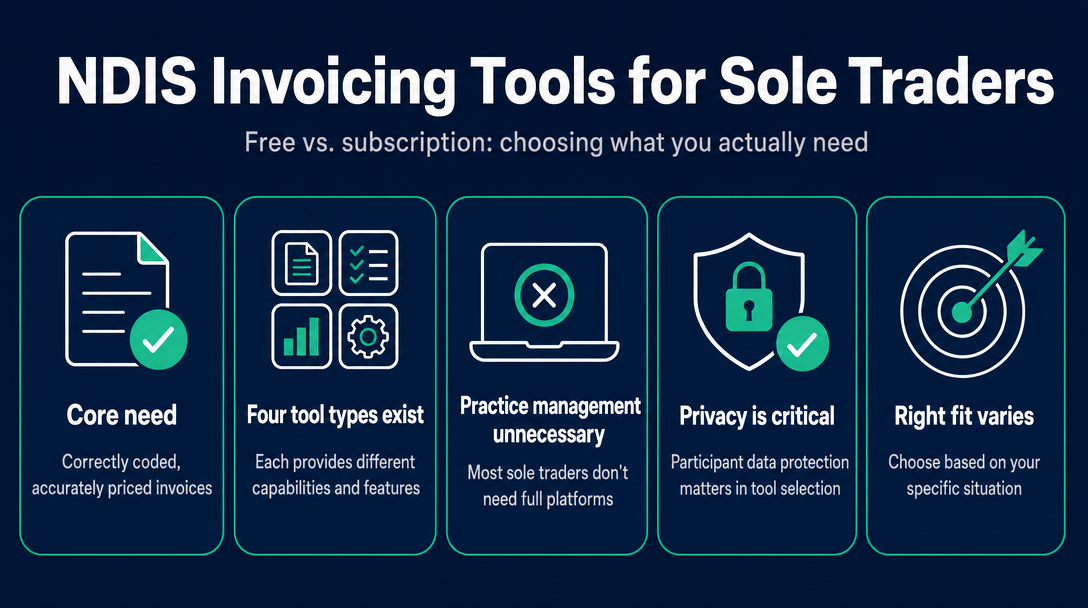
Most sole-trader support workers don't need a practice management platform. They need one thing: a way to produce a correctly coded, accurately priced invoice that a plan manager or the NDIA will accept first time. The challenge is that the software market is built around larger providers - so the search results are full of subscription tools with features designed for multi-staff businesses, leaving solo workers paying for things they'll never use.
This guide cuts through that. It uses what we call the Sole Trader Invoicing Stack Test to help you pick the right type of tool - and avoid paying for overkill.
The Sole Trader Invoicing Stack Test
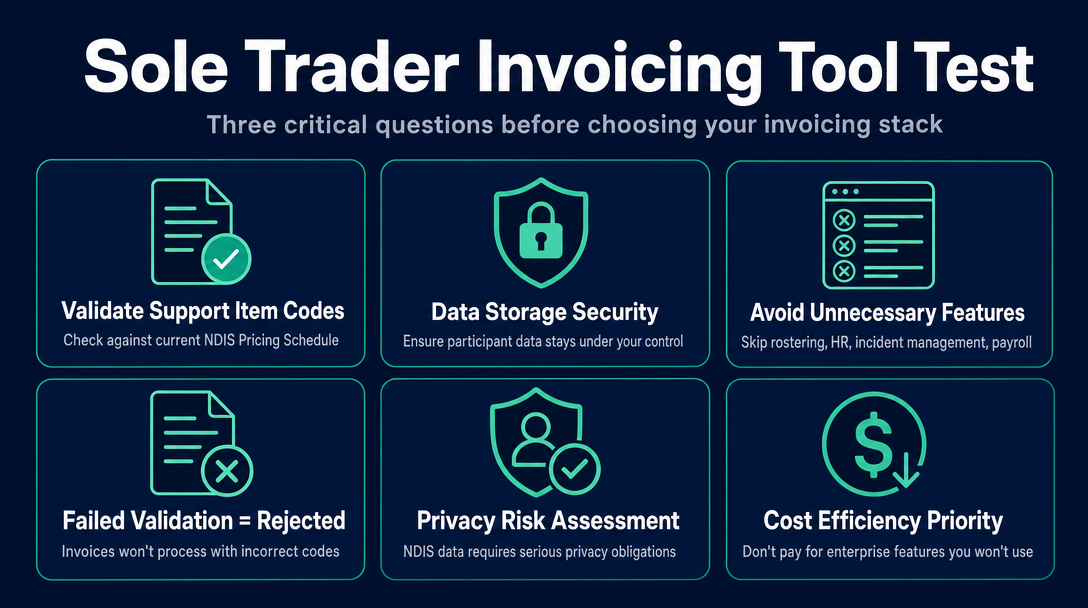
Before choosing any invoicing tool, ask three questions:
- Does it validate my support item code against the current NDIS Pricing Schedule? A code that was current last financial year may no longer exist or may have a different rate today.
- Does it store my participant's personal data on a server I don't control? NDIS participant data - names, NDIS numbers, disability-related information - is sensitive personal information with real privacy obligations attached.
- Does it include features I'll never use as a one-person operation? Rostering, staff HR, incident management, and payroll integrations add cost and complexity that a sole trader simply does not need.
If any tool fails question one, invoices get rejected. If any tool fails question two, there's a privacy risk you may not have considered. If a tool fails question three, you're subsidising features built for someone else's business. Keep this test in mind as you work through the four tool types below.
What Does a Sole Trader Actually Need from an NDIS Invoicing Tool?
A sole trader - one person, typically serving somewhere between two and twelve participants - has a much narrower invoicing requirement than a registered NDIS organisation with a team of workers.
The core requirements are:
- A correct support item code per line item, matched to the service delivered
- An accurate rate, at or below the current NDIS Pricing Schedule cap for that item, on that day, at that time
- Correct delivery - to the plan manager for plan-managed participants, directly to the participant for self-managed, or via PRODA for NDIA-managed participants
That's it. Rostering, incident management, staff payroll, and Xero integration are all legitimate needs for a provider running a team - they are not relevant to a sole trader generating ten invoices a week.
For the full list of mandatory invoice fields - ABN, NDIS number, support item code, quantity, rate, and the rest - see our NDIS Invoice Compliance Checklist. That article owns the field-by-field detail; this one focuses on which type of tool to use.
The Four Types of Tools Available - and What Each Actually Gives You
1. Static Download Templates (Word, PDF, Excel)
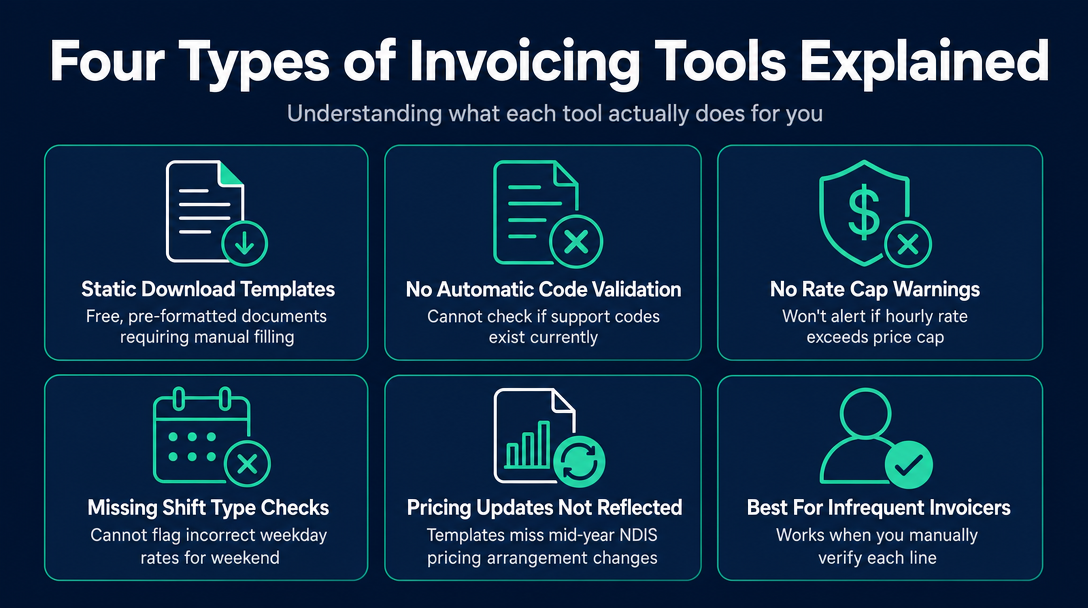
A static template is a pre-formatted document you fill in manually every time you invoice. They are free to download and require no account or software.
What they do not do:
- Check whether your support item code still exists in the current NDIS Pricing Schedule
- Warn you if your hourly rate exceeds the current price cap
- Flag if you've used a weekday rate for a Saturday shift
The NDIS Pricing Arrangements and Price Limits are updated regularly - sometimes mid-year. A template you downloaded six months ago has no way of knowing what changed. Using an outdated code or a rate above the current cap is one of the most common reasons plan managers return invoices. The error is invisible until your claim bounces.
For sole traders who invoice infrequently and have time to manually cross-check every line against the published price guide, templates can work. For anyone invoicing weekly across multiple participants, the manual verification burden becomes significant.
2. Browser-Based Invoicing Tools with Built-In Pricing Schedule Validation
A browser-based tool runs entirely in your web browser - no download, no installation, and no account required. You open it, complete the invoice, and the tool checks each line item against the current NDIS Pricing Schedule before you send anything.
What this type of tool does that a template cannot:
- Validates that the support item code you've entered is current and active
- Checks that your rate does not exceed the price cap for that item
- Catches incorrect day or time classifications (for example, flagging if you've used a standard weekday rate for a public holiday)
The privacy differentiator for this tool type is significant. When a tool processes all data locally - on your own device, in your browser - your participant's name, NDIS number, and support details are never transmitted to a third-party server. Nothing is uploaded. Nothing is stored remotely. For a sole trader handling sensitive disability-related personal information, this is a meaningful distinction.
NDIS Invoice is built on this model: browser-based, free, no account, and all processing happens on your device. If you need help identifying the correct support item code before you invoice, see our support item code guide.
3. Subscription NDIS Invoicing Apps
Several dedicated NDIS invoicing apps - including Earni, Billability, Sienna, Caretaskr, and Sole App - are built specifically for sole traders and small providers. They are cloud-hosted SaaS platforms, typically available via monthly or annual subscription, with free trials or limited free tiers.
Earni describes itself as "your all-in-one NDIS Invoicing, Client Management, Admin and Accounts App" and includes features like pre-filled invoices with built-in NDIS price guide data and profit-and-loss reporting for tax time. Billability states that "all current support item codes and rates are built into the software and automatically updated when NDIS changes them," and offers a 30-day free use period. Astalty advertises a 14-day free trial with no credit card required and can send PDF invoices directly to plan managers. Sienna describes itself as "free to get started."
These tools become worthwhile when you have ten or more clients, want integrated income reporting for your BAS, need automatic invoice delivery to plan managers, or want expense tracking alongside invoicing. The subscription overhead - and the fact that your participant data lives on their servers - makes less sense for a sole trader with a small, steady client base.
If you use a subscription tool, check the Privacy Policy carefully: look for Australian data residency, a clear data retention policy after account cancellation, and - if security matters to you - whether the platform holds ISO 27001 certification.
4. Full Practice Management Platforms
Platforms like Astalty (its full tier), Imploy, Vertex360, GoodHuman, ShiftCare, and FlowLogic are built for providers running teams. Their feature sets typically cover rostering, staff HR, incident reporting, audit trail management, and integration with accounting tools like Xero.
These tools appear prominently in search results for NDIS software - which is why many sole traders find them when they're simply trying to generate an invoice. For a one-person operation, they are almost certainly overkill, and the cost reflects a feature set you will not use.
If you expect to grow your operation and take on employees within the next year, it is worth knowing these platforms exist and factoring in migration effort. For most sole traders billing week-to-week, they are not the starting point.
Why Participant Data Privacy Matters When You Choose a Tool
NDIS participant data - full names, NDIS numbers, plan funding categories, disability-related support details - sits at the sensitive end of personal information under Australian law. The Privacy Act 1988 and the Australian Privacy Principles (APPs) govern how personal information must be handled, collected, and stored.
Small businesses with turnover under $3 million are generally exempt from the Privacy Act. However, that exemption does not eliminate your obligations as an NDIS provider. The NDIS Code of Conduct, which applies to registered and unregistered sole traders delivering NDIS supports, includes an explicit obligation to respect and protect participant privacy. How you store and transmit participant data in your invoicing workflow is part of that obligation.
When you use a cloud-based invoicing tool, your participant's details are transmitted to and stored on the vendor's servers. That creates several questions worth asking before you sign up:
- Is the data stored in Australia, or on overseas servers?
- What happens to participant records when you cancel your subscription?
- Does the vendor have a documented security certification - such as ISO 27001 - or is security handled informally?
A local/on-device processing model eliminates this exposure entirely. If participant data never leaves your browser, there is no server to breach, no offshore storage risk, and no data retention policy to scrutinise on cancellation. For a sole trader who is ultimately responsible for participant privacy, that simplicity has real value.
Which Tool Type Fits Your Situation?
| Your situation | Best fit |
|---|---|
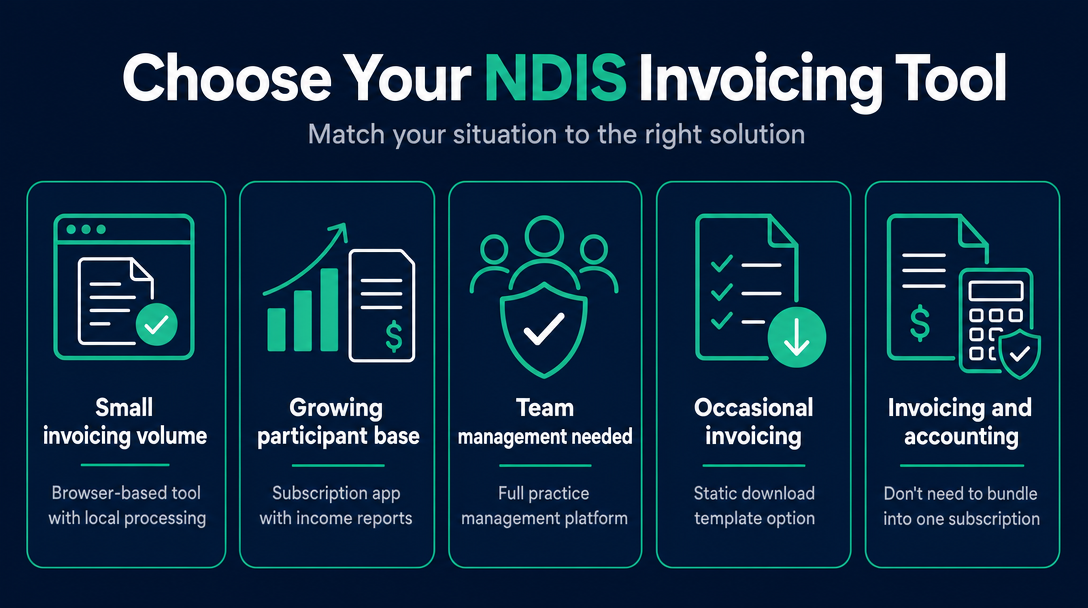
| You invoice 1-8 participants, want NDIS code validation, zero cost, and zero data exposure | Browser-based tool with local processing and live Pricing Schedule validation |
| You invoice 10+ participants, want integrated income reports and automatic invoice delivery | Subscription NDIS invoicing app |
| You have employees and need rostering, incident management, and audit trail | Full practice management platform |
| You invoice very occasionally and are prepared to manually verify every code and rate | Static download template |
One practical note: you do not need to bundle invoicing and accounting into a single subscription. Many sole traders use a free browser-based tool for NDIS invoicing and maintain a simple income/expense spreadsheet for tax. The ATO requires accurate records - not a specific platform.
On payment pathways: plan-managed participants need their invoice sent to the plan manager; self-managed participants pay the invoice directly; NDIA-managed participants require you to submit the claim through the NDIS myplace provider portal (PRODA). These workflows are the same regardless of which invoicing tool you use to generate the document.
Frequently Asked Questions
Is free NDIS invoicing software actually free, or does "free" mean a free trial?
These are different things. A free trial is time-limited - typically 14 or 30 days - after which a subscription begins. A free tier is feature-limited, with core functions available only on a paid plan. A genuinely free tool has no trial expiry, no subscription, and no account required. A browser-based tool with local processing that requires no sign-up is the purest form of genuinely free NDIS invoicing software for sole traders.
Do I need Xero or MYOB for NDIS invoicing as a sole trader?
No - not for invoicing itself. Xero and MYOB are general-purpose accounting tools built for GST management, bank reconciliation, BAS preparation, and income reporting. They do not natively validate NDIS support item codes against the Pricing Schedule. A dedicated NDIS invoicing tool handles the invoice; a basic spreadsheet or simple records method can handle income tracking for tax purposes. Neither Xero nor MYOB is mandatory for sole traders - the ATO requires accurate records, not a specific software.
What is the difference between a PDF template and a browser-based NDIS invoicing tool?
A PDF template is a static document - it cannot check whether your support item code is still active, whether your rate is within the current price cap, or whether you've applied the right day and time classification. A browser-based tool with built-in Pricing Schedule validation checks each of these in real time before you send the invoice. The practical difference is catching errors before a plan manager returns the claim, rather than after.
Does it matter where my participant's NDIS data is stored?
Yes. NDIS participant data - including names, NDIS numbers, and disability-related details - is sensitive personal information. Sole traders have obligations under the NDIS Code of Conduct to protect participant privacy, regardless of business turnover. Cloud-based tools store this data on vendor servers; a local-processing browser tool stores nothing server-side. If you use a cloud tool, check its Privacy Policy for Australian data residency, post-cancellation data deletion, and any security certifications such as ISO 27001.
Can I invoice NDIA-managed participants using a browser-based invoicing tool?
A browser-based tool generates the correctly formatted invoice. However, NDIA-managed participants require the claim to be submitted through the NDIS myplace provider portal - PRODA. The invoicing tool creates the document; the submission step happens separately in PRODA. For plan-managed participants, the invoice goes directly to the plan manager. The tool you use to generate the invoice does not change this workflow.
Ready to apply the Sole Trader Invoicing Stack Test to your own workflow? NDIS Invoice runs entirely in your browser, validates every line item against the current NDIS Pricing Schedule, and keeps all participant data on your device - no subscription, no account, no server upload required. Try it free before your next invoice.
More articles
- NDIS vs. Xero vs. Word Template: Which Invoicing Option Is Right for a Sole Trader Support Worker?
- NDIS Sleepover and Overnight Support Invoicing: Which Codes to Use and How to Calculate the Rate
- What Must Be on an NDIS Invoice? The 9 Required Fields (with a Free Checklist)
- GST on NDIS Invoices: What Support Workers Need to Know Before Adding (or Skipping) Tax
- NDIS Cancellation Invoice: How to Charge for a Short-Notice Cancellation Without Getting It Wrong