Common NDIS Invoice Errors That Delay Payment (And How to Catch Them Early)
You've filled out every field. ABN is there. Participant NDIS number is correct. Service dates look right. The invoice goes out - and it still gets
Common NDIS Invoice Errors That Delay Payment (And How to Catch Them Early)
You've filled out every field. ABN is there. Participant NDIS number is correct. Service dates look right. The invoice goes out - and it still gets rejected.
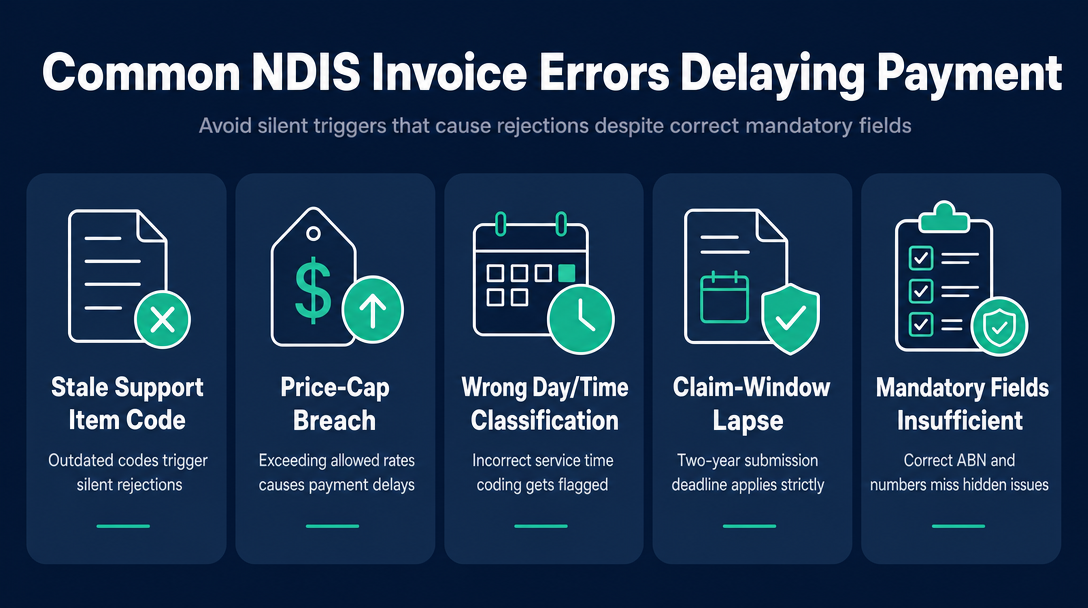
This happens because there are two distinct layers of NDIS invoice compliance. The first layer is structural: all the required fields are present. The second layer is schedule compliance: every value is current, correctly classified, and within the rules that apply today. A static checklist handles the first layer. It cannot handle the second.
The four error categories below - which we call the Four Silent Rejection Triggers - are the specific, dynamic mistakes that pass a manual field-by-field review and still cause automatic rejection or delayed payment. Each one has a concrete example, and each one is something a real-time invoice checker catches before the invoice leaves your hands.
Already building your compliance checklist from scratch? See our NDIS Invoice Compliance Checklist first - this article picks up where that one ends.
What the Mandatory-Fields Checklist Misses (and Why Rejections Still Happen)
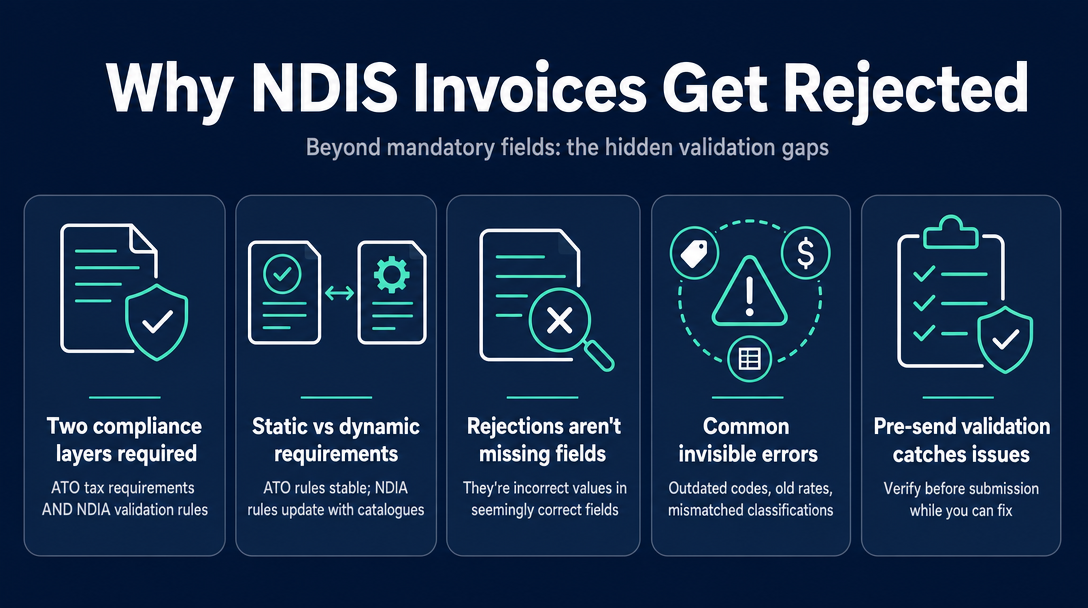
A compliant NDIS invoice must meet ATO tax invoice requirements (ABN, date, description, seller identity) AND satisfy the NDIA's own validation rules around coding, pricing, and timing. The ATO requirements are static - they don't change between financial years. The NDIA's rules are dynamic - they update with every new Support Catalogue and Pricing Arrangements release.
This is the gap. When plan managers describe why invoices come back, they consistently point to the same category of problems: not missing fields, but incorrect values in fields that look correct at a glance. A support item code that existed six months ago. A rate that was valid in the previous financial year. A time classification that doesn't match the date on the invoice.
A pre-send invoice checker replicates the validation a plan manager runs - at your end, before submission, while you still have time to fix it.
Silent Trigger #1 - Stale Support Item Code
The NDIA publishes an updated NDIS Support Catalogue each financial year. The current version (v1.1, effective 24 November 2025) reflects codes that were added, renumbered, or retired from the previous year. When you submit a claim with a code that no longer exists in the current catalogue, the NDIA's system does not interpret it charitably - the claim bounces.
The real-world scenario: A sole trader set up their invoice template in mid-2024 and hasn't revisited it since. The support item code they've been using was retired in the 2025-26 Support Catalogue update. Every invoice they've sent since November 2025 has contained an invalid code. Some have been caught by diligent plan managers. Others have triggered automatic rejection with a cryptic error message that doesn't explain why.
The practical fix at the template level is straightforward: download the current NDIS Support Catalogue (XLSX) from ndis.gov.au at the start of each financial year and verify your codes against it. A real-time checker does this automatically - every code you enter is cross-referenced against the current catalogue. If the code doesn't exist, it's flagged before the invoice goes anywhere.
Silent Trigger #2 - Price-Cap Breach
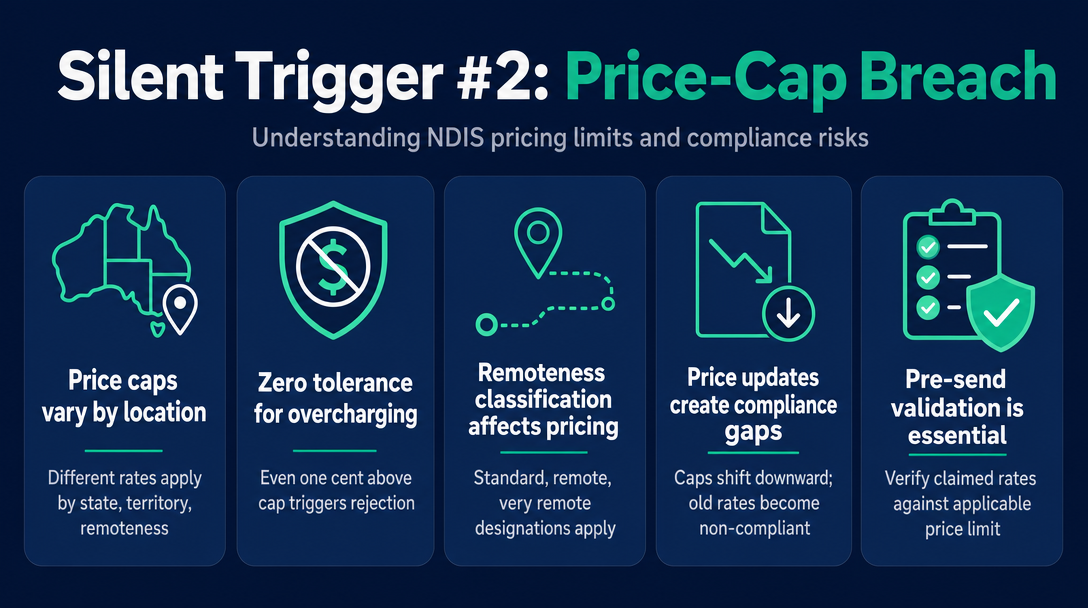
The NDIS Pricing Arrangements and Price Limits (PAPL) sets a maximum price for every support item. Charging even one cent above the cap triggers rejection - there is no grace margin.
What makes this particularly easy to get wrong: the price cap is not a single number. It varies by state and territory, and it varies by remoteness classification (standard, remote, very remote, using the Modified Monash Model 2023 classification). A provider working in outer-regional Queensland has a different applicable cap than a metropolitan Sydney provider - for the same support item code.
The real-world scenario: A support worker has been billing at the rate they agreed with a participant when they first started working together. The rate was within the cap at that time. The PAPL was updated. The cap for that item shifted slightly downward. The provider didn't notice, continued invoicing at the old rate, and has been slightly over the current price limit for months.
A pre-send checker validates the claimed rate against the applicable cap for the state and remoteness tier you select - flagging any line item where your rate exceeds the current limit before it reaches the plan manager.
For current rate tables by support category, see our NDIS Price Guide 2026-27 article.
Silent Trigger #3 - Wrong Day/Time Classification
This is the error most specific to NDIS billing and the one least discussed in general invoicing guides. The NDIS prices the same support differently depending on when it was delivered. For standard-intensity core supports (Category 01), the 2025-26 rates under the PAPL 2025-26 v1.1 are:
| Time of service | Rate (per hour) |
|---|---|
| Weekday daytime | $70.23 |
| Weekday evening | $77.38 |
| Saturday | $98.83 |
| Sunday | $127.43 |
| Public holiday | $156.03 |
These are not just different rates for the same code - many support items have separate support item code variants for weekday versus weekend delivery. Using the weekday code for a Saturday shift, or the Saturday code for a public holiday shift, is not just a rate error. It is a coding error on top of a rate error.
Three real-world scenarios:
- A sole trader works a Saturday but invoices using their standard weekday code and weekday rate. They are underbilling themselves - and still submitting the wrong classification.
- A sole trader works Christmas Day (a public holiday) and invoices at the Saturday rate. They are charging more than they're entitled to under their service agreement, which a plan manager will flag.
- A sole trader uses the weekday support item code number for a Sunday shift without realising the catalogue has a separate Sunday-specific variant for that item.
A pre-send checker prompts you to enter the date of service and cross-checks whether the support item code you've entered matches the correct day/time variant for that date. Mismatches are flagged before submission.
Silent Trigger #4 - Claim-Window Lapse (The 2-Year Rule)
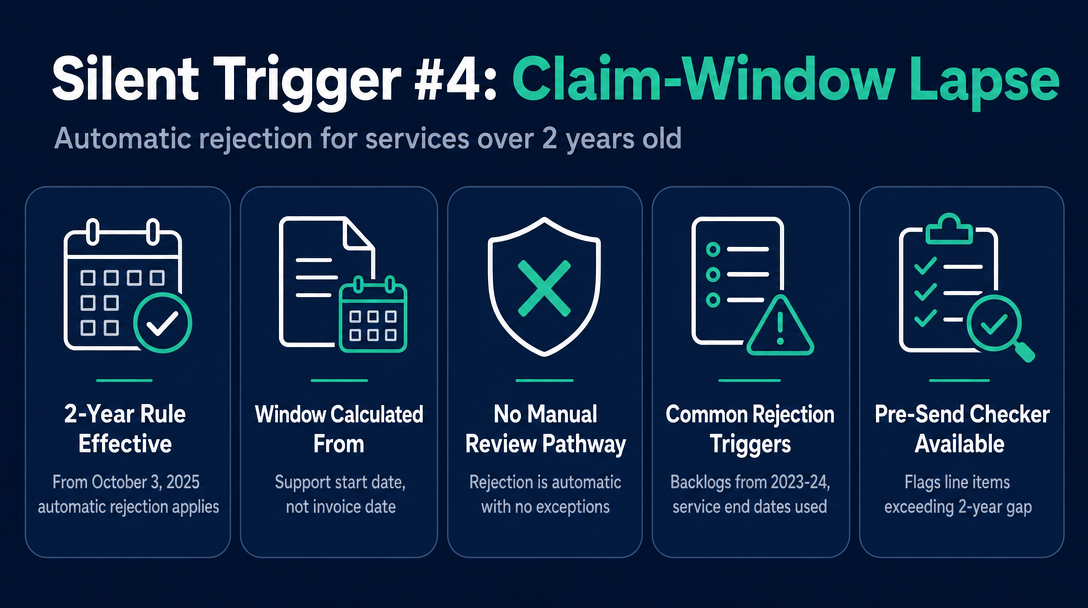
From 3 October 2025, the NDIA automatically rejects any claim where the service delivery date is more than 2 years prior. Before this change, there was no enforceable time limit on NDIS claims. The rule is now codified in the NDIS Act, and the rejection is automatic - there is no manual review pathway for out-of-window claims.
The key detail: the 2-year window is calculated from the support start date, not the invoice date. An invoice sent today for a service delivered in September 2023 will be automatically rejected, regardless of when the invoice itself was created.
Who this catches out:
- Providers with a backlog of uninvoiced services from 2023-24
- Invoices where the service end date was used rather than the start date, pushing a borderline claim outside the window
- Providers who held invoices waiting for a service agreement to be signed, not realising the clock was running from the date of service
A pre-send checker calculates the gap between your entered service date and today's date. Any line item where that gap exceeds 2 years is flagged immediately - before you submit a claim that will be automatically rejected.
Official source: ndis.gov.au - the NDIA confirmed enforcement of this rule from 3 October 2025.
Why Privacy Matters in an NDIS Invoice Checker
An NDIS invoice is not a generic business document. It contains a participant's NDIS number, their name, the dates and types of support they received, and the provider's identification details. This is sensitive personal information covered by the Privacy Act 1988 (Cth), and providers have obligations under the NDIS Practice Standards (enforced by the NDIS Quality and Safeguards Commission) around how they handle participant data.
When you use a web-based tool that sends data to a remote server, you are uploading that participant information to third-party infrastructure - where it may be stored, logged, or processed in ways the participant never agreed to. For a sole trader without a dedicated IT or compliance function, this risk is easy to overlook.
The architectural difference matters: a browser-based tool that processes data locally runs all its logic directly in your browser. Nothing leaves your device. You can disconnect from the internet after loading the page and the checker will still work, because no participant data is transmitted anywhere.
NDIS Invoice processes all validation logic locally on your device. No invoice data is sent to a server. This makes it a practical, privacy-consistent choice for sole traders and small providers handling participant information under Australian privacy obligations.
How to Run a Pre-Send Check on Every Invoice
This process assumes your invoice is already drafted and you want to validate it before it goes to a plan manager or participant. It takes less than two minutes per invoice.
Step 1: Open NDIS Invoice in your browser. No login, no account, no data upload required.
Step 2: Enter the support item code for each line item on your invoice.
Step 3: Select the date of service and your state or territory.
Step 4: Enter the rate you have charged.
Step 5: Review any flagged errors. The checker identifies:
- Support item codes that don't exist in the current catalogue (Trigger #1)
- Rates that exceed the current price cap for your state and remoteness tier (Trigger #2)
- Day/time classification mismatches between the code and the service date (Trigger #3)
- Service dates that fall outside the 2-year claim window (Trigger #4)
Step 6: Correct any flagged items before sending.
This process applies whether you're a registered or unregistered NDIS provider, invoicing plan-managed or self-managed participants. The checker is also useful before submitting directly through the NDIA portal if you're a registered provider claiming payment directly.
A quick note on GST: most NDIS supports are GST-free under section 38-38 of the A New Tax System (Goods and Services Tax) Act 1999 (ATO guidance applies). The pre-send check above focuses on code, rate, and date validation - confirm your GST treatment separately with the ATO's NDIS guidance if you're unsure.
For help choosing between free and subscription invoicing platforms, see our guide to NDIS invoice tools for sole traders.
Frequently Asked Questions
What types of errors does an NDIS invoice checker catch that a manual checklist misses?
A manual checklist confirms that required fields are present - ABN, NDIS number, service description, and so on. An invoice checker validates the values in those fields against live schedule data: whether the support item code exists in the current catalogue, whether the rate is within the current price cap, whether the day/time classification matches the service date, and whether the service date falls within the 2-year claim window enforced from 3 October 2025.
What happens if I use an outdated support item code on an NDIS invoice?
If the code you enter does not exist in the current NDIS Support Catalogue (currently v1.1, effective 24 November 2025), the claim will be rejected - either automatically by the NDIA's system or by the plan manager during processing. Codes are retired or renumbered with each annual catalogue update, and old templates are a common source of this error.
How does the 2-year NDIS claim rule work, and when did it start?
From 3 October 2025, the NDIA automatically rejects any claim where the support start date is more than 2 years before the claim submission date. Before that date, no time limit was enforced. The window is calculated from the support start date, not the invoice date, so backlogged invoices covering services from before October 2023 will be automatically rejected.
Is it safe to use a browser-based tool to check NDIS invoices?
It depends on the tool's architecture. A tool that sends data to a remote server uploads participant names, NDIS numbers, and support details to third-party infrastructure. A locally processed, browser-based checker runs all logic on your own device and transmits no data externally - which is significantly better aligned with your Privacy Act 1988 (Cth) obligations as an NDIS provider.
Do NDIS invoices need to include GST?
Most NDIS supports are GST-free under section 38-38 of the A New Tax System (Goods and Services Tax) Act 1999, based on ATO Determination NDIS 2021/1 C1. This means you generally do not add GST to NDIS support invoices, but you should confirm your specific supports are captured by this determination via the ATO's NDIS guidance at ato.gov.au.
Why does the day/time of service affect which support item code I use?
The NDIS prices many supports differently depending on when they were delivered - weekday daytime, weekday evening, Saturday, Sunday, and public holiday rates each differ, and some items have separate support item code variants for each time classification. Using the weekday code for a Saturday shift, or the Saturday code for a public holiday, creates both a rate error and a coding error that a plan manager or the NDIA portal will flag.
Before your next invoice goes out, run it through the free NDIS Invoice checker - no login, no subscription, and everything stays on your device. Catch all four silent rejection triggers in seconds, not after a plan manager sends it back.
Open the NDIS Invoice Checker at ndisinvoice.com.au
More articles
- How to Send Your NDIS Invoice After Creating It: A Step-by-Step Guide for Sole Traders
- Cloud-Based NDIS Invoicing vs. Local Processing: Why Privacy Matters for Participant Data
- NDIS Invoice Builder vs. Static Template: Why a Live Price-Guide Check Changes Everything
- NDISInvoice.com.au vs. Earni: Free Browser Tool vs. App Subscription for NDIS Support Workers
- NDISInvoice.com.au vs. Billability: Which Free-Tier NDIS Invoicing Tool Fits Your Needs?