How to Validate NDIS Support Item Codes Before Invoicing (Free Tool, No Login)
You found a support item code in the NDIS Support Catalogue. It looks right. But "looks right" and "is right for this invoice" are two different things. A
How to Validate NDIS Support Item Codes Before Invoicing (Free Tool, No Login)
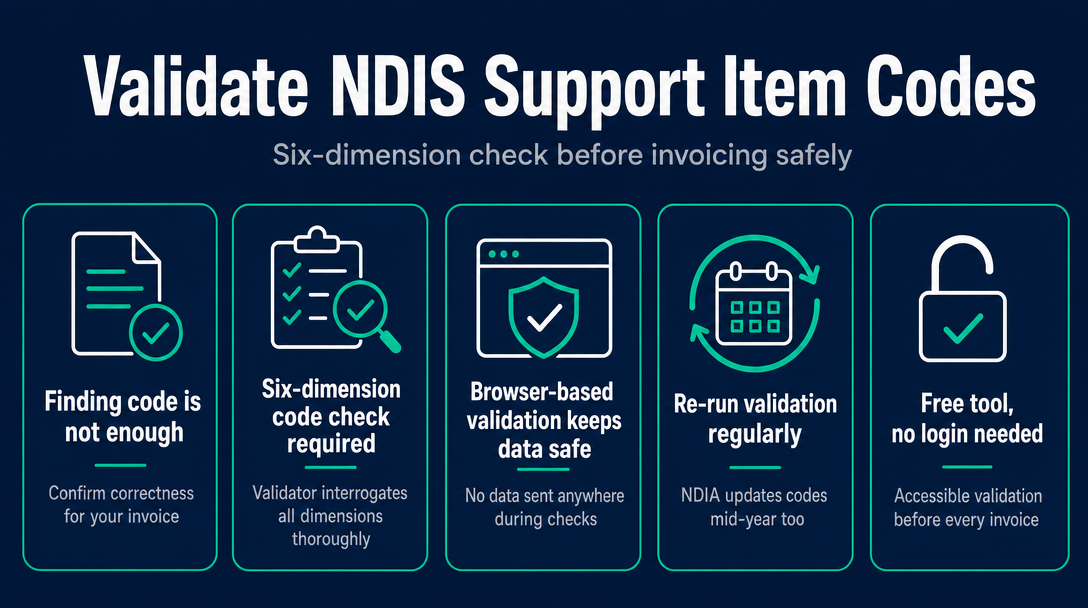
You found a support item code in the NDIS Support Catalogue. It looks right. But "looks right" and "is right for this invoice" are two different things. A code can be active, correctly spelled, and still cause a rejected claim - because it's the wrong day classification, the wrong zone rate, or restricted to registered providers only. Validation is the step that catches those differences before the invoice leaves your hands.
Why "I Found the Right Code" Is Not Enough
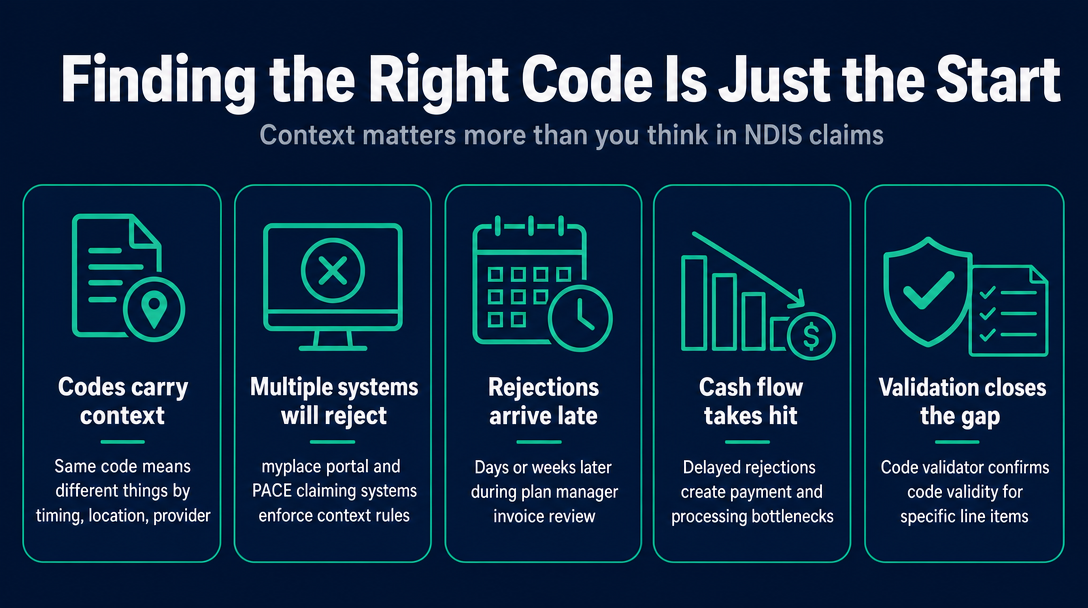
Once you've located a code using the lookup process covered in our step-by-step guide, the real work begins. A support item code is not a static reference - it carries context. The same code number can mean different things depending on when the service was delivered, where it was delivered, and who is delivering it.
The myplace provider portal and PACE-based claiming systems will reject a claim that fails on any one of these contextual dimensions. And in many cases, the rejection doesn't come back immediately - it arrives days or weeks later when a plan manager reviews the invoice and returns it. That delay hits cash flow directly.
The gap between "I found this code in the catalogue" and "this code is valid for this specific line item" is exactly what a code validator exists to close.
The Six-Dimension Code Check: What a Validator Actually Interrogates
This is the centrepiece of what any serious support item code validation tool should do. Below is a named, structured framework - The Six-Dimension Code Check - covering each dimension a validator must assess before an invoice can be considered compliant.
Use 01_011_0107_1_1 (Assistance with Daily Life - Self-Care, Weekday Daytime) as the working example throughout. It's one of the most commonly used codes in NDIS invoicing, and every one of the six dimensions below applies to it.
Dimension 1: Code Existence - Is This Code Still Active?
The NDIS Support Catalogue is updated at 1 July each financial year, and sometimes mid-year. When a code is retired or restructured, it is removed from the active catalogue - but it doesn't disappear from old invoices, spreadsheets, or muscle memory.
If you invoice using a retired code, plan managers cannot process the claim. There is no workaround. The invoice comes back, you find the replacement code, and you re-submit - which may take days depending on the plan manager's turnaround.
A validator checks code existence against the current catalogue dataset. If 01_011_0107_1_1 had been retired or renumbered in a mid-year update, the validator flags it before the invoice is sent, not after.
Dimension 2: Price Cap - Is the Rate at or Below the Current Maximum?
The NDIS Pricing Arrangements and Price Limits (PAPL) sets a maximum price per unit for every support item. Charging above that cap is a breach of the pricing rules - regardless of what a service agreement says.
The rate for 01_011_0107_1_1 has a specific national maximum per hour. That maximum changes annually from 1 July following the NDIA's Annual Pricing Review and the Fair Work Commission's Annual Wage Review. A validator cross-references the rate you've entered against the current cap for that specific code and flags any overage.
Manually cross-referencing rates across hundreds of line items is impractical. This dimension alone justifies using a validation tool rather than checking rates by hand.
Dimension 3: Day and Time Classification - Weekday, Evening, Saturday, Sunday, or Public Holiday?
This is one of the most common silent compliance risks in NDIS invoicing. Many support items - including 01_011_0107_1_1 - have separate codes for different day and time categories. Weekday daytime, weekday evening, Saturday, Sunday, and public holiday each carry different rate caps.
Using a weekday code for a Saturday shift either under-bills the provider (because the Saturday rate is higher) or, if the provider claims the Saturday rate against the weekday code, over-bills against the wrong cap. Neither is compliant.
What makes this particularly risky is that a day-classification mismatch doesn't always trigger an automatic system rejection. It can pass through initial processing and surface only during an audit - by which point the provider may have invoiced incorrectly across multiple claims. A validator cross-checks the service date you entered against the day classification embedded in the code, and flags a mismatch before it becomes a pattern.
Dimension 4: Geographic Zone - National, Remote, or Very Remote?
The NDIS uses the Modified Monash Model (MMM) to apply geographic price loadings. Remote areas (MMM 6) carry a 40% loading over the national rate; Very Remote areas (MMM 7) carry a 50% loading. These are not optional supplements - they are separate rate tiers built into the Support Catalogue.
A provider delivering 01_011_0107_1_1 in a regional or remote area must use the correct zone rate. A metro-based provider using a remote-zone rate over-claims against the participant's plan. A remote provider using the national rate under-bills and misses the legitimate loading they're entitled to.
Most sole traders working in metropolitan areas never encounter this issue - but any provider who sometimes delivers supports in regional communities needs to know that zone is a validation dimension, not just a pricing curiosity.
Dimension 5: Claiming Rules - What Additional Claims Does This Code Allow?
Every support item in the NDIS Support Catalogue carries a set of claiming-rules flags. These flags specify whether a provider can claim the following extras against that specific code:
- Non-Face-to-Face (NF2F) support - documentation, reporting, and coordination time not spent directly with the participant
- Provider Travel - time and kilometres for travel to and from the delivery location
- Short Notice Cancellation - a portion of the fee when a participant cancels within a specified timeframe
- NDIA-Requested Reports - time spent preparing formal reports requested by the NDIA
Claiming travel or cancellation fees against a code whose claiming rules don't permit them is an error. The claim will be rejected on review or reversed on audit. A code validator that surfaces these flags gives you a clear view of what's permissible for each line item before the invoice goes out - not after a plan manager queries it.
Dimension 6: Registration Group - Does This Code Require NDIS Commission Registration?
Some support items in the catalogue are restricted to providers registered with the NDIS Quality and Safeguards Commission. Unregistered sole-trader support workers - a significant part of the NDIS workforce - are not eligible to claim those items, regardless of the support they delivered.
This creates a specific risk for sole traders who are building their own invoices: a code may appear in the general Support Catalogue search results, be currently active, have the right day classification and zone rate, and still be outside their eligible claiming scope. A validator that is aware of the provider's registration status can flag registration-group mismatches specifically for unregistered providers.
For PACE-based claims, the same registration-group requirements apply. The system may differ from myplace, but the eligibility rules tied to each code do not.
How a Browser-Based Validator Checks All Six Dimensions Without Sending Your Data Anywhere
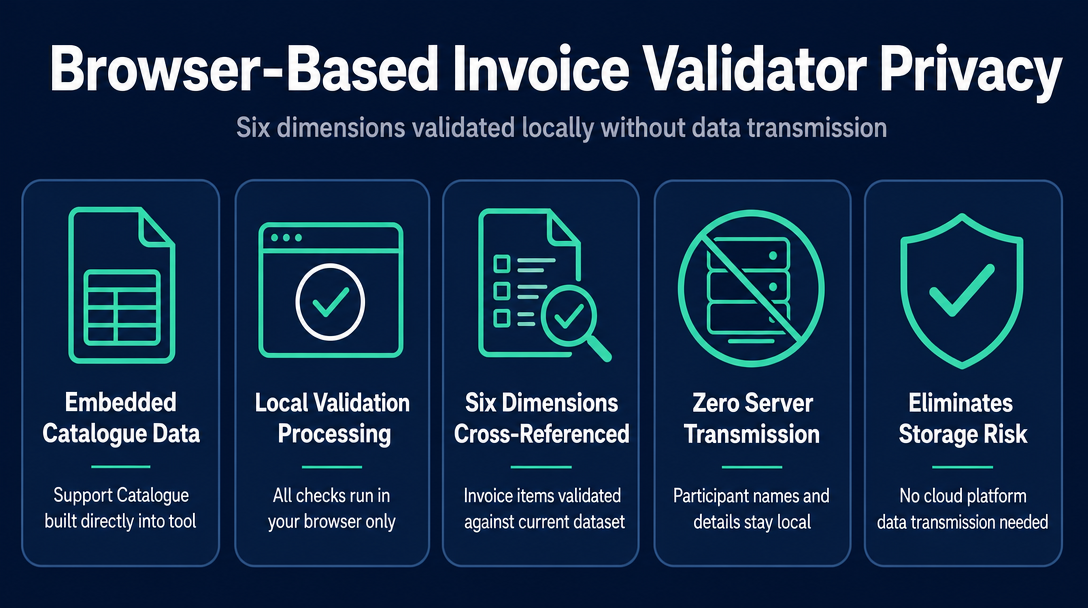
The six dimensions above require cross-referencing your invoice line items against the current Support Catalogue dataset. The question for privacy-conscious providers is: where does that cross-referencing happen?
A browser-based validator like NDIS Invoice embeds the current Support Catalogue data directly in the tool. When you enter a line item - code, rate, service date, delivery location - every validation check runs locally in your browser. Nothing is transmitted to a server. Participant names, NDIS numbers, and service details stay on your device.
This architecture matters because NDIS invoicing data is inherently sensitive. Cloud-based platforms require data to leave the device to process - which introduces a transmission and storage risk. For providers handling participant information, local processing eliminates that risk entirely while delivering the same validation depth.
When to Re-Run Validation (The NDIA Updates Mid-Year Too)
Most providers validate codes when they first start invoicing a participant and don't revisit the question until something goes wrong. That creates a gap - because the NDIA updates the Support Catalogue and PAPL more than once a year.
Mid-year updates can retire codes, adjust rate caps, or change claiming-rules flags for specific items. An invoice submitted in March with a code that was valid in July may be using a rate or classification that was revised since then.
Two practical triggers for re-running validation:
- At every 1 July financial year rollover - the full Support Catalogue and PAPL are replaced with new versions. Any code or rate from the prior year should be re-confirmed.
- After any mid-year NDIA pricing update - bookmark ndis.gov.au/providers/pricing-and-payments/pricing/pricing-arrangements and check for new document versions before invoicing mid-year.
A tool that keeps its dataset aligned with the current Support Catalogue version removes the manual monitoring burden. You run the validation, the tool checks against the current rules, and you know immediately whether your line items are compliant - no version-hunting required.
For a broader understanding of how the pricing schedule is structured and how to navigate it, the cornerstone guide NDIS Price Guide 2026-27: How to Find the Right Support Item Code for Any Service You Deliver covers the full catalogue landscape.
Frequently Asked Questions About NDIS Support Item Code Validation
What is NDIS support item code validation?
Validation is the process of checking a support item code against the current NDIS Support Catalogue and Pricing Arrangements and Price Limits to confirm it is active, correctly classified for the day and location, within the price cap, and eligible to be claimed by the provider type - before the invoice is sent. It is distinct from simply looking a code up in the catalogue.
Can a support item code look correct but still cause a rejected claim?
Yes. A code may be active in the current catalogue but wrong for the specific service context - for example, a weekday code used on a Saturday, or a national rate applied to a remote-zone delivery. These mismatches may not trigger an immediate system rejection but create audit risk and can result in claims being reversed or queried by a plan manager.
Do I need to validate codes for every invoice or just the first one?
At minimum, re-validate at every 1 July financial year rollover and after any mid-year NDIA pricing update. Codes and rate caps change; an invoice using last year's rate or a retired code can be rejected even if the same code was correct three months earlier. For high-volume invoicers, validating each invoice is the safest practice.
What is the difference between a code lookup tool and a code validation tool?
A lookup tool tells you what a code means and what its current price limit is - it is a reference function. A validation tool takes your specific line item - code, rate claimed, service date, and delivery location - and checks whether that combination is compliant right now. Lookup is reference; validation is a compliance check applied to a real invoice.
Does code validation cover claiming rules like cancellations and travel?
It should. Each support item in the NDIS Support Catalogue carries claiming-rules flags specifying whether Non-Face-to-Face support, Provider Travel, Short Notice Cancellations, or NDIA-Requested Reports can be claimed against it. A complete validator surfaces these flags for each line item so the provider knows before invoicing what extras are permitted.
Is it safe to use a browser-based NDIS code validator?
A browser-based tool that processes all data locally on your device - without sending anything to a server - is the most privacy-protective option available. No participant names, NDIS numbers, or service details leave your browser. This is particularly important for NDIS providers who handle sensitive participant information as part of their everyday admin.
NDIS Invoice runs every one of these six validation dimensions locally in your browser - no login, no subscription, no participant data sent to a server. Validate your line items now at ndisinvoice.com.au
More articles
- Free NDIS Compliant Invoice Tool for Sole Traders Australia: A Plain-English Walk-Through
- Plan-Managed vs. Agency-Managed vs. Self-Managed: NDIS Invoicing Requirements Explained
- Common NDIS Invoice Errors That Delay Payment (And How to Catch Them Early)
- NDIS Price Guide 2026-27: How to Check Support Item Rates Before Invoicing
- NDIS Invoicing for Sole Traders: A Plain-English Starting Guide