How to Set Up as an NDIS Sole Trader Support Worker in Australia: The Complete Invoicing Checklist
Most NDIS sole traders start with a free invoicing tool - or a Word template and a manual rate check. That starting point is completely reasonable. The
How to Set Up as an NDIS Sole Trader Support Worker in Australia: The Complete Invoicing Checklist
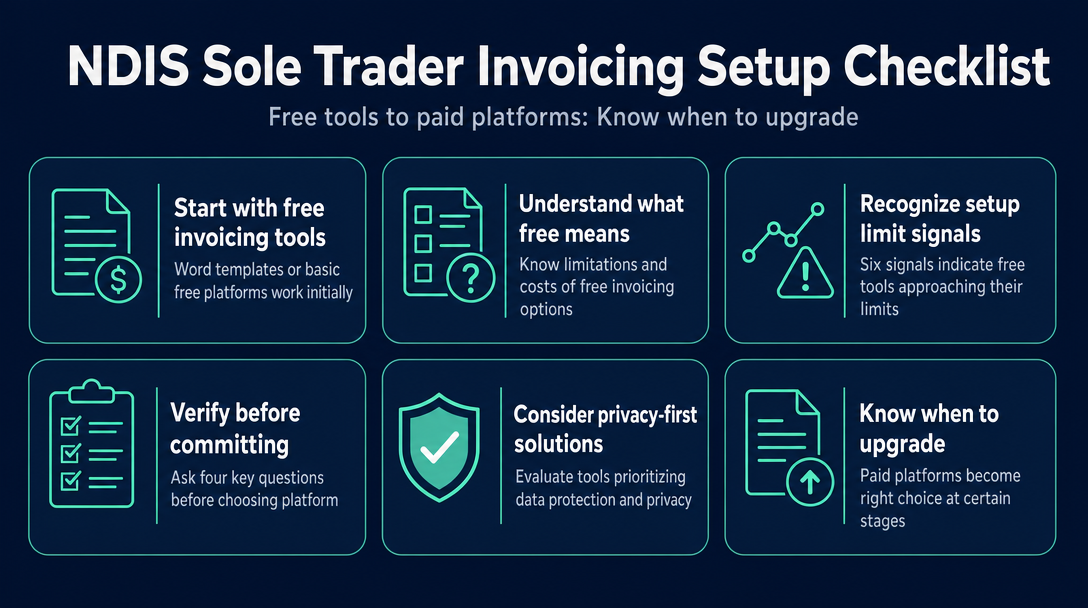
Most NDIS sole traders start with a free invoicing tool - or a Word template and a manual rate check. That starting point is completely reasonable. The real problem is not starting free; it is failing to notice the moment your current setup begins costing you more in rework, rejected claims, and compliance risk than any subscription ever would. This article covers the six concrete signals that a free NDIS invoicing setup is approaching its limits, the Four-Question Gate to run before switching to any paid platform, and the one question every new sole trader needs to answer before they send their first invoice.
Not sure whether to choose free or paid invoicing software at all? The breakdown of features and decision criteria lives in our prior guide: Free NDIS Invoice Tools vs. Subscription Software: What Sole Traders Actually Need.
What Does "Free" Actually Mean for NDIS Invoicing Tools?
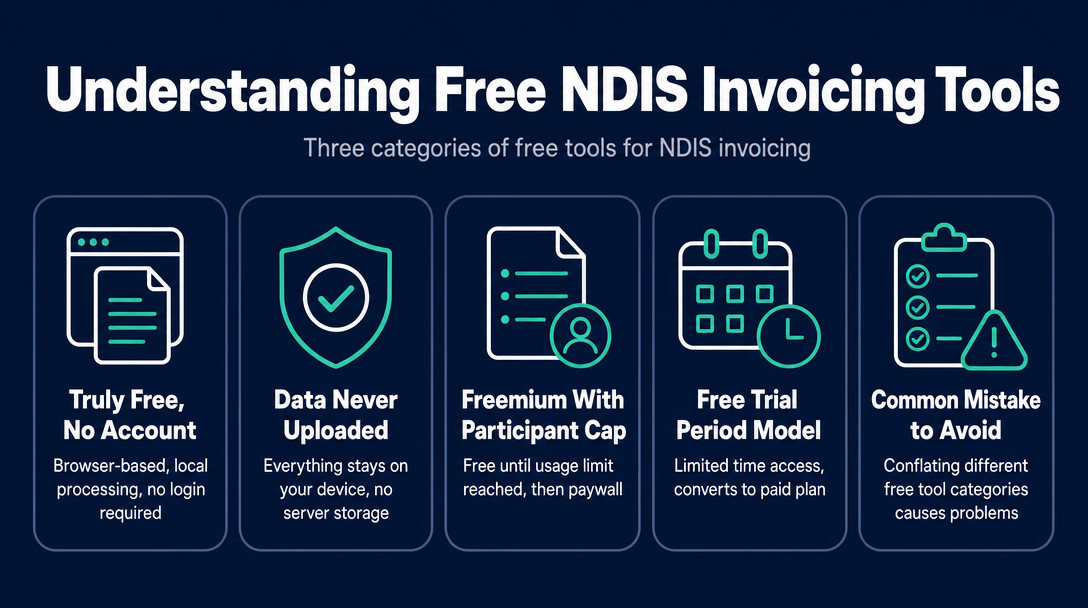
Not all free NDIS invoicing tools are the same category of product. Conflating them is the most common mistake sole traders make before they hit a problem.
The three kinds of "free" NDIS invoicing tools
1. Truly free, no account required Browser-based tools that process everything locally on your device - no login, no trial period, no credit card, no participant cap. Data is never uploaded to a server. NDISInvoice.com.au works this way. Free permanently, with no usage ceiling.
2. Freemium with a cap Platforms that are free up to a certain number of participants or invoices per month, then require a paid plan. Some NDIS-specific tools operate this model. Free up to the cap; a paywall activates once you cross it.
3. Free trial Standard subscription platforms offering a limited trial period - Astalty offers 14 days with no credit card required; Vertex360 offers a 7-day trial. These are not ongoing free options. Once the trial ends, you are on a paid plan or locked out.
The signals below apply when you are using a category 1 or category 2 tool - and need to know whether it is still adequate for where your practice is now.
6 Signals Your Free NDIS Invoicing Setup Is Approaching Its Limits
Signal 1 - You are correcting the same line-item errors more than once a month
The NDIS Pricing Arrangements and Price Limits (PAPL) update annually on 1 July each year. They can also update mid-year - the 2025-26 PAPL was updated mid-year with changes effective 24 November 2025. A free tool that hard-codes its rate table will silently become outdated within months of a financial year starting. If you are manually cross-checking every price cap before you invoice, the tool is no longer saving you time - it is creating a second manual step. That is the signal.
Signal 2 - You have more than three or four active participants with different plan management types
A single plan-managed participant invoices one way; a self-managed participant invoices another; an agency-managed participant may require a portal claim. Complexity scales non-linearly once you are toggling between types regularly. For a full explanation of each pathway, see our guide on plan-managed vs. self-managed vs. agency-managed invoicing. The signal here is maintaining a separate mental checklist per participant just to know which invoicing path to follow.
Signal 3 - A participant's plan has been reviewed and the support item code has changed
The NDIS support catalogue lists maximum prices for each support item and specifies which claim type applies. Codes are added, retired, and reclassified with each update. If a participant's plan references a superseded code, the invoice is rejected. A tool that validates against the current published support catalogue file catches this before you send. If you discover stale codes only after a rejection, that is a clear signal your tool is not doing that validation.
Signal 4 - You are invoicing across multiple support categories in the same billing period
Delivering both Assistance with Daily Life (01) and Transport (02) in the same week means each line item needs the correct category code, the correct rate for that day and time (weekday, evening, weekend, public holiday), and the correct GST treatment. A basic PDF template will not catch a category-rate mismatch. If you are running a manual rate check per line for every invoice you produce, that is a capacity signal - the tool is not handling the complexity you are now carrying.
Signal 5 - You have been asked to produce records for an audit or plan review and could not locate them quickly
The NDIS requires providers to keep complete and accurate records of supports delivered. If your invoicing tool is a standalone PDF generator - and your records live across email threads and a downloads folder - you are one audit request away from a time-consuming reconstruction. This is less an invoicing signal and more a record-keeping signal. When it happens occasionally, it is manageable. When it becomes a recurring problem, the architecture of your admin setup needs to change.
Signal 6 - A plan manager or LAC has queried your invoice format
This is the clearest external signal. Plan managers process large volumes of invoices; when they flag yours for a missing field, ambiguous description, or incorrect GST classification - and it happens more than once - your tool is likely not enforcing the full set of NDIS invoice requirements before output. For the complete list of mandatory fields every NDIS invoice must carry, see our detailed guide: NDIS Invoice Requirements: Every Mandatory Field Explained. A compliant tool that validates before generating the invoice eliminates this back-and-forth loop.
What to do when you recognise a signal
Do not immediately pay for the first platform you find. Run through the Four-Question Gate below first.
The Four-Question Gate: What to Verify Before Committing to Any NDIS Invoicing Platform
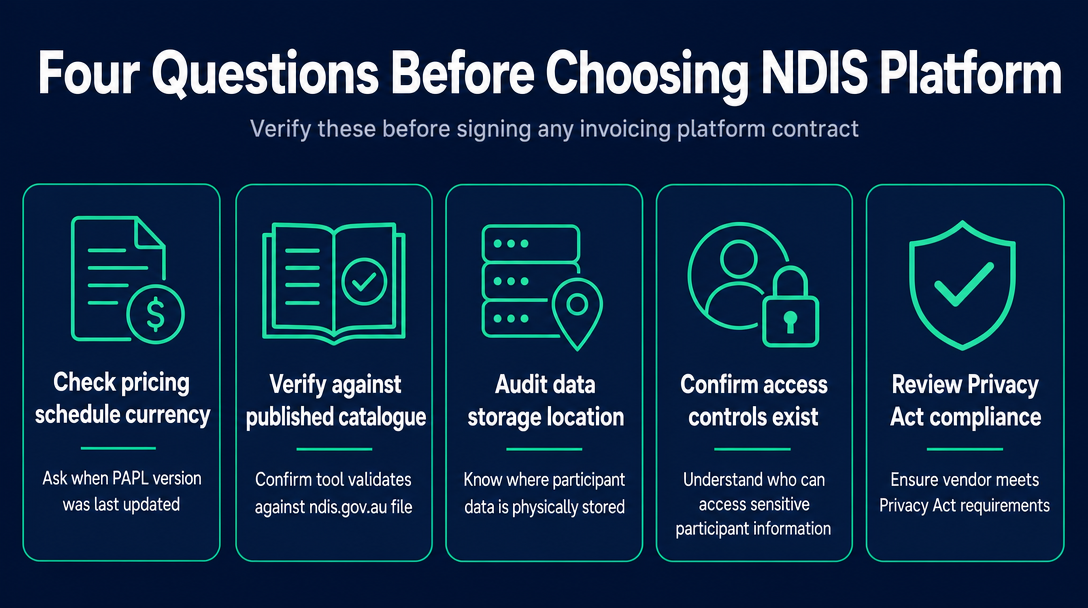
Before you enter a credit card number or sign an annual contract, apply these four questions to any platform you are evaluating. No competitor or review article frames these questions this way - but they are the ones that protect you from trading one problem for a worse one.
Question 1 - How current is the pricing schedule, and how often is it updated?
The NDIS PAPL updates annually on 1 July and can update mid-year. Ask any vendor directly: "Which version of the NDIS support catalogue does your tool validate against?" and "When was it last updated?" A vague answer ("we keep it current") is a red flag. Tools that validate against the published NDIS support catalogue file - a file you can verify independently on ndis.gov.au - give you a way to check. Tools that rely on an internal database require you to trust the vendor's update discipline without a way to audit it.
Question 2 - Where is participant data stored, and who can access it?
NDIS participant data - names, NDIS numbers, plan details, support records - is sensitive personal information covered by the Privacy Act 1988 (Cth) and the Australian Privacy Principles. The NDIS Quality and Safeguards Commission is also required to comply with those principles, and Practice Standard Outcome 1.3 imposes confidentiality obligations directly on providers. Before committing to any cloud-based invoicing platform, ask: Are participant records stored in Australian data centres? Who within the vendor's organisation can access them? What happens to that data if you cancel? Tools that process data client-side - locally in your browser, never transmitted to a server - eliminate this exposure entirely. There is no data to breach because nothing leaves your device.
Question 3 - Is the "free" plan genuinely free, or is it a time-limited trial?
A 14-day trial (as Astalty offers) and a 7-day trial (as Vertex360 offers) are not free tiers - they are acquisition funnels. A freemium cap is free only until you cross the threshold. Once you know which category you are on, ask: "What exactly triggers the paywall?" and "Can I export all my invoice data and participant records before the paywall activates, at no cost?" If the answer to the second question is no or unclear, treat that as a material risk.
Question 4 - What does cancellation actually involve?
Some NDIS platform vendors use annual contract pricing. Confirm: is billing monthly or annual? Can you export your data in a portable format - CSV, PDF - if you decide to leave? Is there a documented data deletion process? A sole trader switching from a subscription back to a free tool, or to a different platform, should be able to leave cleanly and take their records with them. If data portability is not explicitly addressed in the vendor's documentation, raise it before you sign up - not after.
NDISInvoice.com.au: How a Truly Free, Privacy-First Tool Addresses These Questions
NDISInvoice.com.au is browser-based. All processing happens locally on your device. Participant names, NDIS numbers, and invoice content are never transmitted to a server - addressing Question 2 at the architecture level, not just through a policy document.
Every line item is validated against the current NDIS Pricing Schedule before the invoice is generated - directly addressing Signal 1 (stale rates) and Signal 3 (retired or reclassified support codes). There is no login, no account, no trial expiry, and no cap on participants or invoices - addressing Question 3. Because nothing is stored on a server, there is no cancellation process and no data lock-in - addressing Question 4.
This is not a step-by-step tutorial on using the tool - for that walkthrough, see The Complete Guide to Creating a Free NDIS-Compliant Invoice with NDISInvoice.com.au.
Ready to generate a compliant invoice now? Open NDISInvoice.com.au - no account, no download, nothing stored on any server. Validate your line items against the current NDIS support catalogue and produce a compliant invoice in under two minutes.
When a Paid NDIS Invoicing Platform Is the Right Call
This article would be dishonest without acknowledging that some sole traders do genuinely need more than a free tool can offer.
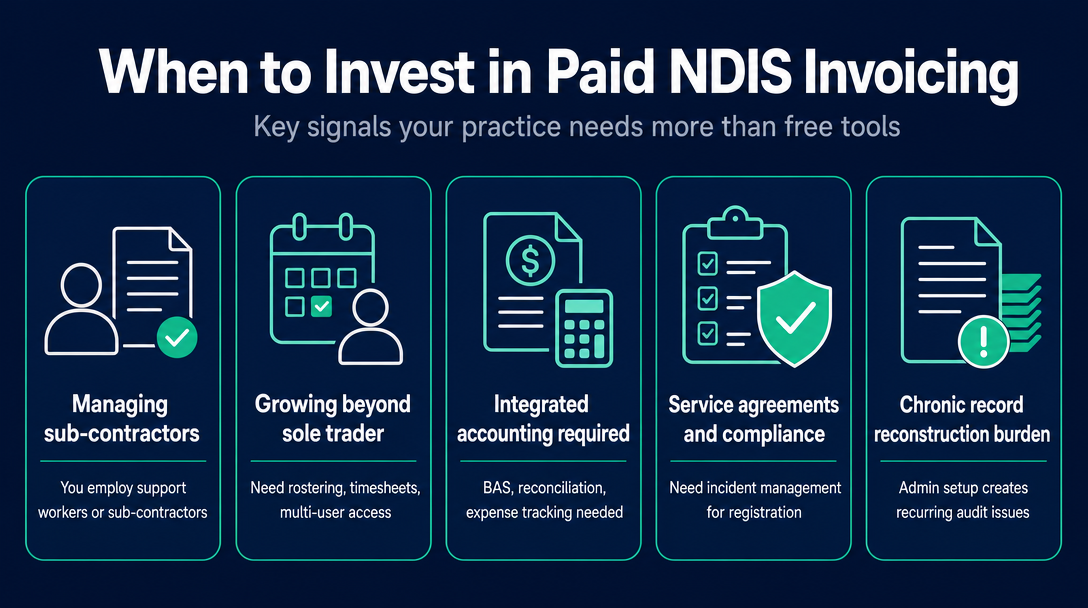
A paid practice management platform makes sense when:
- You take on sub-contractors or support workers. You have moved past sole trader into a small provider structure that needs rostering, timesheet management, and multi-user access.
- You need integrated accounting. BAS preparation, bank reconciliation, and expense tracking alongside NDIS invoicing is a different scope of work. NDISInvoice.com.au is an invoicing and validation tool - it is not an accounting platform.
- You need service agreement generation or structured incident management. These are features built for registered providers with NDIS Commission compliance obligations. Most sole traders delivering lower-risk supports do not need them today - but if registration is in your future, plan for it now.
- Signal 5 has become chronic, not occasional. If record reconstruction at audit has become a recurring burden rather than a one-off event, the architecture of your admin setup - not just your invoicing tool - needs to change.
Frequently Asked Questions
Do NDIS sole traders legally need invoicing software?
No law requires a specific software platform. Every sole trader must issue invoices that meet NDIS requirements and keep complete records of supports delivered. Software is one reliable way to meet that obligation consistently - but the obligation is to the standard, not to any particular tool.
Is browser-based NDIS invoicing software safe for participant data?
Yes, provided the tool processes data locally on your device rather than uploading it to a server. Client-side tools like NDISInvoice.com.au never transmit participant data - names, NDIS numbers, invoice details - outside your browser, so there is no server-side data to access, breach, or subpoena.
What is the difference between NDIS invoicing software and NDIS accounting software?
Invoicing software creates compliant NDIS invoices and validates line items against the pricing schedule. Accounting software manages bank feeds, expenses, GST reporting, and BAS preparation. Many sole traders need both, but they are different tools solving different problems - and one does not replace the other.
Can I use a free NDIS invoicing tool if I have participants on different plan management types?
Yes, but confirm the tool handles each pathway correctly. Plan-managed, self-managed, and agency-managed participants have different invoicing requirements, and a basic template may not guide you through the distinctions. Test the tool with your most complex participant type before relying on it across your full caseload.
How do I know if the NDIS support catalogue in my invoicing tool is current?
Check the vendor's release notes or ask directly which version they validate against. The NDIS publishes the Pricing Arrangements and Price Limits each year, effective 1 July, and the 2025-26 PAPL was also updated mid-year on 24 November 2025. A tool that validates against the published NDIS support catalogue file gives you a verifiable reference point.
What happens to my data if I stop using a free NDIS invoicing tool?
For truly free, local-processing tools like NDISInvoice.com.au, nothing is stored on a server - there is no data to lose or request back. For freemium or trial platforms that store records in the cloud, ask explicitly about data export formats and deletion policies before you start using the tool, not after you have decided to leave.
Already recognising Signal 3 or Signal 4 in your current workflow? Open NDISInvoice.com.au - no account, no download, nothing stored on any server. Validate your line items against the current NDIS support catalogue and generate a compliant invoice in under two minutes.
Not sure whether you need a full practice management platform? Read the full comparison: Free NDIS Invoice Tools vs. Subscription Software: What Sole Traders Actually Need.
More articles
- NDIS Invoice Requirements: Every Mandatory Field Explained
- NDIS Price Guide 2026-27: How to Find the Right Support Item Code for Any Service You Deliver
- The Complete Guide to Creating a Free NDIS-Compliant Invoice with NDISInvoice.com.au
- How to Validate NDIS Support Item Codes Before Invoicing (Free Tool, No Login)
- Free NDIS Compliant Invoice Tool for Sole Traders Australia: A Plain-English Walk-Through