The Complete Guide to Creating a Free NDIS-Compliant Invoice with NDISInvoice.com.au
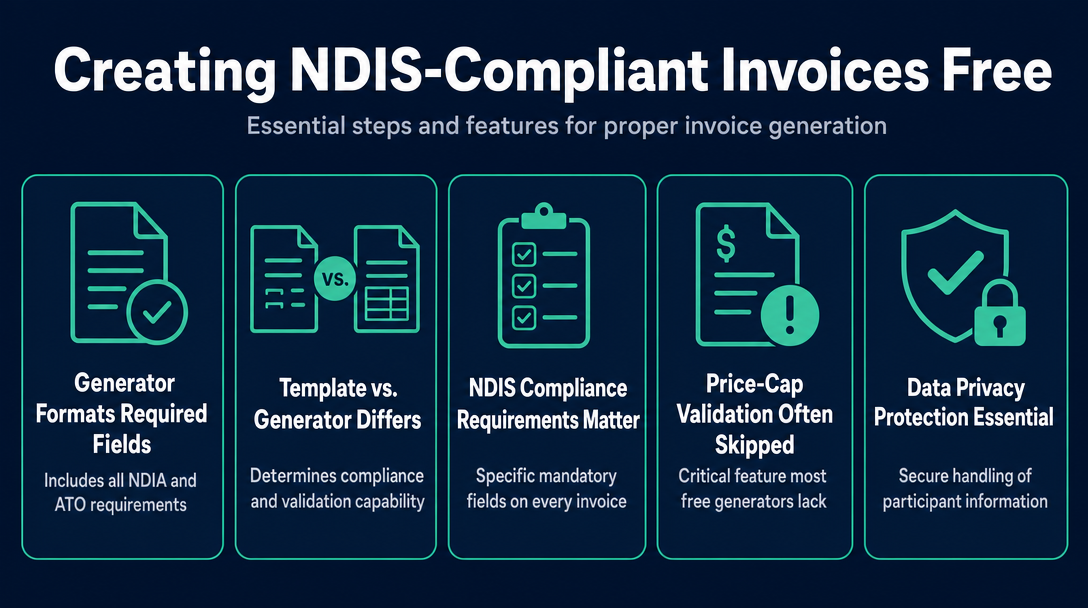
A free NDIS-compliant invoice generator does two things: it formats an invoice with all the fields the NDIA and ATO require, and it validates the data you
The Complete Guide to Creating a Free NDIS-Compliant Invoice with NDISInvoice.com.au
A free NDIS-compliant invoice generator does two things: it formats an invoice with all the fields the NDIA and ATO require, and it validates the data you enter against the current NDIS pricing rules before you export. Most tools on the market only do the first part. This guide covers every mandatory field, explains how validation works in practice, and walks you through using NDISInvoice.com.au - a browser-based tool that handles both, with no login and no data leaving your device.
Template vs. Generator: The Difference That Determines Compliance
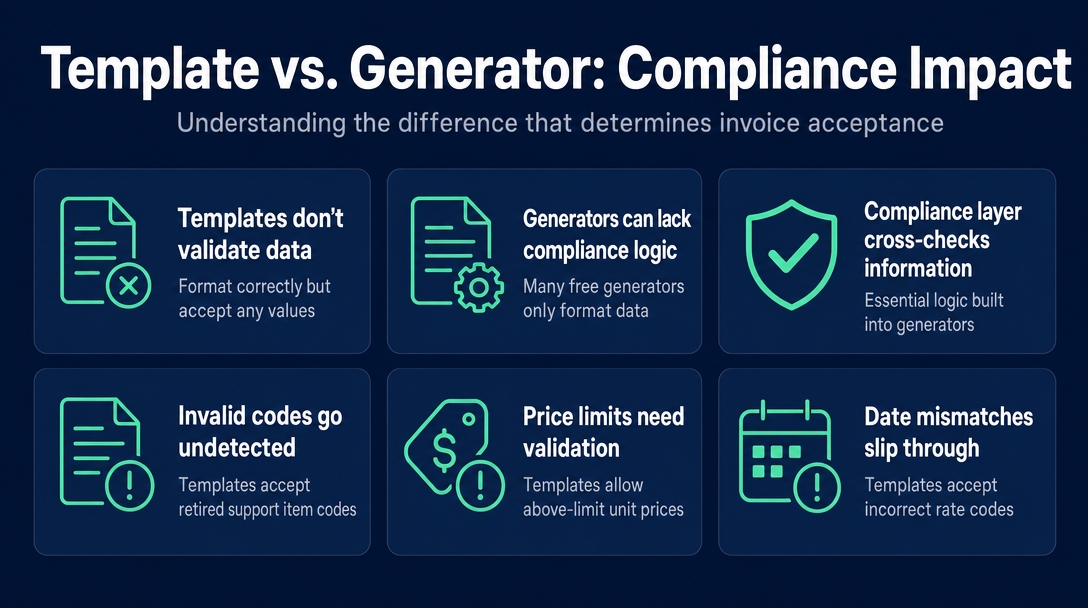
The terms "template" and "generator" are used interchangeably on most NDIS invoicing sites. They are not the same thing, and the difference directly affects whether your invoice will be accepted or rejected.
A static template - whether it is a Word document, an Excel spreadsheet, a Google Doc, or a fillable PDF - contains the right field labels. It does not check whether the values you type into those fields are correct. You could enter a support item code that was retired two years ago, a unit price above the current NDIA price limit, or a Saturday rate code against a weekday service date, and the template will format it neatly and say nothing.
A generator produces an invoice dynamically. The critical question is: what does it validate? Most free generators online are, in practice, styled form-to-PDF converters - they format your data correctly but apply no compliance logic to the data itself.
A generator with a compliance layer is architecturally different.
The Compliance Layer defined: A compliance layer is the logic built into an invoice generator that cross-checks each support item code against the current NDIS Support Catalogue, and compares the unit price you enter against the price limit in the NDIS Pricing Arrangements and Price Limits (PAPL) before the invoice is generated. A tool without a compliance layer shapes your data correctly but cannot catch errors in the data itself.
This distinction is what "compliant" actually means when it is used as a feature claim - not just "has the right fields," but "validates that the right values are in those fields."
What a static template can and cannot check
| Static template | Compliance-layer generator | |
|---|---|---|
| Correct field labels | Yes | Yes |
| Accepts any value you type | Yes | Yes |
| Flags an inactive support item code | No | Yes |
| Flags a unit price above the NDIA cap | No | Yes |
| Flags a wrong day/time rate classification | No | Yes |
| Applies GST-free treatment automatically | No | Yes |
| Participant data leaves your device | Depends on tool | No (browser-based) |
What "NDIS Compliant" Actually Requires on Every Invoice
Compliance on an NDIS invoice operates in two layers. Both must be satisfied.
The ATO layer: rules that apply to every Australian business invoice
If you are GST-registered, your invoice must be a valid tax invoice under ATO rules. If you are not GST-registered, it is simply an "invoice." Either way, the ATO requires:
- The word "Invoice" (or "Tax Invoice" if GST-registered) as a heading
- Your business name and ABN
- Date of issue
- A description of the goods or services supplied
- The total amount payable
Your ABN must appear regardless of whether you are GST-registered - it identifies you as an Australian business entity. Unregistered providers still need an ABN on every invoice they send.
The NDIA layer: what NDIS adds on top
The NDIA's invoicing requirements add fields that a standard tax invoice does not need:
- Participant full name - the name as it appears in the participant's NDIS plan
- Participant NDIS number - the unique identifier that links the invoice to a funded plan; generic invoice tools routinely omit this field
- Support item number - drawn from the current NDIS Support Catalogue; must match an active code or the claim will be rejected
- Service delivery dates - the actual dates the support was delivered, not the invoice date
- Support category - the funding category the support sits under (e.g., Daily Activities, Social and Community Participation)
- Quantity and unit - hours, sessions, or other applicable units
- Unit price - at or below the NDIS price limit for that support item
- GST treatment - most NDIS supports are GST-free under section 38-38 of the GST Act; the invoice must state "GST-free," not simply leave the GST field blank or enter $0 without a label. A compliant generator applies this automatically.
- Unique invoice number - sequential numbering for your own records and for the plan manager's processing
- Total amount payable
One nuance that catches providers out: "GST-free" is not the same as ignoring the GST field. The invoice must explicitly acknowledge the GST status of each line item. A template that omits this label is not fully compliant even if every other field is correct.
How to Use a Free NDIS Compliant Invoice Generator (Step-by-Step)
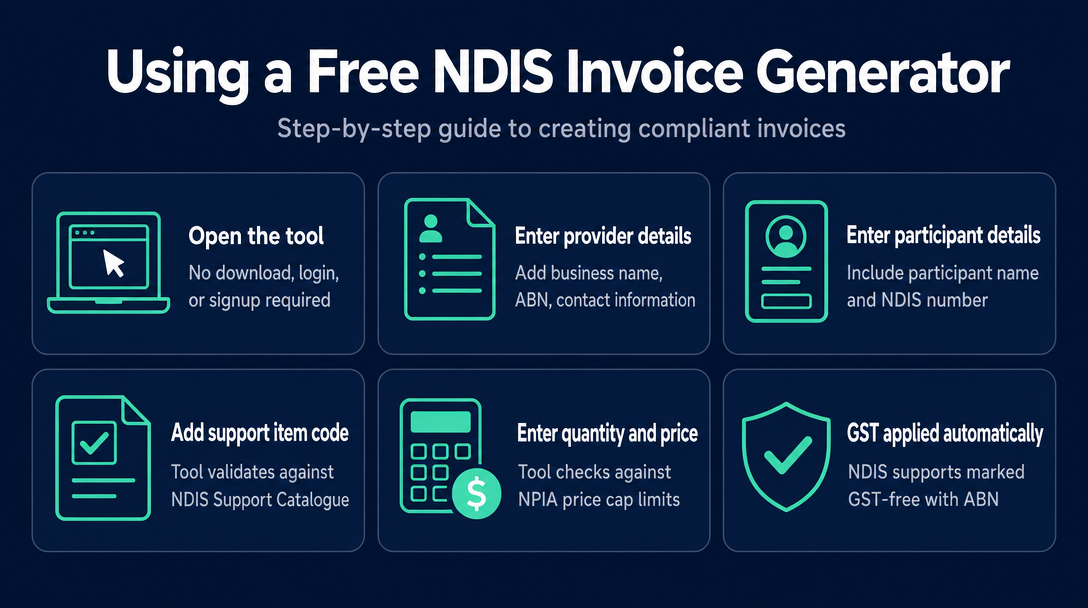
The following steps apply to NDISInvoice.com.au - a browser-based tool with a built-in compliance layer. No account is required, and nothing is stored on a server.
Open the tool in any browser on any device. No download, no login, no signup.
Enter your provider details - your business name, ABN, and contact information.
Enter participant details - the participant's full name and NDIS number.
Add a line item and enter the support item code. This is where the compliance layer activates: the tool looks up the code against the current NDIS Support Catalogue and auto-fills the support description. If the code does not exist or has been retired, it flags the error before you go further.
Enter your quantity and unit price. The tool compares the price you enter against the current NDIA price cap for that support item and flags any amount above the limit.
GST treatment is applied automatically. For NDIS supports, the tool labels each line as GST-free and displays your ABN correctly.
Review the invoice. Any validation warnings appear at this stage - not after you have already sent the invoice to a plan manager.
Download as PDF and send to your plan manager, self-managed participant, or retain for your own records. For registered providers claiming directly, you submit a payment request separately through the myplace provider portal; the invoice supports that claim but is not itself the portal submission.
Steps 4 through 6 are where this process diverges from filling in a static template. The validation happens in your browser, not on a remote server, so participant data stays on your device throughout.
Why Price-Cap Validation Is the Feature Most Free Generators Skip
The NDIS Pricing Arrangements and Price Limits document sets the maximum price the NDIA considers appropriate for every funded support. It is updated periodically, and support item codes can be added, amended, or retired when a new version is released.
A static template has no connection to this document. If you type a price, the template accepts it. If you type a code, the template accepts it. The compliance gap is silent - the invoice looks complete and professional, and the error only surfaces when a plan manager or the NDIA portal queries or rejects the claim.
The three errors a compliance-layer generator catches that a template misses
1. An inactive or non-existent support item code. Codes in the NDIS Support Catalogue are updated with each new PAPL release. A code that was valid under a previous pricing schedule may no longer exist, or its description and unit may have changed. A generator with a live compliance layer flags this at entry; a template accepts it silently.
2. A unit price above the NDIA price cap. Every active support item has a maximum price. If you enter a rate above that cap - whether by accident or because your rate sheet has not been updated since the last PAPL revision - a compliant generator flags the overage before you export. Without that check, the overpayment request reaches the plan manager and triggers a query or rejection.
3. A wrong day/time rate classification. Many support items have different price limits depending on when the service is delivered - standard weekday, Saturday, Sunday, or public holiday. Using a Saturday rate code against a weekday service date (or vice versa) is a specific, common invoicing error that no template can detect. A generator that cross-references the service date against the rate type can flag this mismatch before it causes a delayed payment.
Because NDISInvoice.com.au runs the validation locally in your browser, the compliance check happens against the embedded current PAPL data without any participant information being transmitted to a server.
Data Privacy in a Free NDIS Invoice Generator: Where Does Participant Information Go?
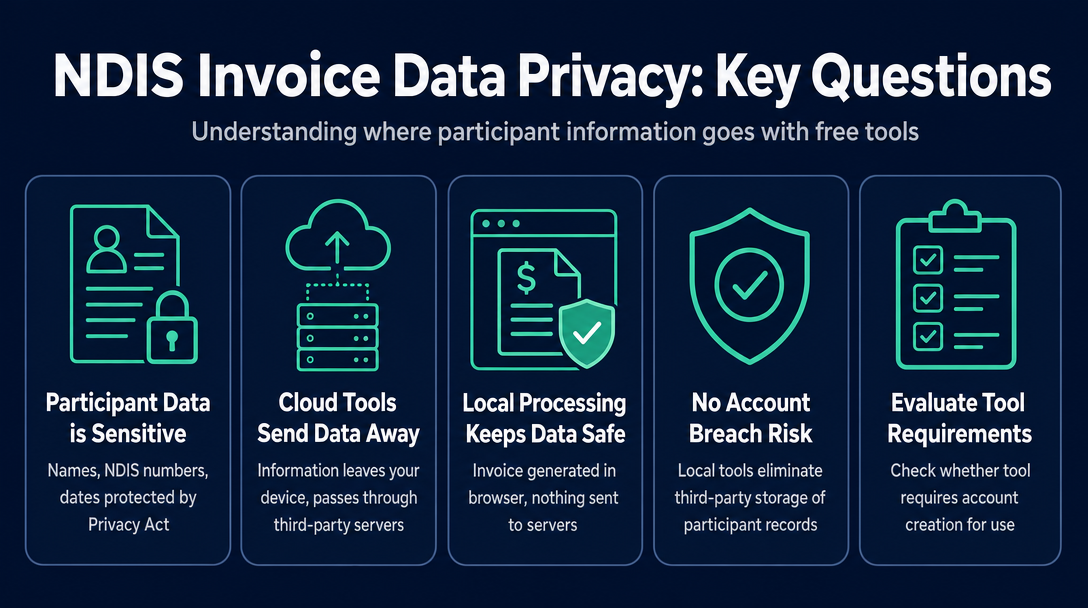
Participant data - names, NDIS numbers, service dates, support categories - is sensitive personal information under the Privacy Act 1988 (Cth). How a free invoice tool handles this data is a question most providers do not think to ask until after they have already used it.
Most cloud-based invoice tools, whether NDIS-specific or generic, process invoice generation on their servers. When you click "generate" or "download," your entered data - including the participant's name and NDIS number - is sent to the tool's infrastructure to produce the PDF. This means participant personal information leaves your device and passes through a third party's systems.
A browser-based, local-processing tool works differently. The invoice is built and the PDF is generated entirely within your browser session. Nothing is sent to a server. There is no account to be breached, no third-party cloud storing participant records, and no data processing terms to read before you can use the tool.
When evaluating any free generator, look for three practical indicators:
- Does the tool require you to create an account before generating an invoice?
- Does it offer a cloud dashboard where past invoices are stored?
- Does it have a "processing" delay after you click generate? (This often indicates a server-side PDF render.)
If the answer to any of these is yes, participant data is almost certainly leaving the device. That is not necessarily disqualifying, but it is a consideration worth making deliberately, not accidentally.
Frequently Asked Questions
Can unregistered NDIS providers use a free invoice generator?
Yes. Unregistered providers can invoice plan-managed and self-managed participants using a free generator. They cannot submit payment requests directly through the NDIA's myplace provider portal - that route requires registration. However, the invoice itself must still comply with all NDIA field requirements and respect current price limits, regardless of registration status.
Do I need to sign up or pay to use a free NDIS compliant invoice generator?
A genuinely free, no-login generator requires no account. You open it in your browser, complete your invoice details, and download the PDF. If a tool requires you to sign up before you can generate an invoice, it is not truly no-login - and your data may be stored against that account.
Most NDIS supports are GST-free - how does a compliant generator handle this?
A compliant generator automatically applies GST-free treatment to NDIS support items and labels each line accordingly, displaying your ABN as required by the ATO. You do not need to manually set a GST rate to zero. If an invoice includes any non-NDIS line items, GST treatment must be applied correctly per line - a compliant generator distinguishes between the two.
What if a new NDIS Pricing Arrangements document is released - will a free generator still be accurate?
A static template never updates. A generator that references embedded or live pricing data must be kept current with each PAPL release. Before using any free generator, check that it references the current pricing schedule version. NDISInvoice.com.au is updated to reflect the current NDIS Pricing Arrangements and Price Limits.
Can I use the same generator for plan-managed, self-managed, and NDIA-managed participants?
The invoice document itself is the same across all three management types. What changes is where you send it: to the plan manager, directly to the self-managed participant, or retained alongside a payment request submitted through the myplace provider portal (for registered providers with NDIA-managed participants). The NDIS guide to getting paid confirms that payment requests must be submitted within two years of service delivery. The generator creates the invoice; the delivery and portal submission steps are separate.
Ready to generate a compliant NDIS invoice with a built-in compliance layer? NDISInvoice.com.au runs entirely in your browser - no login, no subscription, and no participant data sent to a server. Enter your support item code, set your rate, and the tool validates both against the current NDIS pricing rules before you export. If something is wrong, you find out before the invoice reaches a plan manager - not after.
Open the free NDIS invoice generator at NDISInvoice.com.au
More articles
- How to Validate NDIS Support Item Codes Before Invoicing (Free Tool, No Login)
- Free NDIS Compliant Invoice Tool for Sole Traders Australia: A Plain-English Walk-Through
- Plan-Managed vs. Agency-Managed vs. Self-Managed: NDIS Invoicing Requirements Explained
- Common NDIS Invoice Errors That Delay Payment (And How to Catch Them Early)
- NDIS Price Guide 2026-27: How to Check Support Item Rates Before Invoicing