NDIS Invoice Builder vs. Static Template: Why a Live Price-Guide Check Changes Everything
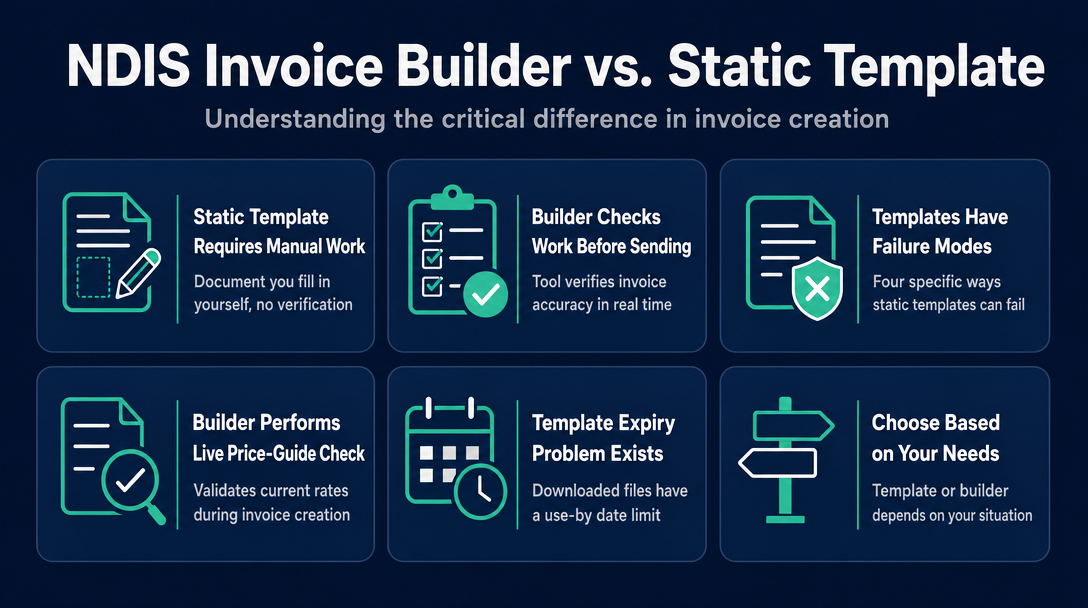
A static template is a document you fill in manually - a builder is a tool that checks your work before the invoice leaves your hands. That distinction
NDIS Invoice Builder vs. Static Template: Why a Live Price-Guide Check Changes Everything
A static template is a document you fill in manually - a builder is a tool that checks your work before the invoice leaves your hands. That distinction matters because the NDIS Pricing Schedule changes every 1 July, and a Word or Excel file downloaded before that date has no mechanism to know the rules have moved on.
The compliance risk is not theoretical. If your downloaded template carries a retired support code or last year's rate cap, your invoice goes out looking correct - and comes back as a rejection.
The Core Difference at a Glance
| Feature | Static Template (Word / Excel / PDF) | NDIS Invoice Builder (browser-based) |
|---|---|---|
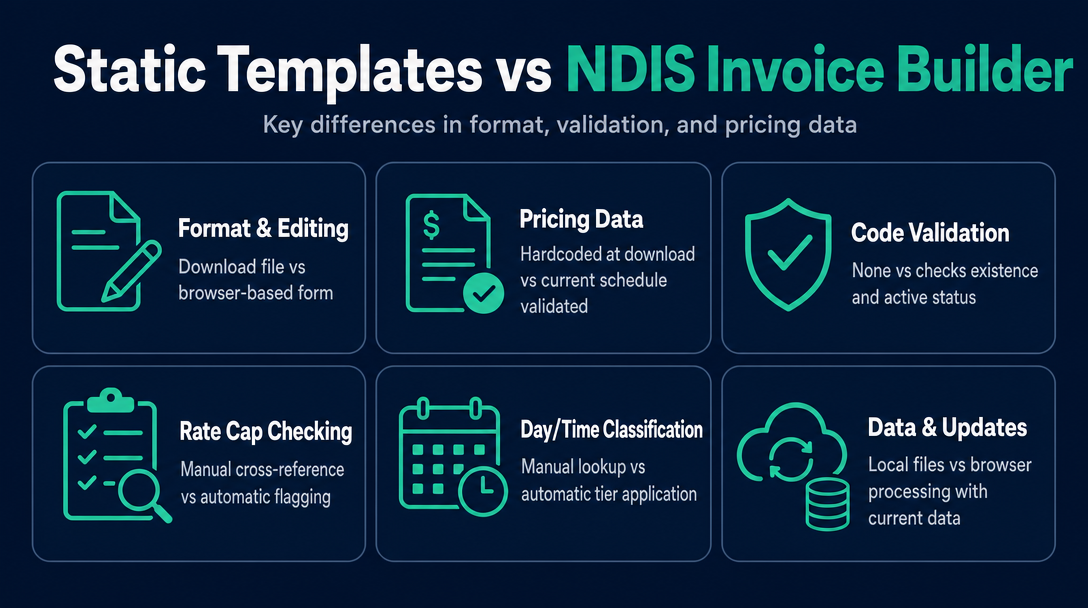
| Format | File you download, edit, and save | Form you complete in a browser window |
| Pricing data | Hardcoded at download date - never updates | Validated against the current NDIS Pricing Schedule |
| Code validation | None - you type any code and it is accepted | Checks that the code exists and is active under the current schedule |
| Rate cap check | None - manual cross-reference required | Flags if the entered rate exceeds the current price limit |
| Day / time classification | Manual - you look up the schedule yourself | Applies weekday, Saturday, Sunday, and public holiday tiers automatically |
| Output format | Editable Word or Excel file, or a saved PDF | Clean, non-editable PDF generated after validation |
| Data storage | File on your device or a cloud drive | Processed locally in your browser - nothing sent to a server |
| Annual July update | Stale until you find and re-download a new version | Reflects the current schedule automatically |
| Required fields (ABN, NDIS number, etc.) | Present if the template author included them | Built into the form structure |
| Cost | Free to download | Free at NDISInvoice.com.au |
What a Static Template Cannot Do: Four Specific Failure Modes
1. It does not know the Pricing Schedule changed
The NDIA releases a new Pricing Schedule each financial year, effective 1 July. The document was previously called the Pricing Arrangements and Price Limits (PAPL); it was rebranded as the "NDIS Pricing Schedule" for 2026-27. Support codes are retired, new codes are introduced, and price caps are adjusted - often meaningfully.
A Word or Excel template has a publication date baked in. After 1 July, any template circulating from the prior year is potentially wrong in three ways at once: codes, rates, and structure. The template itself shows no warning. It accepts whatever you type.
If you are currently using a template you downloaded before 1 July 2026, your invoices may be referencing pre-2026-27 data. How to check whether a specific code is still current under the new schedule is covered in detail in a separate article in this series - but the underlying problem begins here: the template cannot check for you.
2. It cannot catch a code that no longer exists
When a support item code is retired, plan managers reject invoices that carry it. The template does not know the code was retired. You type it in, it looks plausible, the invoice goes out, and the rejection arrives days later.
A concrete example from the 2026-27 update: Short-Term Accommodation (STA) support codes were restructured under an unbundled approach, with new codes replacing the previous ones. An invoice using the old STA codes after 1 July 2026 will not be processed correctly. A static template downloaded before that date would have no way to surface that problem.
3. It cannot check your rate against the current price cap
The NDIS Pricing Schedule sets a maximum rate for each support item. Plan managers are required to reject invoices where the claimed rate exceeds that cap. A template accepts whatever figure you enter in the rate field.
If you look up the wrong column (standard rate when a location loading applies, or the prior year's figure because the new schedule is not open in front of you), your invoice goes out above the cap. What happens when a submitted invoice exceeds the price guide limit is covered in its own article in this series - but the prevention starts with a tool that checks the rate before the invoice is sent.
4. The file format itself can trigger rejection
Most plan managers do not accept editable Word or Excel files. Their processing systems rely on PDF input, and an editable document creates ambiguity about whether it has been altered after creation. Submitting a Word file, even a perfectly filled-out one, can generate a query or outright refusal before anyone has even looked at your codes and rates.
OCR (optical character recognition) systems - software that reads submitted documents and extracts data - also perform more reliably on static PDFs than on formatted Word or Excel files. An invoice builder outputs a clean, non-editable PDF as its final product, after the validation step has run.
What an NDIS Invoice Builder Actually Does During Invoice Creation
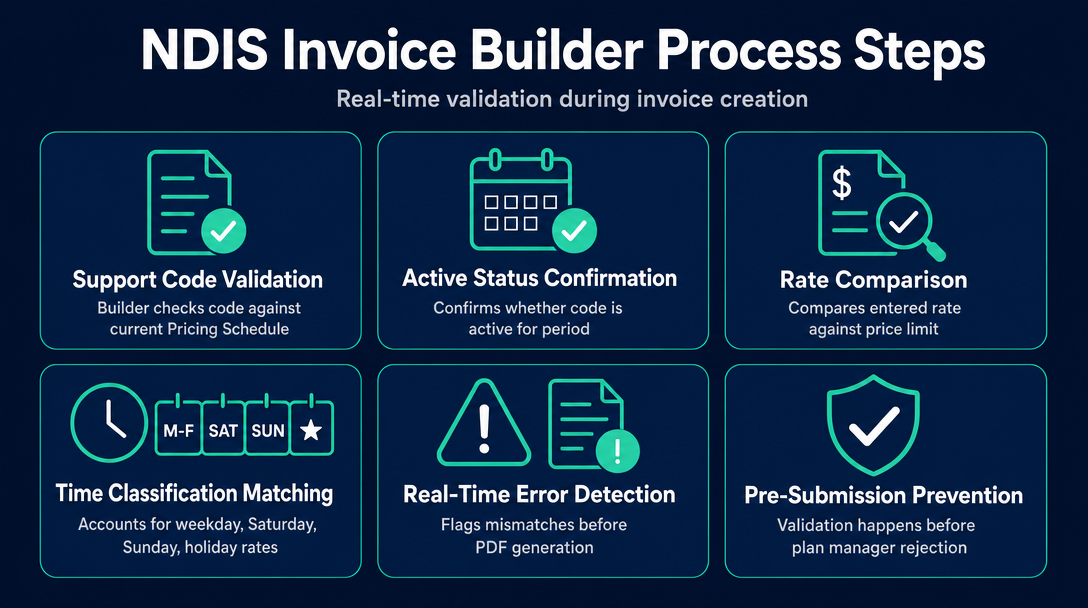
When a sole-trader support worker uses a browser-based builder like NDISInvoice.com.au, the validation happens before the invoice is generated - not after a plan manager rejects it.
Here is the sequence in practice. The worker enters a support item code. The builder immediately checks it against the current NDIS Pricing Schedule and confirms whether the code is active for 2026-27. If the code does not exist in the current schedule, a warning appears at that step - not as a rejection email three days later.
The worker then enters a rate. The builder compares that figure against the current price limit for that specific code, accounting for the day and time classification selected: weekday standard, Saturday, Sunday, or public holiday. Each of those categories carries a different maximum rate under the Pricing Schedule, and a common source of invoice errors is charging a weekday rate on a Saturday delivery. The builder flags the mismatch before the PDF is produced.
Everything in that process happens locally inside the browser. Participant names, NDIS numbers, support details, and financial figures are processed on the worker's own device and are never transmitted to a server. This is a meaningful architectural difference from subscription-based practice management platforms - including larger tools like GoodHuman or ShiftCare - where invoice data lives in the vendor's cloud infrastructure. For sole traders handling sensitive participant information, local processing is a genuine privacy consideration, not a minor feature footnote.
The tool's price guide page covers the 2026-27 Pricing Arrangements v1.1, effective 1 July 2026.
For the full walkthrough of building a compliant invoice from start to finish, the cornerstone guide "The Complete Guide to Creating a Free NDIS-Compliant Invoice with NDISInvoice.com.au" covers every step.
When to Use a Template vs. When to Use a Builder
Use a static template when:
- You are invoicing a general (non-NDIS) client where NDIS compliance requirements do not apply
- You are already inside a registered provider's practice management platform that handles pricing validation - and the template is only a reference document, not your submission
- You downloaded the template after 1 July 2026, you are invoicing within the 2026-27 financial year, and you will manually cross-reference every support item code and rate against the current NDIS Support Catalogue before each submission
Use a builder when:
- You are a sole-trader support worker invoicing plan-managed or self-managed participants directly
- You have been using a downloaded template for more than a few months and have not verified your codes and rates against the current Pricing Schedule
- You need a clean, non-editable PDF that plan managers will accept without format queries
- You handle participant data and want it processed locally on your device rather than stored on a third-party server
- You invoice across different day and time categories - weekday, Saturday, Sunday, public holiday - and want the rate tier applied automatically rather than looked up manually each time
The decision in one sentence: if your invoice needs to be NDIS-compliant and you are not already inside a validated practice management platform, use a builder - because a static template will never tell you something is wrong when something is.
The Template Expiry Problem: Why Every Downloaded File Has a Use-By Date
There is a structural vulnerability in any static NDIS invoice document that is worth naming directly: call it the Template Expiry Problem.
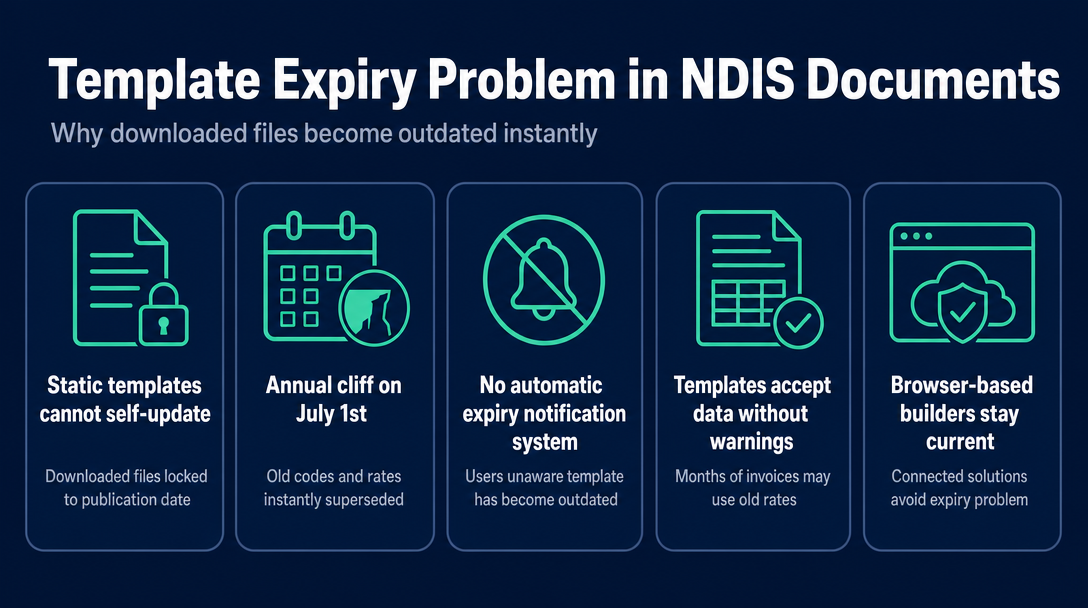
The Template Expiry Problem is this: once a template is downloaded, it cannot update itself. It carries the codes, rates, and structure of the NDIS Pricing Schedule that was current on the day it was published. On 1 July each year, when the NDIA releases the new Pricing Schedule, every template in circulation becomes potentially out of date at that instant - and the person using it has no automatic signal that this has happened.
The expiry is not a gradual drift. It is a cliff. On 30 June, the template is current. On 1 July, it may carry retired codes, superseded price caps, and outdated rate structures. A sole trader who downloaded a "2025-26 NDIS invoice template" in February and continues using it through August 2026 has produced months of invoices against pre-July data. The template did not warn them. It accepted every entry without comment.
A browser-based builder connected to the current Pricing Schedule does not have this problem. There is no publication date to expire. When a code is entered, it is checked against what the NDIA says is valid today.
This is the core structural difference that a comparison of features alone does not quite capture. The question is not just which tool has more features. It is which approach has a mechanism for knowing the rules have changed. A static template has no such mechanism. A live builder does.
Frequently Asked Questions
What is the difference between an NDIS invoice builder and an NDIS invoice template?
A template is a static document - a Word, Excel, or PDF file you fill in manually with no validation layer. An invoice builder is a browser-based tool that checks each line item against the current NDIS Pricing Schedule as you work, flagging errors before the invoice is generated. The fundamental difference is that a builder can tell you something is wrong; a template cannot.
Does a downloaded NDIS invoice template update when the Pricing Schedule changes on 1 July?
No. A downloaded template is a static file. It carries the codes and rates that were current when it was created. When the NDIA releases a new Pricing Schedule on 1 July each year, a previously downloaded template has no mechanism to update or flag that its data may now be out of date.
Will plan managers accept a Word or Excel invoice file?
Most plan managers do not accept editable Word or Excel files. Their processing systems prefer static PDFs, and an editable document creates format queries at the point of submission. An invoice builder outputs a clean, non-editable PDF after the validation step, which is the format plan managers expect.
Is a browser-based NDIS invoice builder safe to use with participant data?
It depends on the tool's architecture. NDISInvoice.com.au processes all data locally in the browser - participant names, NDIS numbers, and financial details are never sent to a server. Subscription-based platforms typically store invoice data in the vendor's cloud. For sole traders with privacy concerns about participant information, local browser processing is the lower-risk approach.
Does an invoice builder automatically apply the right rate for weekday, Saturday, Sunday, and public holiday supports?
A builder like NDISInvoice.com.au checks the rate you enter against the current price limit for the selected support code, day, and time classification. If you enter a weekday rate for a Sunday delivery, the builder flags the mismatch before the invoice is generated. A static template cannot make this comparison - you must look up the correct rate tier manually.
What happens if my invoice template uses a support code that no longer exists in the current NDIS Pricing Schedule?
The template will not flag it. The invoice goes out with the retired code, and the plan manager or NDIA processing system rejects it. A builder validates the code against the current schedule at the point of entry and alerts you before the invoice is produced.
Your template does not know it is out of date - but NDISInvoice.com.au does.
NDISInvoice.com.au validates every support item code and rate against the current 2026-27 NDIS Pricing Schedule before your invoice is generated. It runs entirely in your browser, with nothing sent to a server. Build a checked invoice now at NDISInvoice.com.au
More articles
- How to Send Your NDIS Invoice After Creating It: A Step-by-Step Guide for Sole Traders
- Cloud-Based NDIS Invoicing vs. Local Processing: Why Privacy Matters for Participant Data
- NDISInvoice.com.au vs. Earni: Free Browser Tool vs. App Subscription for NDIS Support Workers
- NDISInvoice.com.au vs. Billability: Which Free-Tier NDIS Invoicing Tool Fits Your Needs?
- NDIS vs. Xero vs. Word Template: Which Invoicing Option Is Right for a Sole Trader Support Worker?