NDISInvoice.com.au vs. Billability: Which Free-Tier NDIS Invoicing Tool Fits Your Needs?
Both NDISInvoice and Billability help Australian NDIS providers create compliant invoices and check line items against the official Pricing Schedule. But
NDISInvoice.com.au vs. Billability: Which Free-Tier NDIS Invoicing Tool Fits Your Needs?
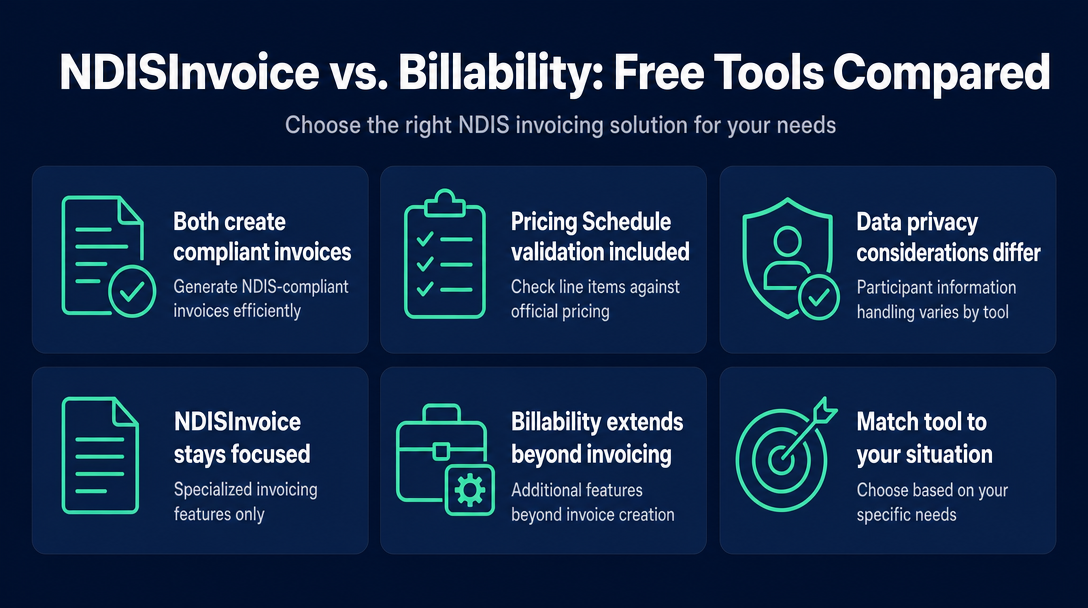
Both NDISInvoice and Billability help Australian NDIS providers create compliant invoices and check line items against the official Pricing Schedule. But they are built on fundamentally different models: one is a free, no-account, browser-local validator; the other is a cloud-connected platform with a broader feature set that starts with a 30-day trial. The right choice depends on the size of your practice, your data-privacy preferences, and whether you need participant management beyond invoicing. The comparison table below gives you the answer at a glance.
At a Glance - NDISInvoice vs. Billability
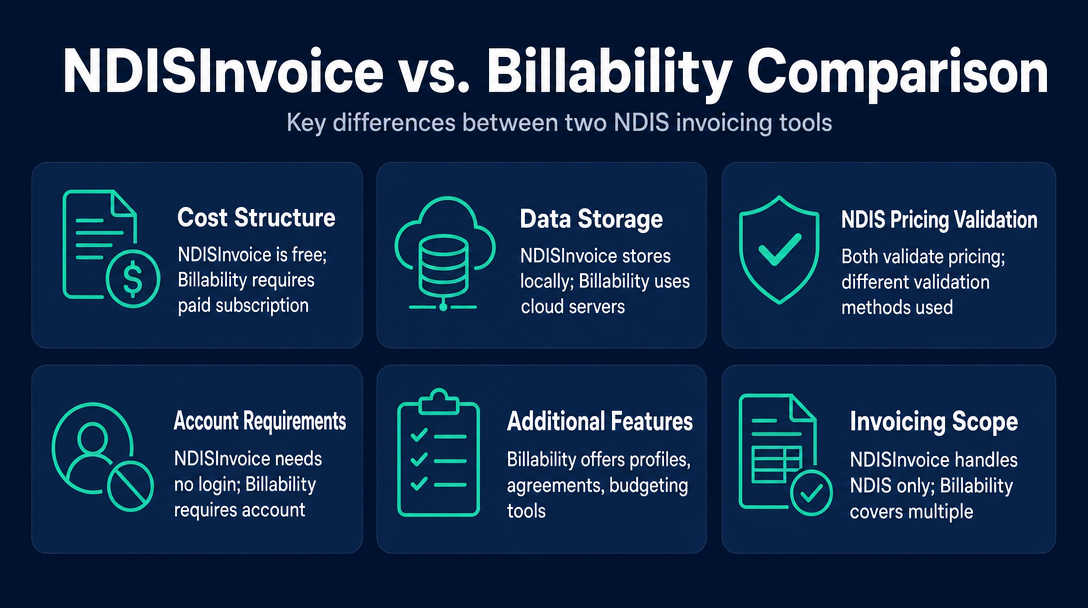
| Feature | NDISInvoice | Billability |
|---|---|---|
| Cost | Free, always - no card, no subscription | 30-day free trial; paid subscription required after |
| Account or login required | No - open in browser, start immediately | Yes - account creation required |
| Data storage location | All data processed locally on your device; nothing sent to a server | Cloud-connected; participant profiles, daily notes, and NDIS numbers stored on Billability's servers |
| NDIS Pricing Schedule validation | Yes - validates every line item; catches outdated codes, over-cap prices, and wrong day/time classifications | Yes - pulls the correct item number and current price cap from the NDIS Catalogue |
| Invoice creation | Yes | Yes |
| Participant profile management | No | Yes |
| Service agreement generation | No | Yes |
| Funding and budget tracking | No | Yes |
| NDIS and non-NDIS invoicing | NDIS only | NDIS, general invoicing, and aged care |
| Mobile and tablet use | Yes (browser-based) | Yes (responsive design) |
| Accounting software integration | No | Not confirmed on publicly available pages at time of writing |
Cost and Commitment - What You Actually Pay Over 12 Months
For a sole trader watching margins, this is the most practical dimension of the comparison.
NDISInvoice is free with no time limit and no card required. You can invoice once a month or fifty times a week - the cost is zero either way. There is no tier that unlocks features, no annual renewal to remember, and no interruption if your caseload is seasonal.
Billability offers a 30-day free trial - their published wording is "Use it free for 30-days." After that trial period, a paid subscription is required. Pricing is not listed on their public website at time of writing, so you will need to contact Billability directly for current rates before committing.
The practical question is not which tool is cheaper in the trial window - they both cost nothing initially. The question is whether Billability's extended feature set (participant records, service agreements, budget tracking) saves enough admin time each month to justify the ongoing subscription cost.
When the subscription pays for itself
If you are managing ten or more participants, generating service agreements regularly, tracking funding across multiple plan types, and needing to access participant records from different devices, a cloud-connected platform like Billability provides workflow infrastructure that a sole-purpose invoice validator cannot. The subscription becomes a business tool with a clear return.
When free is genuinely enough
If you are a sole-trader support worker with a small, stable caseload - your main job is to build a correct invoice, confirm the support code is current, and check the price is within cap before you send it - you do not need participant CRM software. A free, no-account validator is sufficient, and carrying zero monthly cost is a meaningful advantage on thin NDIS hourly margins.
Data Privacy - Where Does Your Participant's Information Actually Go?
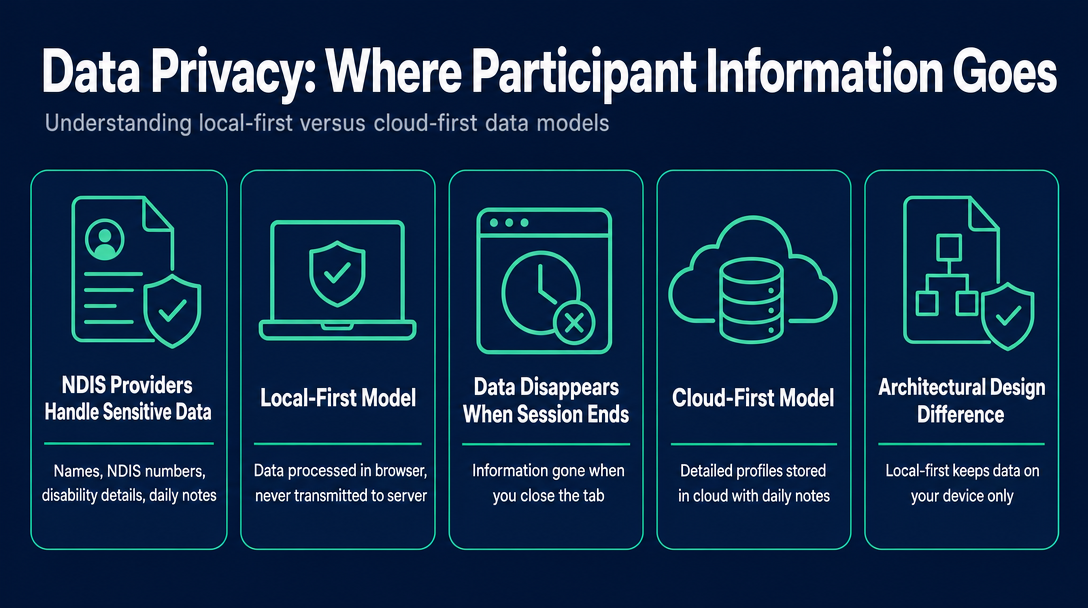
This is the dimension that no competitor comparison article addresses, and it matters more for NDIS providers than for most small businesses. NDIS providers handle sensitive personal information about people with disability - names, NDIS numbers, disability-related support details, daily notes. Understanding where that information travels is not a niche concern; it is basic practice governance.
The key architectural difference between these two tools is what you might call a local-first versus cloud-first model.
NDISInvoice is local-first. Every piece of data you enter - participant name, NDIS number, support item codes, dollar amounts - is processed entirely within your browser session on your own device. Nothing is transmitted to a server. When you close the tab, the data is gone from the tool. This is a deliberate design decision, not a limitation: it means participant information never leaves your device.
Billability is cloud-first. Billability creates detailed profiles for participants, storing information including daily notes, contact details, and NDIS numbers in cloud-based accounts. This is standard practice for a practice-management platform - participant records need to persist between sessions and be accessible from multiple devices. But it means the provider's participant data is held by a third-party cloud service.
Neither architecture is inherently wrong. They serve different needs, with genuine trade-offs on both sides.
The Privacy Act 1988 (Cth) covers personal information handled by entities above a certain annual turnover threshold and by health service providers of any size. Depending on your size, sector, and data-handling practices, these obligations may apply to your situation. Before entering participant information into any cloud platform, review that platform's privacy policy and data-storage terms.
What "local-first" means in practice for NDISInvoice
Each invoice is created, validated against the current NDIS Pricing Schedule, and exported as a PDF within a single browser session. If you close the tab before exporting, the data is gone - there is no cloud backup to retrieve it from. This is the correct behaviour for a privacy-first tool: nothing is stored because nothing is transmitted. The practical discipline: always export your PDF before closing the browser tab.
What cloud storage means in practice for Billability
Participant records, daily notes, invoice history, and NDIS numbers are saved to Billability's servers and accessible after login from any device. This persistence is genuinely useful for managing an ongoing participant relationship - you can review past invoices, check funding balance, and pull up contact details without re-entering data each session. The trade-off is that your participants' personal information is held by a third-party platform. Review Billability's privacy policy and satisfy yourself that the arrangement is consistent with your obligations before you begin entering participant data.
NDIS Pricing Schedule Validation - How Each Tool Checks Your Line Items
Both tools claim to keep pace with the NDIS Pricing Schedule. But they take different technical approaches, and understanding the difference helps you judge which fits your workflow.
NDISInvoice uses a checking approach. You enter your support item code, price, and date/time classification, and the tool validates each line item against the current schedule before you submit the invoice. It specifically catches: retired or outdated support item codes that no longer exist in the current schedule; prices entered above the current price cap; and incorrect day/time classifications (for example, entering a weekday rate for a Saturday shift). The validation runs client-side against the schedule version built into the tool.
Billability uses a population approach. Rather than checking values you enter manually, it pulls the correct item number and current price cap directly from the NDIS Catalogue as you search for a service. If you select the right support category, the compliant code and capped price are populated for you - reducing the opportunity for manual entry errors in the first place. Billability also states they stay current with NDIS standards so providers always have the latest tools.
Both approaches serve compliance, but through different UX paradigms. The checking approach suits someone who wants to type freely and have errors flagged. The population approach suits someone who prefers to search by service description and have the tool fill in compliant values.
What happens when the NDIS updates its pricing?
The NDIA publishes updated Pricing Arrangements and Price Limits each year, effective 1 July. In-year updates can also occur following NDIS announcements. For a validation tool to remain accurate, it must reflect the current schedule version. Whichever tool you use, confirm it has been updated after each 1 July pricing release and after any mid-year NDIA pricing changes - particularly around support item code revisions. The current 2026-27 Pricing Schedule has been in effect since 1 July 2026.
Features Beyond Invoicing - Where Billability Extends, Where NDISInvoice Stays Focused
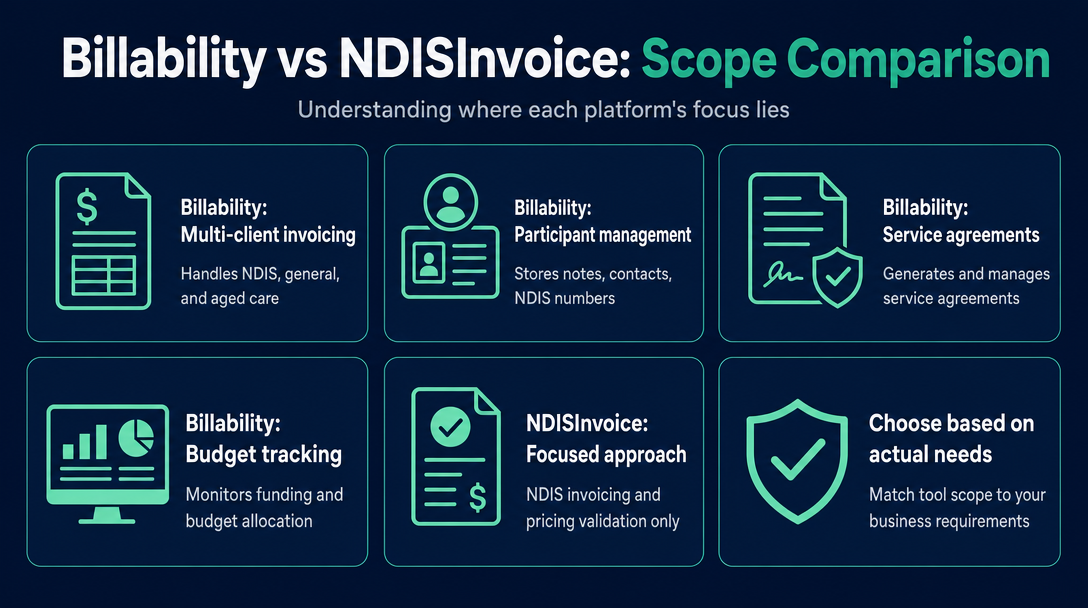
Billability describes itself as "Smart Invoicing for Australian Business - NDIS, general invoicing, aged care - all in one platform." Its NDIS product is designed for providers, support coordinators, and sole traders who need more than invoicing: participant profile management with stored daily notes, contact details, and NDIS numbers; service agreement generation; funding and budget tracking; and invoicing across NDIS, general, and aged care clients.
NDISInvoice is deliberately narrower: NDIS invoice creation and Pricing Schedule validation. No participant CRM, no service agreements, no budget tracking, no non-NDIS invoicing. This is a scope decision, not a quality gap - the tool does one job and does it without cost or complexity.
The question to ask yourself is not which tool does more, but which tool does what you actually need.
If you also invoice non-NDIS clients
Only Billability handles NDIS and non-NDIS invoicing in a single platform. If you have a mix of NDIS participants and private-pay clients, NDISInvoice covers only the NDIS invoices - you would need a separate tool for the rest of your billing.
Service agreements - a Billability-only feature
Billability generates service agreements alongside invoices. NDISInvoice does not. Providers who create and store service agreements as part of participant onboarding will find Billability's integrated approach useful here.
Which Tool Fits Your Situation?
Three provider profiles, three clear answers.
Profile 1 - The indie sole trader (1-5 NDIS participants, invoicing only) You work for yourself, have a small stable caseload, and your core need is a correct NDIS invoice with verified codes and prices before you send it. You do not need to store participant records in a platform, generate service agreements, or track budgets in software. NDISInvoice fits. Open it in your browser, build your invoice, validate the line items, export the PDF. No account, no cost, no participant data leaving your device.
Profile 2 - The growing sole trader or micro-provider (5+ participants, needs records and service agreements) You are managing enough participants that keeping notes separately is no longer practical. You want stored NDIS numbers, daily notes, service agreements, and budget tracking alongside your invoices - in one place, accessible from different devices. Billability is worth evaluating. The 30-day trial gives you time to test whether the workflow value justifies the subscription cost. Contact Billability directly for current pricing before the trial ends.
Profile 3 - The privacy-first provider You work with participants in sensitive situations and have a firm preference for no participant information leaving your device. You are comfortable exporting and filing PDFs yourself after each invoice session. NDISInvoice fits. The local-first architecture means participant details never reach a server.
For a full walkthrough of building a compliant invoice from scratch, see the complete guide at NDISInvoice.com.au.
Frequently Asked Questions
Is Billability free to use?
Billability offers a 30-day free trial. After the trial period ends, a paid subscription is required. Pricing is not published on their public website at time of writing - contact Billability directly for current rates before committing.
Does NDISInvoice require a login or account?
No. NDISInvoice is a browser-based tool that requires no account, no sign-up, and no login. You open it, build your invoice, and export - nothing is stored between sessions.
Does NDISInvoice save my invoice data after I close the browser?
No. NDISInvoice processes all data locally in your current browser session. If you close the tab before exporting your PDF, the data is not recoverable. Always export your invoice before closing the tab.
Which tool validates prices against the NDIS Pricing Schedule?
Both tools do, through different approaches. NDISInvoice validates every line item you enter and flags errors including outdated codes, over-cap prices, and wrong day/time classifications. Billability populates compliant item numbers and current price caps directly from the NDIS Catalogue as you search.
Is my participant's NDIS number safe with a browser-based tool?
With NDISInvoice, participant information - including NDIS numbers - is processed entirely within your browser and never transmitted to a server. It is not stored, backed up, or accessible by any third party. With cloud platforms like Billability, participant records including NDIS numbers are stored on the platform's servers.
Can I use either tool for non-NDIS invoices?
NDISInvoice is NDIS-specific - it cannot be used for non-NDIS or private-pay invoicing. Billability handles NDIS, general invoicing, and aged care in a single platform.
Ready to validate your next NDIS invoice without signing up for anything? Open NDISInvoice in your browser - no account, no download, no cost. Your participant's details never leave your device.
More articles
- NDIS vs. Xero vs. Word Template: Which Invoicing Option Is Right for a Sole Trader Support Worker?
- NDIS Sleepover and Overnight Support Invoicing: Which Codes to Use and How to Calculate the Rate
- What Must Be on an NDIS Invoice? The 9 Required Fields (with a Free Checklist)
- GST on NDIS Invoices: What Support Workers Need to Know Before Adding (or Skipping) Tax
- NDIS Cancellation Invoice: How to Charge for a Short-Notice Cancellation Without Getting It Wrong