NDIS Cancellation Invoice: How to Charge for a Short-Notice Cancellation Without Getting It Wrong
Written by Cory Nathan, founder of NDIS Invoice · Last reviewed
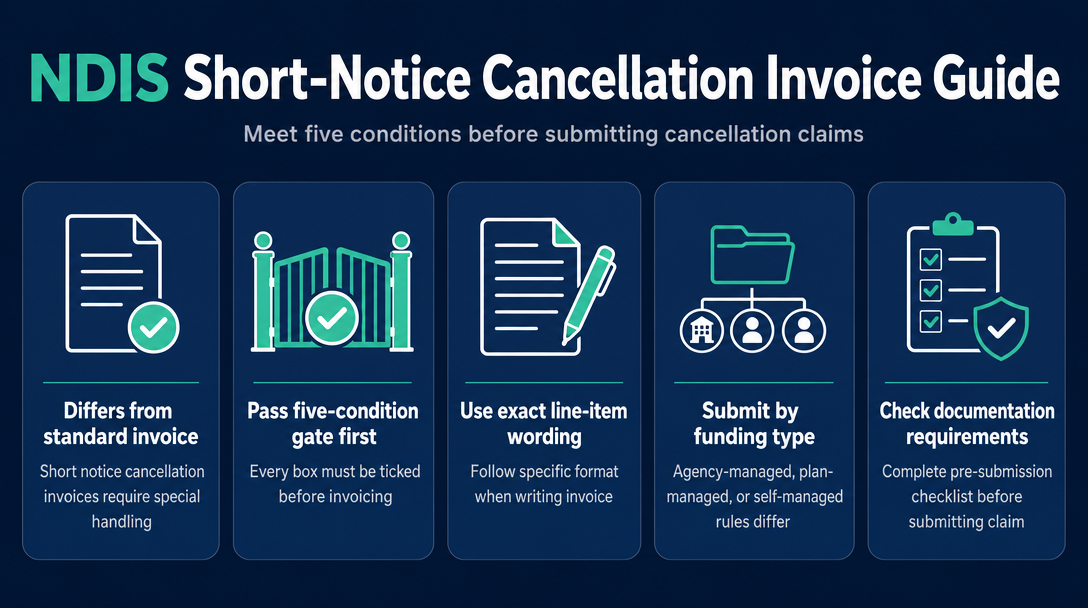
A short notice cancellation invoice is not the same as a standard NDIS invoice. Before you can submit a valid claim, you must pass a five-condition gate -
11 min read
NDIS Cancellation Invoice: How to Charge for a Short-Notice Cancellation Without Getting It Wrong
A short notice cancellation invoice is not the same as a standard NDIS invoice. Before you can submit a valid claim, you must pass a five-condition gate - and then use specific wording in the description field and follow a different submission path depending on how the participant's plan is managed. Get any one of these wrong and the claim will be rejected, delayed, or flagged during a compliance review. Here is exactly how to do it correctly.
What Qualifies as a Short Notice Cancellation in 2026-27?
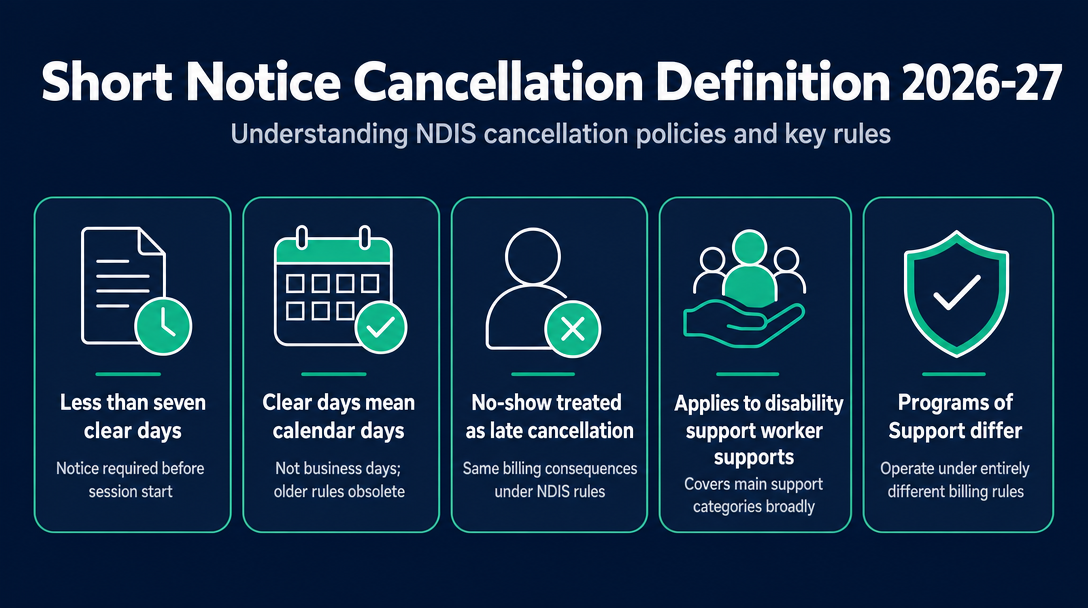
A short notice cancellation occurs when a participant cancels a scheduled support - or simply does not attend - with fewer than seven clear calendar days notice before the session was due to start. A no-show is treated identically to a late cancellation under the NDIS Pricing Arrangements and Price Limits.
"Clear days" means calendar days, not business days. This is worth flagging because an older two-tier rule (which counted business days differently) still circulates in some provider guides - that system no longer applies.
The seven-day rule covers most disability support worker (DSW) supports across the main support categories. The one significant carve-out is Programs of Support, which operate under entirely different billing rules - covered in its own section below.
The Five-Condition Gate - Every Box Must Be Ticked Before You Invoice
This is the pre-invoice logic that determines whether your cancellation claim is valid at all. All five conditions must be satisfied. Passing four out of five is not enough.
Condition 1: The cancellation fell inside the seven-clear-day window You need a timestamped record - an SMS, email, or portal message - that confirms the participant (or their representative) notified you fewer than seven clear calendar days before the scheduled session.
Condition 2: The support item is eligible for cancellation claiming Not every support item in the NDIS Support Catalogue permits cancellation claims. The catalogue flags whether each item allows short notice cancellation billing. Check your specific item before assuming eligibility - this is one of the two most commonly missed conditions.
Condition 3: Your service agreement includes a cancellation clause The written service agreement between you and the participant must explicitly authorise cancellation charges. If the agreement does not contain this clause - or if you have only a verbal arrangement - you cannot invoice for the cancellation. No clause, no claim. This is the other most commonly missed condition, and it cannot be fixed retrospectively.
Condition 4: You were unable to find alternative billable work For individual supports, this means the worker could not be reassigned to another participant for that time. For group supports, it means you could not find a replacement participant to fill the spot. You do not need a formal document for this, but a brief note - "Called [worker] to offer alternative shift, no available match found" - is good practice and sufficient if your records are ever reviewed.
Condition 5: The participant's plan has available funding in the relevant budget You cannot claim against an exhausted budget line. For plan-managed participants, the plan manager can confirm available funds. For agency-managed participants, the myplace provider portal will show the budget balance.
If you want a single diagnostic question for each rejected cancellation claim, it is almost always Condition 2 or Condition 3. Check those two first.
How to Write the Cancellation Invoice - Exact Line-Item Wording
Which support item code do you use?
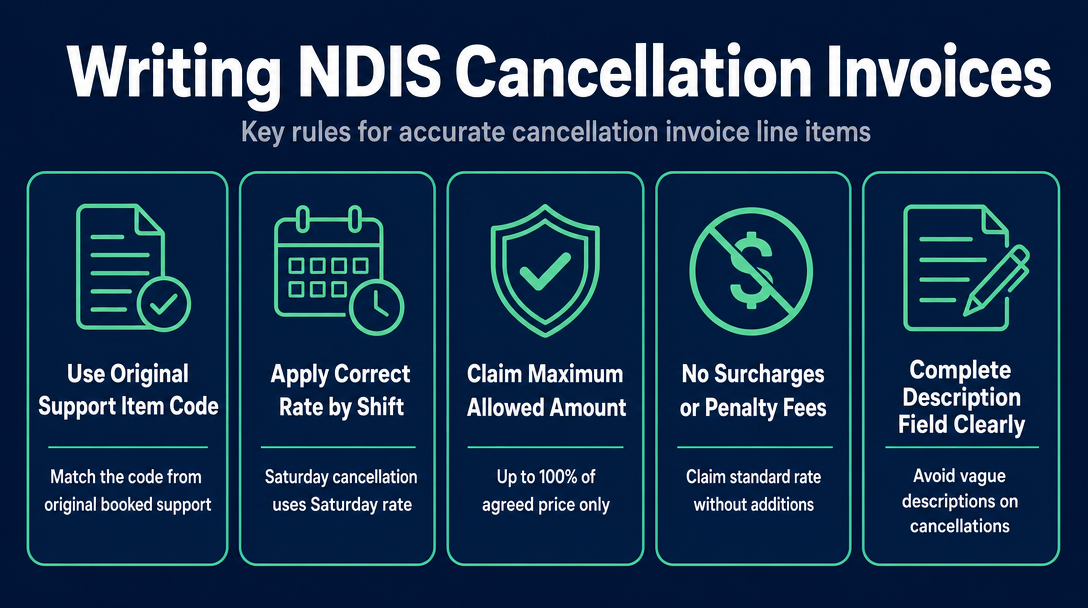
Use the same support item code as the original booked support. Do not create a separate or generic "cancellation" code - that will fail validation against the NDIS Support Catalogue. The day and time of the scheduled session determines which rate applies. A Saturday session that was cancelled is claimed at the Saturday rate. A weekday daytime session is claimed at the weekday daytime rate. The rate is inherited from the shift that was booked.
For a guide to the mandatory fields a standard invoice requires, the prior article NDIS Invoice Requirements: Every Mandatory Field Explained covers the full list. What follows here covers only the fields that are specific to a cancellation invoice.
How much can you claim?
Up to 100% of the agreed price, capped at the NDIS Support Catalogue price limit for that item. You cannot add a surcharge or penalty fee on top of the standard rate - the claim is for the agreed rate only.
What to write in the description field
This is the field most providers leave vague - and it is the field plan managers and compliance reviewers look at first. Write it out in full.
Recommended description wording:
"Short notice cancellation - [Support Item Name, e.g., Assistance with Daily Life - Weekday Daytime] - Support scheduled [DD/MM/YYYY at HH:MM], cancellation notified [DD/MM/YYYY at HH:MM] by [participant name or representative]. Service agreement dated [DD/MM/YYYY] authorises this charge."
This wording gives the plan manager everything they need to verify the claim without following up with you. It also creates a clear audit trail that references both timestamps and the service agreement in a single line.
Submission by Funding Type - Agency-Managed, Plan-Managed, Self-Managed
The invoice content is the same regardless of how the participant's plan is managed. The submission path is not.
| Funding type | How you submit | Key field to note |
|---|---|---|
| Agency-managed (NDIA-managed) | Via PRODA / myplace provider portal as a payment request | Set Claim Type = CANC (not STD); select a Cancellation Reason code |
| Plan-managed | Send a PDF invoice to the participant's plan manager | The description field wording is critical - the plan manager uses it to verify eligibility before submitting to PRODA on your behalf |
| Self-managed | Send a PDF invoice directly to the participant | The participant (or their nominee) must agree the conditions were met before they pay you from their own budget |
For a detailed explanation of how each funding type works as a system, see the prior article on NDIS plan management and invoicing.
The four PRODA cancellation reason codes (agency-managed only)
When submitting a cancellation claim through PRODA - including via the Bulk Payment Request (BPR) CSV - you must select one of four cancellation reason codes:
- NSDH - No show due to health reasons
- NSDF - No show due to family or carer issues
- NSDT - No show due to unavailability of transport
- NSDO - No show due to other reasons
These codes apply only to PRODA and BPR submissions. If you are sending a PDF invoice to a plan manager or directly to a self-managed participant, there is no system field for these codes - the description text on the invoice serves the equivalent purpose. This distinction catches many sole traders and small providers who do not use PRODA directly.
Programs of Support - When the Short Notice Cancellation Rules Do Not Apply
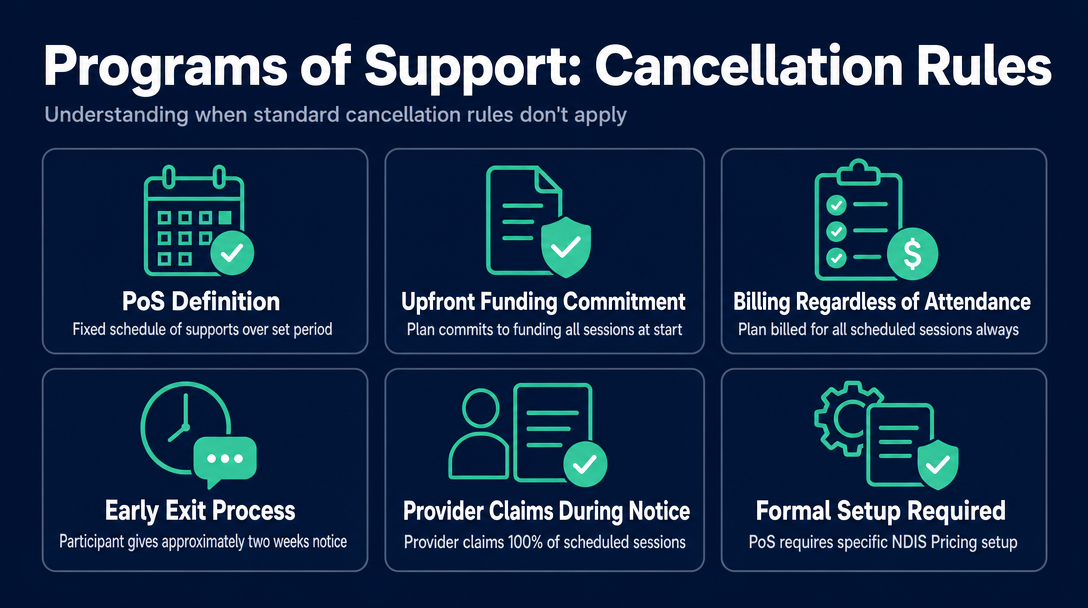
A Program of Support (PoS) is a block-billing arrangement where a provider delivers a fixed schedule of supports over a set period, and the participant's plan is committed to funding all sessions when the program starts. Because the funding commitment is made upfront, the standard short notice cancellation rules do not apply - the participant's plan is billed for all scheduled sessions in the program regardless of whether the participant attends any individual session.
To exit a Program of Support early, a participant gives approximately two weeks' notice. During that notice period, the provider can still claim 100% of the scheduled sessions.
This matters practically for sole traders: if you deliver repeated weekly supports to the same participant on a fixed schedule, you may have the structure of a de facto Program of Support - but a PoS requires specific setup under the NDIS Pricing Arrangements. It is not automatic. If your arrangement has not been formally set up as a PoS, the standard seven-day short notice cancellation rules apply to your individual sessions.
Your Pre-Submission Documentation Checklist
Before you submit any cancellation claim, you should be able to produce all of the following if requested during a compliance review or dispute:
- A timestamped record of the cancellation notification - screenshot of SMS, email, or portal message showing date and time
- A copy of the signed service agreement with the cancellation clause present
- The original appointment confirmation or service booking showing the scheduled date, time, and support item
- A brief note of reasonable efforts to find alternative work for the worker (or a replacement participant for group supports)
- Confirmation of available plan budget in the relevant support category (plan manager confirmation or PRODA balance check)
- The participant's NDIS plan number, correctly matched to the claim
- A copy of the submitted invoice retained on file
The NDIA requires providers to maintain accurate records of all supports claimed, including cancellations, and may request this evidence during compliance reviews. Keeping these records as a matched set - all documents relating to one cancellation in one folder or file - is far easier to manage than assembling them later from scattered sources.
Common Mistakes That Get Cancellation Claims Rejected
No cancellation clause in the service agreement - The most common and most preventable rejection. A claim submitted without an agreement that authorises the charge will be declined by a plan manager and flagged via PRODA.
Using a different or generic support item code - Some providers add a line item described as "Cancellation Fee" with no support item code, or use a generic code. This fails NDIS Support Catalogue validation immediately.
Claiming the wrong day/time rate for the scheduled session - Using a weekday rate for a cancelled Saturday shift is an under-claim (you lose revenue). Using a weekend rate for a weekday session is an over-claim error that can trigger an audit query. The rate must match the scheduled shift.
Applying the CANC claim type to a plan-managed submission - CANC is a PRODA portal field. It has no meaning on a PDF invoice sent to a plan manager. Using it on a PDF invoice causes confusion and delays; leave it out of the PDF and rely on the description field instead.
A blank or vague description field - Writing "Cancellation" or "No show" in the description field is technically non-compliant. The description must give a plan manager or auditor enough information to verify the claim without asking you for more. Use the full description wording above.
Claiming for a support item not eligible for cancellation in the Catalogue - The NDIS Support Catalogue explicitly marks whether each item can be claimed for a short notice cancellation. Claiming on an ineligible item is an over-claim - it may be recovered if identified during a compliance review.
For a broader look at how invoice errors can result in claims being rejected or reversed, the pillar article Why NDIS Invoices Get Rejected: The 7 Most Common Errors covers the full landscape across all invoice types.
Frequently Asked Questions
Can a sole trader NDIS support worker charge a short notice cancellation fee?
Yes. The same five-condition gate applies to sole traders as to registered organisations. Sole traders invoice the same way: for plan-managed participants, send a PDF invoice to the plan manager; for agency-managed participants, submit via PRODA using Claim Type CANC. The cancellation clause in the service agreement is equally required.
Can I waive the cancellation fee if I choose to?
Yes. The five conditions define when you are permitted to charge - not when you are obligated to. You may choose to waive the fee in any individual case, for example where a participant has an established and otherwise reliable history. Waiving does not affect future claims.
Can I also claim travel costs for a cancelled session?
Generally no. Provider travel is claimed against supports that were actually delivered. A cancelled session means no support was delivered, so travel cannot be claimed alongside the cancellation invoice. For the full rules on provider travel billing, see the article How to Invoice NDIS Provider Travel.
What if the participant disputes the cancellation charge?
If the dispute cannot be resolved directly, participants can raise the matter with their plan manager (for plan-managed funding) or with the NDIS Quality and Safeguards Commission for registered providers. Your pre-submission documentation checklist is what you rely on in a dispute - a timestamped cancellation notification and a signed service agreement with a cancellation clause are the two most important documents to have ready.
Before you send a cancellation invoice, run it through NDIS Invoice - paste in the support item code, the date, and the agreed rate, and the tool validates it against the current NDIS Pricing Schedule in real time. It checks that the code exists, that the rate is within the current price cap, and that the day/time classification matches the scheduled session. Create your cancellation invoice now.
More articles
- How to Create Your First NDIS Invoice in Under 5 Minutes (Step-by-Step Video Companion)
- NDIS Plan Manager Turnaround Times: How Long Should You Wait to Be Paid After Submitting an Invoice?
- NDIS Invoice Numbering: Do You Need a Sequential System? (And What Happens If You Don't Have One)
- How to Handle a Rejected NDIS Invoice: Diagnosis, Correction, and Resubmission Step by Step
- NDIS Allied Health Invoicing: How Physiotherapy, Speech Therapy, and OT Codes Work in the Price Guide