NDIS vs. Xero vs. Word Template: Which Invoicing Option Is Right for a Sole Trader Support Worker?
Written by Cory Nathan, founder of NDIS Invoice · Last reviewed
For a sole trader invoicing under the NDIS, the right tool comes down to three factors: whether it validates line items against the current price guide
13 min read
NDIS vs. Xero vs. Word Template: Which Invoicing Option Is Right for a Sole Trader Support Worker?
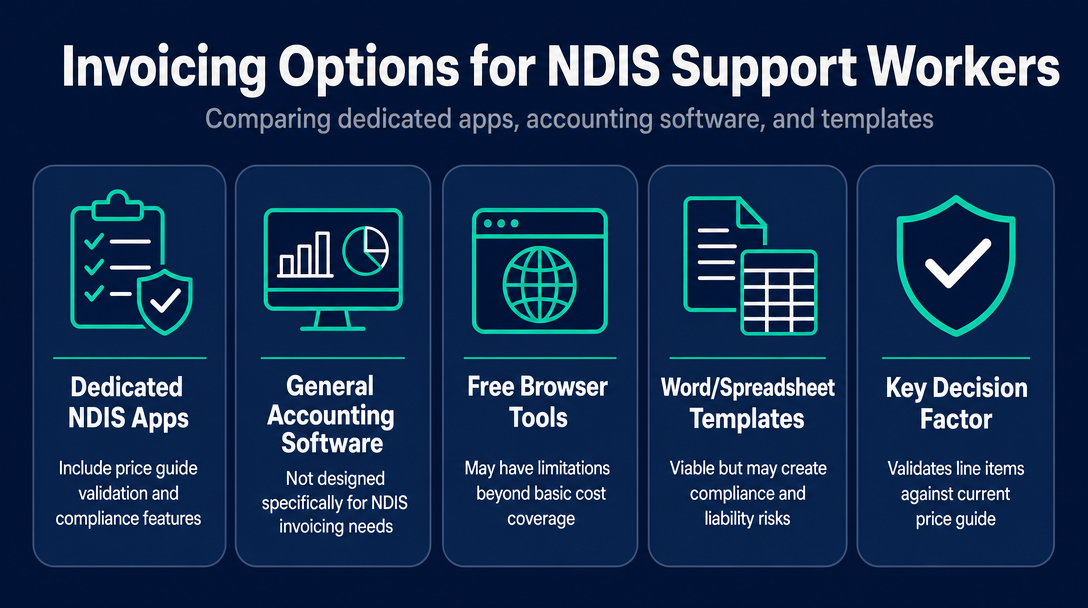
For a sole trader invoicing under the NDIS, the right tool comes down to three factors: whether it validates line items against the current price guide before you send, how it handles participant data, and what it costs each month. This article compares four tool categories - dedicated NDIS apps, general accounting software, free browser-based tools, and Word/spreadsheet templates - so you can make a clear-eyed choice for your practice.
NDIS Invoicing Tool Categories at a Glance
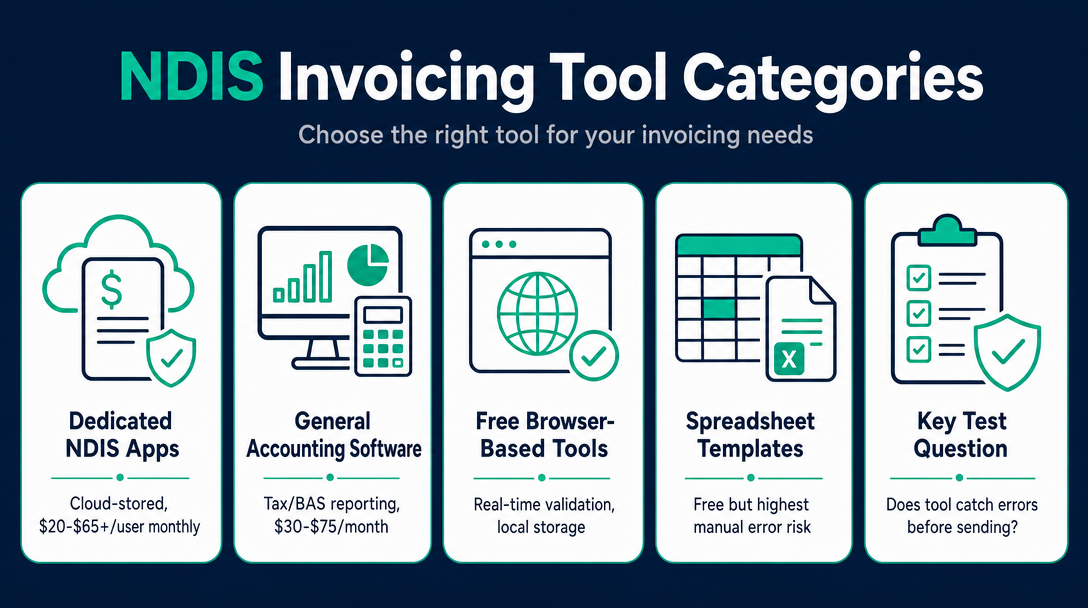
| Tool Category | Price Guide Validation | Typical Monthly Cost | Data Handling | Best Suited For |
|---|---|---|---|---|
| Dedicated NDIS invoicing apps | Varies by update frequency | $20-$65+/user | Cloud-stored | Multiple clients, rostering needs |
| General accounting software (e.g. Xero) | None built-in | $30-$75/month | Cloud-stored | Tax/BAS reporting alongside invoicing |
| Free browser-based NDIS invoice tools | Real-time, local | $0 | Local device only | Privacy-first sole traders, low volume |
| Spreadsheet/Word/PDF templates | None | $0 | Local (manually managed) | Occasional invoicing; highest manual error risk |
The single question to apply to any tool you consider: does it catch an error - wrong code, over-cap price, mismatched day classification - before the invoice leaves your screen, or does it only display a code and leave the checking to you? Call this the Validate-Before-You-Send Test. Run every option below through it and the right choice becomes obvious.
1. Dedicated NDIS Invoicing Apps - What They Include and What They Actually Cost
These platforms are purpose-built for NDIS providers. They pre-load NDIS support item numbers, carry current pricing, and handle participant records. For a sole trader juggling several clients, that's a real time-saver - but the costs and feature depth vary considerably.
Named tools in this category (with verified pricing):
- EasyAs uses a per-invoice-volume pricing model with Small, Medium, and Large tiers. Its Small plan is priced at $19.95 per month (per its published pricing). It markets pre-loaded NDIS item numbers and current pricing, but its publicly documented feature set does not include shift notes, progress notes, or incident reporting - which suits an invoicing-only workflow.
- Earni offers a free starter plan covering one client with access to a limited list of NDIS services. Its premium plan (which covers multiple clients and the full price guide) is listed on the platform's site but the current price is not disclosed on the page that was reviewed - check Earni's pricing page directly for the current figure.
- Astalty is priced at approximately $64 per user per month (described on its pricing page as "All you pay is $64 per user"), with a 14-day free trial and no credit card required at signup. It holds ISO 27001 certification, which is a data-security standard worth noting for providers who need a documented compliance position on cloud storage.
- Imploy and Billability are also in this category. Because the available information on both comes primarily from self-published comparisons rather than independently verified neutral sources, this article doesn't develop them further - compare them directly on their own sites.
Some platforms in this category also integrate with PRODA, the NDIA's online portal for bulk claims, which can reduce duplicate data entry for higher-volume providers.
Do these apps update the price guide automatically when NDIS rates change?
Some apps market "up-to-date pricing" as a feature, but none of the publicly available product pages reviewed for this article specify the update mechanism or the lag between an official NDIS rate change and the app's database refresh. The NDIS Pricing Arrangements for 2026-27 took effect 1 July 2026. Before relying on any platform for your first invoice of a new financial year, confirm in writing with the vendor that the current schedule is loaded - and which version date they show in the tool.
What is the real monthly cost for a one-person NDIS business?
At the low end, EasyAs starts at $19.95/month. At the high end, Astalty runs around $64/user/month. If you are invoicing occasionally across one or two participants, the cost-to-feature ratio of a full subscription is hard to justify against the Validate-Before-You-Send benchmark - you are paying for participant management, document storage, and compliance tracking features you may never use.
2. General Accounting Software - Why Xero Is Not NDIS Invoicing Software
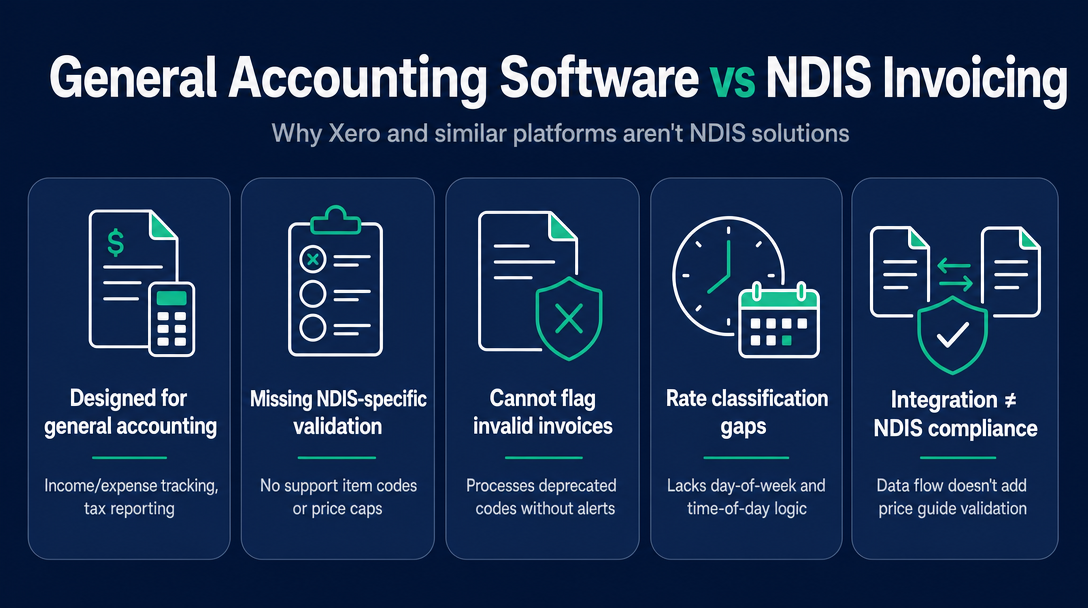
Xero, MYOB, and similar accounting platforms are designed for income/expense tracking, BAS preparation, and tax reporting. They are genuinely useful for sole traders who need to reconcile their bank feeds and lodge GST returns. (For the GST treatment on NDIS invoices specifically, our earlier article on GST and NDIS invoices covers that ground in full.)
What these tools do not contain: NDIS support item codes, day-of-week and time-of-day rate classifications, or price cap logic. You can create a perfectly formatted Xero invoice that uses a deprecated support item number and charges above the current price cap, and Xero will process it without raising a flag. The validation layer simply does not exist in the base product.
Some platforms in category 1 above (Astalty, for example) offer a Xero integration, which means your NDIS invoicing data can flow into Xero for bookkeeping purposes. That is a workflow convenience - it does not add NDIS price guide validation to Xero itself.
When does Xero make sense, and when does it fall short?
Xero makes sense when you need a single platform for your full financial picture: GST tracking, bank reconciliation, annual tax reporting, and perhaps payroll. It falls short the moment you need to verify that a support item code exists in the current pricing schedule, that the rate you have entered does not exceed the national price cap, or that you have applied the correct day classification. For those checks, Xero has no built-in answer.
The Validate-Before-You-Send Test applied to Xero: it fails by design. It was never intended to pass it.
3. Free Browser-Based NDIS Invoice Tools - What "Free" Means, and What It Doesn't
Not all free tools are the same. There are two meaningfully different sub-categories:
Static templates (a Google Sheets file, a Word document, a downloadable PDF) require you to manually enter support item codes, rates, and participant details. The template has no knowledge of what the NDIS Pricing Arrangements say. Every field is your responsibility to verify.
Dynamic browser-based tools embed or fetch current NDIS Pricing Schedule data and validate your line items against it in real time. The key technical distinction: a well-built browser tool catches a price-cap breach, a retired item code, or a wrong day classification before the invoice is complete. That is the Validate-Before-You-Send Test passing - and it is possible at zero cost.
A further distinction matters for sole traders handling participant information: where the data lives. NDIS Invoice stores participant data in Sydney, Australia, sells nothing and runs no third-party trackers; check the same three things for any tool you compare. The Privacy Act 1988 and the Australian Privacy Principles govern how NDIS providers collect, use, store, and disclose personal information. A tool that never sends participant data to an external server removes an entire class of data-breach exposure under those principles. (Whether the Privacy Act's obligations apply to your specific practice depends on how you operate - the Office of the Australian Information Commissioner is the right source for a definitive answer, and the NDIS Code of Conduct also imposes obligations on how you handle participant information.)
What is the difference between a free NDIS invoice template and a free NDIS invoice tool?
A template is a static document - you fill in every field, including the support item code and rate, from memory or from a separate lookup. A tool is dynamic: it validates your input against a built-in or embedded copy of the current NDIS Pricing Arrangements and flags errors before you finalise the invoice. The difference is not about price - it is about whether the checking work is done by the tool or by you.
Does a browser-based tool validate the price guide, or just display codes?
This is exactly the right question to ask any vendor. A tool that validates will reject or warn you if you enter a price above the current cap, select a code that no longer exists in the 2026-27 schedule, or apply a weekday rate to a Saturday shift. A tool that merely displays codes does the equivalent of Xero: it shows you information but leaves all error-checking to you. Demand the former.
What participant data privacy risk do cloud apps carry that a browser-based tool does not?
Cloud invoicing apps store participant names, NDIS numbers, plan types, and billing history on external servers - sometimes offshore, sometimes with data-residency terms buried in a Terms of Service document. A local-processing browser tool stores nothing externally. If a server is never involved, a server breach cannot expose your participants' data. That is not a marketing claim - it is an architectural fact.
4. Spreadsheet and Word Templates - Still Viable, or a Liability?
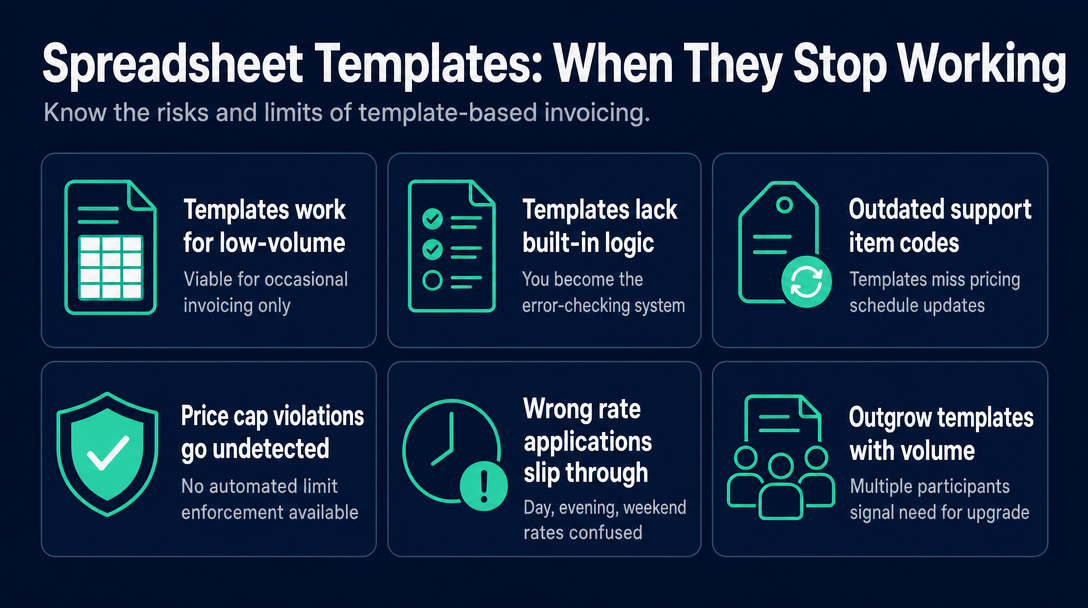
Templates remain the starting point for most new sole traders, and for very low-volume, occasional invoicing they can work. The problem is not the format - it is what the format cannot do.
Three specific risks that no template can catch:
- A deprecated support item code after a pricing schedule update (covered in depth in our article on outdated NDIS support item codes)
- An invoice above the current price cap (covered in our article on NDIS invoices above the price guide limit)
- A wrong day/time rate applied to a shift - for example, charging the evening rate for a Saturday shift that should use the Saturday rate (covered in our article on weekday vs. evening vs. weekend vs. public holiday rates)
The template cannot catch any of these because it contains no logic. You are the logic. That works until it doesn't.
How do you know when a template is no longer enough?
A clear decision signal: if you invoice more than one participant, send invoices more than twice a week, or have had a payment declined due to a wrong code or over-cap rate - a template has reached its limit. The manual checking burden compounds with every client and every shift, and the cost of one rejected invoice (reissuing, reprocessing, possible credit notes) outweighs any time saved by not using a purpose-built tool.
5. The 3-Question Decision Framework
Work through these in order. Stop when you have your answer.
Question 1: Do you need features beyond invoicing - rostering, case notes, service agreement generation, incident management?
- If yes: a dedicated all-in-one NDIS platform (category 1) is worth the subscription cost. These tools are designed for providers running a broader operation.
- If no: keep going.
Question 2: Are you invoicing more than 10 sessions per month, or across more than two participants?
- If yes: a dedicated NDIS invoicing app or a multi-client-capable browser tool will save time and reduce error risk. EasyAs's volume-based pricing model may suit this profile better than a flat per-user monthly plan.
- If no: a free browser-based tool with live validation is likely sufficient for your current volume.
Question 3: Do you have a specific concern about participant data leaving your device?
- If yes: a local-processing browser-based tool is the only category that satisfies this requirement by design. Cloud apps, regardless of their security certifications, transmit data to external servers. A browser tool that does not is architecturally different, not just marketed differently.
One practical note: whichever category you choose, confirm that the tool reflects the NDIS Pricing Arrangements effective 1 July 2026. Check the tool's own documentation or settings for a version date or effective date before your first invoice of the 2026-27 financial year.
Frequently Asked Questions
Is there NDIS invoicing software that is completely free?
Yes. Free browser-based tools exist that cover both invoice creation and live price-guide validation. "Free" does not mean "unvalidated" - the distinction is in how the tool is built, not what it costs. A free tool that validates every line item against the current NDIS Pricing Arrangements before you send outperforms a paid tool that merely displays codes and leaves the checking to you.
Does a sole trader need to pay for NDIS invoicing software to stay compliant?
No regulation requires a specific platform or subscription. What the NDIS requires is that invoices be accurate - correct codes, correct rates, correct participant details - and that participant records be maintained securely. The tool is a means to that end, not a compliance requirement in itself. A free, validating browser tool satisfies the accuracy requirement as well as a paid subscription.
What is the risk of using an invoicing app whose price guide has not been updated?
An invoice submitted above the current price cap may be rejected by the plan manager or payment processor, and the provider may need to issue a credit note or resubmit at the correct rate. Beyond the administrative cost, repeated errors can raise compliance concerns. The complete picture on price cap breaches is covered in our article on what happens if your NDIS invoice is above the price guide limit.
Does the Privacy Act 1988 apply to a sole trader NDIS support worker?
An individual who handles personal information in the course of providing NDIS supports may be bound by the Australian Privacy Principles even without a registered company structure. The small-business exemption in the Privacy Act has specific conditions, and the type of information involved - health and disability support records - affects how those conditions apply. This is a question worth raising with a privacy adviser or checking directly with the Office of the Australian Information Commissioner rather than relying on a general answer.
What is the difference between a dedicated NDIS invoicing tool and a generic invoicing app with an NDIS template?
A dedicated NDIS invoicing tool contains built-in support item code logic, price cap rules, and day/time rate classifications drawn from the official Pricing Arrangements. A generic invoicing app with an NDIS template is a formatted document - it holds no logic, it does not know the current price cap, and it cannot warn you when you enter a retired support item code. The Validate-Before-You-Send distinction separates these two categories clearly: one checks the work, one assumes you already have.
Try the Validate-Before-You-Send Approach for Free
Before committing to a monthly NDIS invoicing subscription, apply the Validate-Before-You-Send Test to NDIS Invoice - a free, browser-based tool that checks every line item against the current 2026-27 NDIS Pricing Schedule before you send. Outdated support codes, over-cap prices, and wrong day classifications are flagged before the invoice is finalised. No subscription. Try it free at ndisinvoice.com.au.
More articles
- How to Create Your First NDIS Invoice in Under 5 Minutes (Step-by-Step Video Companion)
- NDIS Plan Manager Turnaround Times: How Long Should You Wait to Be Paid After Submitting an Invoice?
- NDIS Invoice Numbering: Do You Need a Sequential System? (And What Happens If You Don't Have One)
- How to Handle a Rejected NDIS Invoice: Diagnosis, Correction, and Resubmission Step by Step
- NDIS Allied Health Invoicing: How Physiotherapy, Speech Therapy, and OT Codes Work in the Price Guide