NDISInvoice.com.au vs. Earni: Free Browser Tool vs. App Subscription for NDIS Support Workers
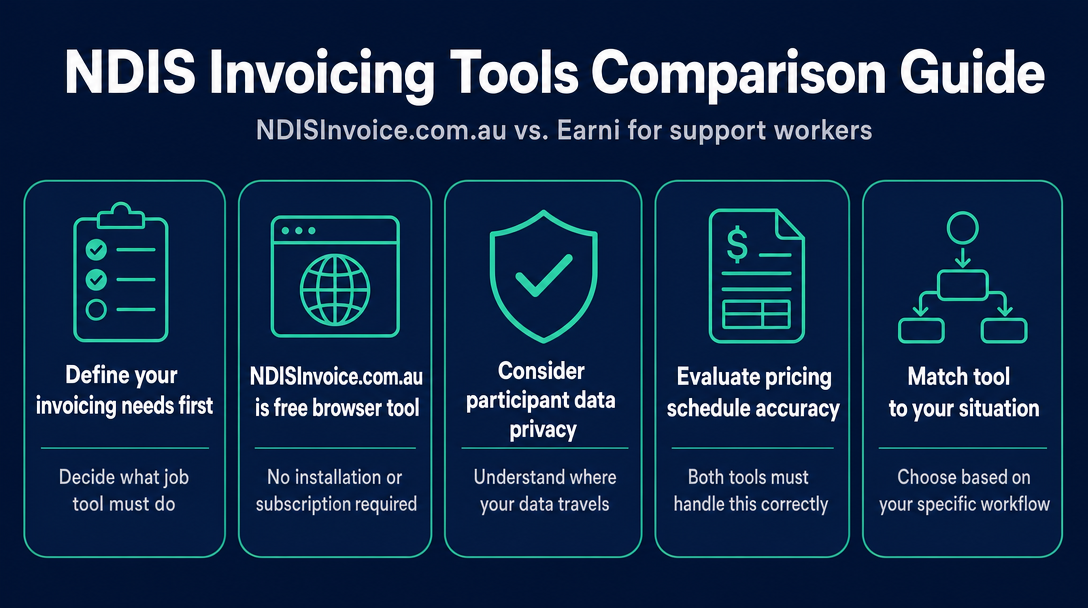
Before you pick an NDIS invoicing tool, decide which job you're actually hiring it to do. NDISInvoice.com.au is a free, browser-based validator that
NDISInvoice.com.au vs. Earni: Free Browser Tool vs. App Subscription for NDIS Support Workers
Before you pick an NDIS invoicing tool, decide which job you're actually hiring it to do. NDISInvoice.com.au is a free, browser-based validator that checks every invoice line against the current NDIS Pricing Schedule before you send it - no account, no install, nothing stored on a server. Earni is a paid subscription mobile app (with a limited free tier) that handles your entire business admin: invoicing, client records, appointments, service agreements, expenses, and tax reporting. These tools are not competing for the same job.
What Each Tool Actually Does (30-Second Snapshots)
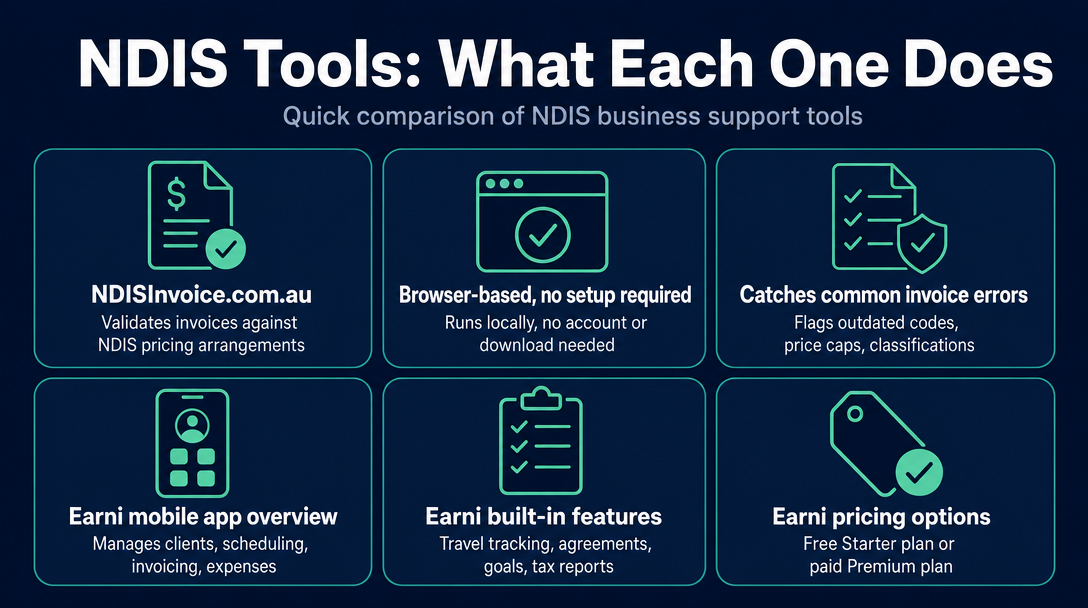
NDISInvoice.com.au does one thing with precision: it validates NDIS invoices. Open it in any browser, enter your line items, and it checks each one against the 2026-27 NDIS Pricing Arrangements before you send. Outdated support item codes, prices above the current cap, wrong day-or-time classifications - it flags them all. There is no account to create, no app to download, and no data sent to a server. The entire process runs locally on your device. It is free with no tier system and no credit card.
Earni is a mobile app (available on iOS and Android) built to run your whole NDIS business from your phone. Its feature set - verified from the Earni homepage - covers NDIS and non-NDIS client management, appointment scheduling, pre-filled invoices drawing on a built-in NDIS price guide, expense and receipt storage, travel tracking, digital service agreements, participant goal notes, a profit-and-loss report for tax time, and a directory listing to promote your services. The free Starter plan covers one client and a limited selection of NDIS price guide services. A paid Premium plan unlocks the full price guide and unlimited clients - check earni.au/plans for current pricing, as the exact figure was not confirmed at the time of writing.
The key framing: applying the Two-Job Rule here makes the choice clear. Job 1 is "create a compliant, validated NDIS invoice." Job 2 is "run all of my NDIS business administration from a single app." NDISInvoice is built for Job 1. Earni is built for Job 2. A tool optimised for one job is not a worse version of the other - it is a different tool for a different need. If you compare them as if they are competing on identical ground, you will almost certainly choose wrong.
If you are weighing NDISInvoice against Billability specifically, that direct comparison is covered in a separate article - "NDISInvoice.com.au vs. Billability: Which Free-Tier NDIS Invoicing Tool Fits Your Needs?" - and is not repeated here.
Head-to-Head Comparison Table
| Criterion | NDISInvoice.com.au | Earni |
|---|---|---|
| Cost | Free - no plan, no credit card | Free Starter (1 client, limited price guide); paid Premium plan for full access |
| Account required | No - open and use immediately | Yes - account creation required |
| App download required | No - works in any browser | Yes - iOS (App Store) or Android (Google Play) |
| Device compatibility | Any device with a browser: desktop, laptop, tablet, phone | Mobile only - iOS and Android |
| Where your data goes | Processed locally in your browser; nothing sent to a server | Stored in cloud servers operated by Earni or third-party service providers |
| NDIS Pricing Schedule validation | Line-by-line validation at point of invoice creation; flags outdated codes, above-cap prices, wrong time classifications | Pre-filled invoices drawn from a built-in NDIS price guide; active error-flagging at point of send not described on Earni's published pages |
| Invoice creation | Yes - core function | Yes - core function |
| Client management | No | Yes - NDIS and non-NDIS clients |
| Appointment / calendar | No | Yes |
| Service agreements | No | Yes - digital, no printing required |
| Expense / receipt tracking | No | Yes |
| P&L report for tax time | No | Yes |
| Travel tracking | No | Yes |
| Directory / client leads | No | Yes - promotes your services to potential clients via the Earni directory |
| Non-NDIS clients | No | Yes |
| Client limit on free tier | No limit (no tiers) | 1 client on free Starter plan |
Where Does Your Participant Data Go? The Privacy Question
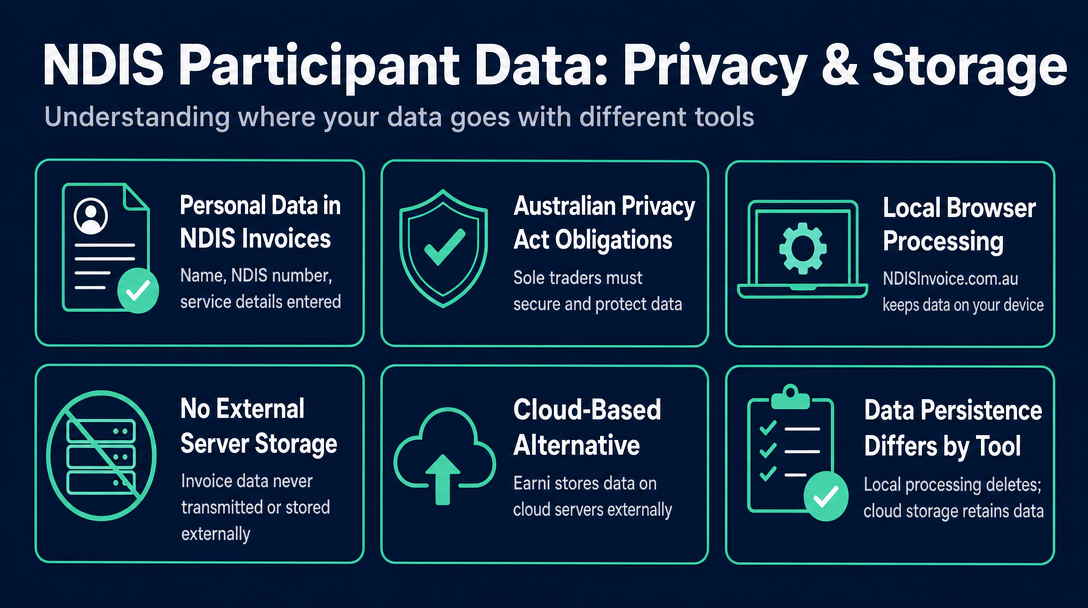
When you create an NDIS invoice - in any tool - you enter a participant's name, NDIS number, and service details. That information is personal data. Under the Australian Privacy Act 1988, sole traders who collect personal information have obligations around how it is stored, secured, and disclosed. The tool you choose determines the architecture that handles that data.
NDISInvoice.com.au processes everything locally in your browser. No invoice data, participant name, NDIS number, or support item code is transmitted to or stored on an external server. Once you close the browser tab, nothing persists. This architecture means participant details never leave your device.
Earni operates as a cloud-stored app. Its published Privacy Policy states that data is stored "electronically, in computer systems, databases and cloud servers either operated by us or our external service providers," and that security measures include "using secure servers to store personal information." Earni's Terms of Use also note that "the Application is not a storage service and we have no obligation to store, maintain any content or information that you provide." Cloud storage is standard practice for mobile business apps, and Earni describes reasonable security measures - the point here is transparency, not alarm.
The practical consideration: if you support participants with particularly sensitive disability profiles, or you work in a context where you are especially careful about where personal information travels, the local-processing architecture of a browser-based tool is a structural difference worth understanding before you sign up for a cloud-stored app. Neither approach is unlawful - but they are different, and no other NDIS invoicing comparison article on the current SERP discusses this distinction.
For a reminder of exactly what participant information must appear on a compliant NDIS invoice (and therefore what data you're entering into either tool), see "What Must Be on an NDIS Invoice? The 9 Required Fields".
Which Tool Fits Your Situation?
Use the Two-Job Rule to short-circuit the decision.
Use NDISInvoice.com.au if:
- You need to create and validate NDIS invoices - and that is the whole job
- You want to work from a laptop or desktop as well as your phone
- You are not ready to pay for software (or you never want to)
- You handle expenses and bookkeeping separately - through a bookkeeper, Xero, or a spreadsheet - and have no need for those features inside your invoicing tool
- Privacy of participant data on your device is a priority
- You are just starting out and want to verify your codes are correct before your first invoice goes out
Use Earni if:
- You want a single mobile app to cover invoicing, client records, appointments, service agreements, expenses, and tax reporting
- You work primarily from your phone and prefer a native app experience
- You support multiple clients and want structured records for each
- You want a P&L report available at tax time without a separate accounting tool
- You are willing to pay for a Premium subscription once your caseload exceeds one client
Consider using both if:
- You use Earni as your all-in-one admin platform but want an independent compliance check on invoices before they go out - particularly after the annual 1 July Pricing Schedule update, when support item codes and price caps change. Running a draft invoice through NDISInvoice's free validator takes a few minutes and adds a second layer of certainty. This is the most underserved recommendation in any NDIS tool comparison currently on the market: the two tools serve different jobs well enough that they complement each other rather than cancel each other out.
Getting the Pricing Schedule Right - the Job Both Tools Share
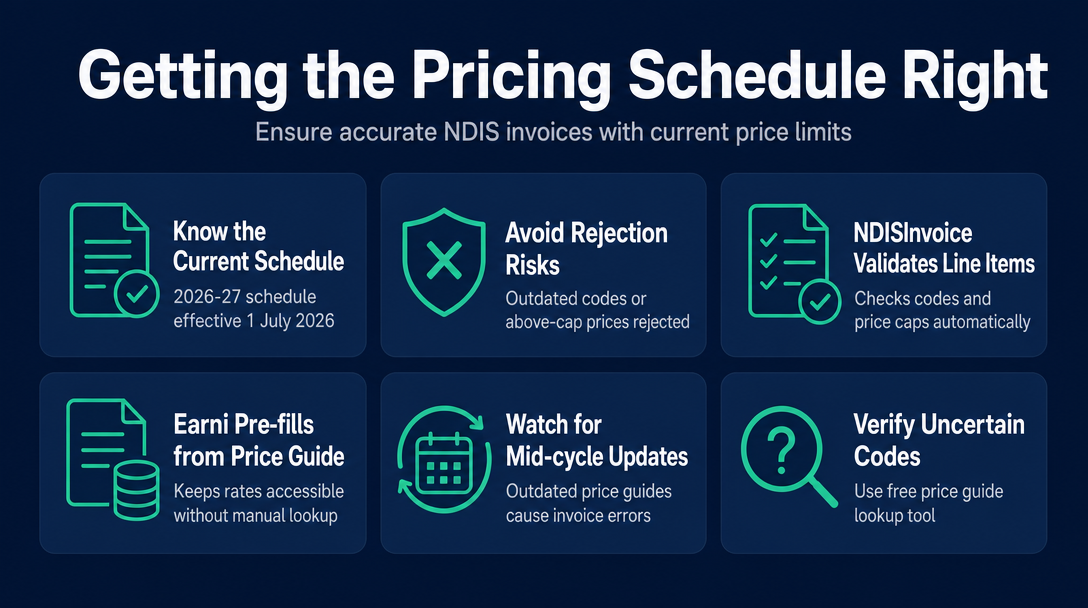
The NDIS Pricing Arrangements and Price Limits set the maximum price for every NDIS support item. The current version - the 2026-27 schedule, effective 1 July 2026 - is what providers must invoice against. Submitting an invoice with an outdated code or an above-cap price is grounds for rejection.
Both tools incorporate the current schedule, but the mechanism differs. NDISInvoice validates each line item at the moment you create the invoice - it checks the code exists in the 2026-27 schedule and that the price does not exceed the cap. Earni pre-fills invoices from a built-in price guide, which keeps rates accessible without manual lookup.
The practical risk for any tool: if your version of the price guide has not refreshed after a mid-cycle update, your invoice may include codes or rates that no longer apply. After each 1 July update, it is worth running any code you are uncertain about through NDISInvoice's free price guide lookup - even if you primarily invoice through another platform. The lookup reflects the 2026-27 Pricing Arrangements (v1.1) and takes seconds. This is the same tool described in detail in The Complete Guide to Creating a Free NDIS-Compliant Invoice with NDISInvoice.com.au.
Frequently Asked Questions
Is Earni free for NDIS support workers? Earni has a free Starter plan that covers one client and a limited selection of NDIS price guide services. Once you need to manage more than one client or access the full price guide, a paid Premium subscription is required. Check earni.au/plans for current pricing.
Does NDISInvoice require an account or a download? No. NDISInvoice.com.au runs in any web browser - desktop, phone, or tablet - with no account creation and no app to install. You open the page and start building your invoice immediately.
Does Earni validate invoices against the NDIS Pricing Schedule? Earni pre-fills invoices using a built-in NDIS price guide, so standard rates are available without manual entry. Earni's published pages describe pre-filled invoices and a built-in price guide; the extent of active error-flagging (such as rejecting an above-cap price or flagging an outdated code at the point of send) is not described on their currently published pages.
Is participant data safe when using NDIS invoicing apps? Both tools describe security measures, but the architecture differs. NDISInvoice processes all data locally in your browser - nothing is sent to or stored on an external server. Earni stores data in cloud servers operated by Earni or third-party service providers, which is standard for mobile business apps. Sole traders should understand the difference before entering participant personal information into any tool.
Can I use NDISInvoice on my phone? Yes. Because NDISInvoice is browser-based, it works on any device - desktop, laptop, tablet, or smartphone - without a download.
Do I need both NDISInvoice and Earni, or does one replace the other? They serve different jobs. Earni is an all-in-one business admin app; NDISInvoice is a focused invoice validator. If you use Earni for day-to-day admin, you can still use NDISInvoice's free validator as an independent compliance check before sending invoices - especially after each 1 July Pricing Schedule update. Many support workers find the two tools complement rather than replace each other.
Ready to validate your next NDIS invoice before it goes out? NDISInvoice is free, browser-based, and needs no account - open it on any device and your line items are checked against the current 2026-27 Pricing Schedule before you send. Try NDISInvoice now at ndisinvoice.com.au
More articles
- How to Send Your NDIS Invoice After Creating It: A Step-by-Step Guide for Sole Traders
- Cloud-Based NDIS Invoicing vs. Local Processing: Why Privacy Matters for Participant Data
- NDIS Invoice Builder vs. Static Template: Why a Live Price-Guide Check Changes Everything
- NDISInvoice.com.au vs. Billability: Which Free-Tier NDIS Invoicing Tool Fits Your Needs?
- NDIS vs. Xero vs. Word Template: Which Invoicing Option Is Right for a Sole Trader Support Worker?