Outdated NDIS Support Item Codes: How to Check if Your Code Still Exists in the 2026-27 Schedule
Written by Cory Nathan, founder of NDIS Invoice · Last reviewed
An NDIS support item code becomes "outdated" when the NDIA publishes a new financial year's Pricing Schedule and that code is retired, replaced, or
12 min read
Outdated NDIS Support Item Codes: How to Check if Your Code Still Exists in the 2026-27 Schedule
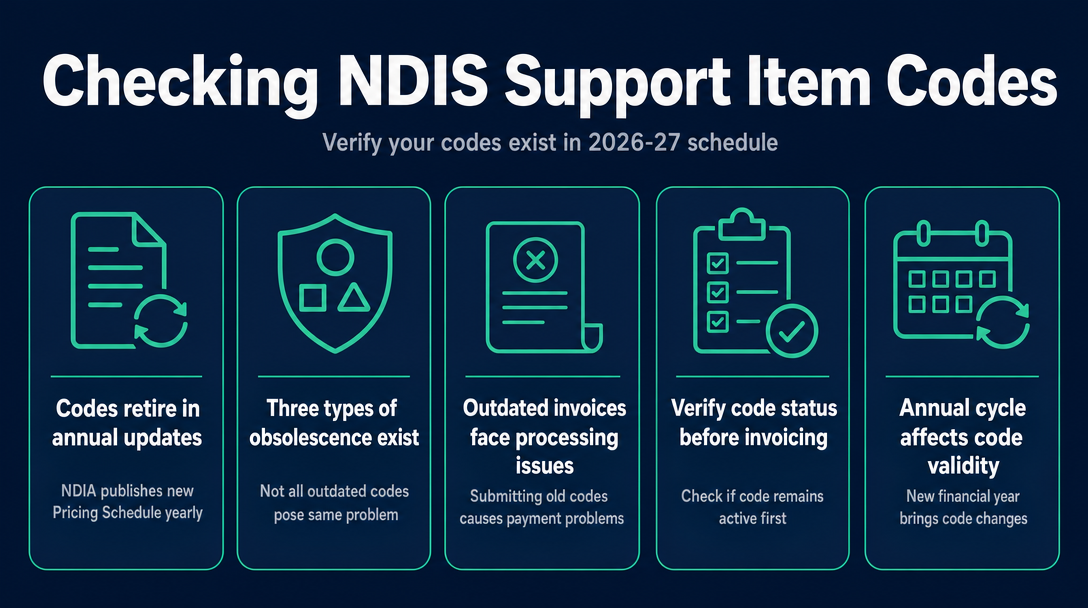
An NDIS support item code becomes "outdated" when the NDIA publishes a new financial year's Pricing Schedule and that code is retired, replaced, or structurally changed. An outdated code on an invoice means an automatic rejection - no payment until you resubmit with the correct code. The good news: checking takes under 30 seconds if you know where to look.
Why NDIS Support Item Codes Stop Working - The Annual Update Cycle
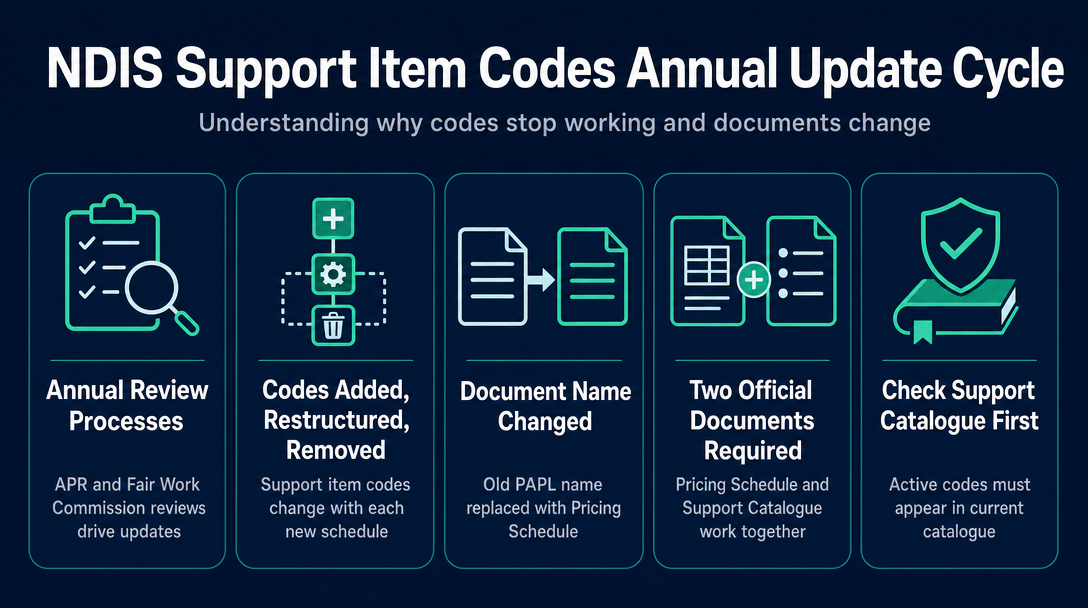
Each year, the NDIA releases an updated Pricing Schedule following two external processes: the Annual Pricing Review (APR) and the Fair Work Commission's Annual Wage Review. Both feed into the final document that took effect on 1 July 2026. Every time a new schedule drops, some codes are added, some are restructured, and some are removed entirely.
The 2026-27 schedule was the first released under the new "Pricing Schedule" name. Providers who search for "NDIS PAPL 2026-27" - using the old name for the document previously called the Pricing Arrangements and Price Limits - will not find the current version under that label. If you have been chasing the wrong document name, that is why.
Two official documents work together and both matter:
- The Pricing Schedule (PDF) - sets the rules, price limits, and claiming conditions
- The NDIS Support Catalogue (XLSX) - lists every active code, its current status, and its price limit
A code that does not appear in the current Support Catalogue cannot be claimed. Full stop.
The critical point most providers miss: codes do not auto-update on invoices you have already built. A template created in June 2026 will carry June 2026 codes. Every invoice sent from 1 July 2026 onwards must use 2026-27 codes for services delivered from that date.
The Three-Type Obsolescence Test: Why Not All "Outdated" Codes Are the Same Problem
There are three distinct ways an NDIS support item code becomes outdated - and the correct fix depends entirely on which type you are dealing with. Treating them as one undifferentiated problem leads to wrong remedies. Here is the framework:
Type 1 - Code Retired, Direct Replacement Exists (Worked Example: 0115 to 0138)
The clearest example from the 2026-27 update: the old registration group 0115 (Assistance with Daily Life Tasks in a Group or Shared Living Arrangement) was replaced by 0138 (Assistance with Supported Independent Living) for SIL services from 1 July 2026.
The effective date is the date of the service, not the date of the invoice:
- Services delivered on or before 30 June 2026: claim under 0115 - that is still the correct code for those supports
- Services delivered from 1 July 2026: claim under 0138 - submitting 0115 for post-July services will be rejected
This is the "clean handover" type. There is a named successor, a clear cutover date, and a defined window during which both codes may be relevant (for providers with services spanning the financial year boundary). If you deliver SIL supports, check every invoice line: which date was the service? Then apply the matching year's code.
Type 2 - Code Retired, No Replacement Exists (Hard Deadline: 30 September 2026)
This is the highest-risk category for sole traders and small providers who re-use invoice templates.
22 support items from the 2025-26 catalogue were given "legacy" status in the 2026-27 catalogue. Legacy means: the code is still accepted during a transitional window, but it has a hard expiry date of 30 September 2026. After that date, the item is fully deactivated - no claims accepted, no exceptions currently confirmed.
Items in this group include community nursing items and the plan manager setup fee. The plan manager setup fee is retiring with no named replacement - a genuine cash-flow impact for plan management providers.
The word "legacy" in the Support Catalogue is not a synonym for "retired." It is a timed grace period. After 30 September 2026, those legacy items become fully retired and will return the same rejection as any other deactivated code. Note that the NDIA has extended similar deadlines in past years - but the current published deadline is 30 September 2026, and providers should plan to that date.
Sole trader risk: If you copied last year's invoice template and have not audited every code, any legacy item on that template will stop working in less than two months. The fix is straightforward - check Column A of the 2026-27 Support Catalogue XLSX - but you have to know to look.
Type 3 - Code Structurally Restructured (The New Suffix System: _CA, _NF, _PT, _TH, _RR)
This is the type most providers did not see coming, because the base code still exists - it just cannot be used alone for certain claim types anymore.
From 1 July 2026, the old "Claim Type" field (previously used to distinguish a cancellation from a direct service, or provider travel from face-to-face time) has been retired. In its place, the NDIA introduced suffix codes appended directly to the base support item number:
| Suffix | Claim type | Rate |
|---|---|---|
| _CA | Cancellation | Full direct service rate |
| _NF | Non-Face-to-Face (e.g. report writing) | Full direct service rate |
| _PT | Provider Travel (labour component) | 50% of direct service rate |
| _TH | Telehealth delivery | Full direct service rate |
| _RR | NDIA-requested report | Full direct service rate |
Two practical implications sole traders should understand immediately:
If you are billing a cancellation, you must append
_CAto the support item number. Submitting the bare base code for a cancelled session - even at the correct rate - uses a structurally incorrect code and will be rejected.If you are billing provider travel under _PT, the billable amount is 50% of the direct service rate - not the full rate. This is not just a code-format issue; it affects the dollar amount on the invoice. An invoice showing the full rate under _PT will carry both a code error and a pricing error.
Providers who were previously filling in a "Claim Type" field separately should remove that field from their invoices and use the suffixed code instead. Submitting both a suffix and a populated Claim Type field has been observed to cause claim failures in PRODA.
What Actually Happens When You Submit an Invoice With an Outdated Code
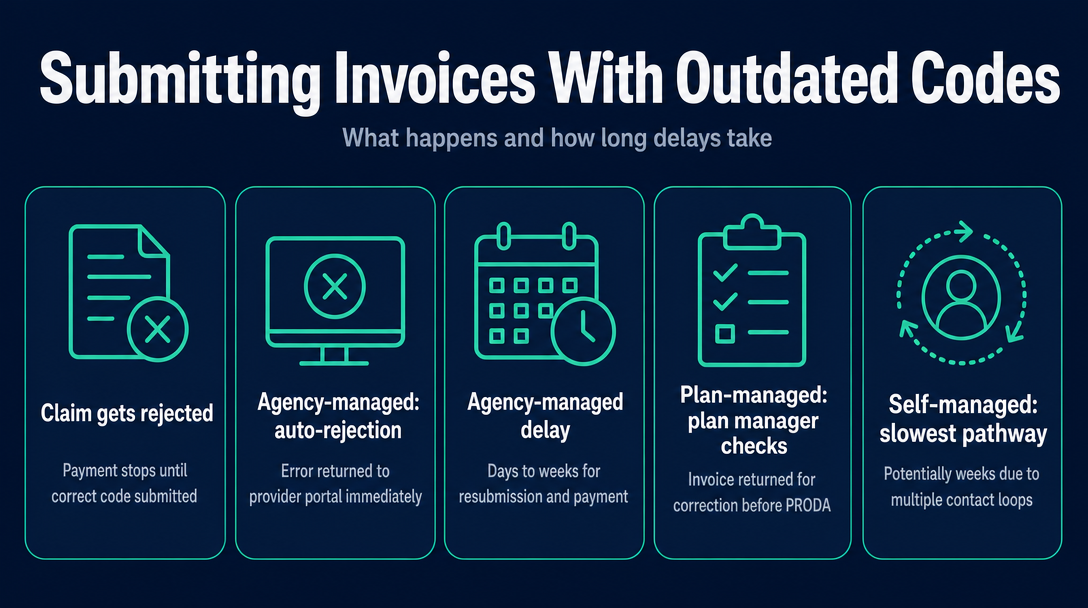
The short answer: your claim is rejected and payment is delayed until you resubmit with the correct code. A rejection does not mean permanent non-payment. It means no payment until the error is fixed.
The delay varies by how the participant's funding is managed:
| Claim pathway | What happens with a retired code | Typical outcome |
|---|---|---|
| Agency-managed (direct PRODA claim) | Claim auto-rejected at PRODA; error returned to provider's portal; must resubmit with correct code | Days to weeks delay |
| Plan-managed | Plan manager checks code before submitting to PRODA; invoice returned to provider for correction; payment delayed until corrected invoice is received | Days to weeks, depending on plan manager's turnaround |
| Self-managed | Participant submits to PRODA; rejection returned to participant; participant contacts provider; provider reissues | Potentially weeks - the slowest correction loop |
For plan-managed participants, the plan manager acts as the first line of detection. This is protective - it catches the error before PRODA ever sees it - but it also means the invoice goes back to you needing a corrected version.
One additional nuance: a code can be wrong for the service date even if it was valid in a prior period. If you submit a claim using 0115 for a service delivered on 15 July 2026, it will be rejected - 0115 is not valid for post-1-July 2026 SIL services. The same code for a service delivered on 28 June 2026 is correct. The invoice date is not what matters - the service delivery date is.
After submitting an outdated code, the steps are: identify the correct current code using the Support Catalogue, reissue the invoice with the corrected code and the same service date, and resubmit. Most plan managers and PRODA do not require a separate formal correction process for code errors - a corrected invoice is sufficient.
This type of error sits in a broader category of invoice compliance issues. For a full picture of why NDIS invoices get rejected and how to catch errors before sending, see the cornerstone article: "Why NDIS Invoices Get Rejected: The 7 Most Common Errors (and How to Check Yours Before Sending)."
How to Check Whether Your Code Is Still Active Before You Invoice
Step 1: Download the current NDIS Support Catalogue (2026-27 XLSX) from the NDIS pricing hub. This is the authoritative live list of all active codes. Open it in any spreadsheet application.
Step 2: Search Column A (Support Item Number) for your code. If your exact code does not appear in Column A, it has been retired. Do not use it.
Step 3: Check for the word "Legacy" in the status column next to your code. A legacy item is still claimable until 30 September 2026 - but only until then. Note the expiry and update your template before that date.
Step 4: Confirm the effective date of the service. The correct code is determined by when the support was delivered, not when you are billing. Services before 1 July 2026 use 2025-26 codes; services from 1 July 2026 use 2026-27 codes.
Step 5: Check whether your service requires a suffix. If you are billing a cancellation, non-face-to-face time, provider travel, telehealth, or an NDIA-requested report from 1 July 2026, the correct code includes the relevant suffix (_CA, _NF, _PT, _TH, or _RR). Confirm which applies and append it before invoicing.
Step 6: Cross-check your service agreement. If your service agreement was written before 1 July 2026 and names a specific support item code (such as 0115 for SIL), your obligation is to invoice under the current correct code - not the code written into an older agreement. A service agreement referencing a retired code does not make that code valid for post-transition services.
This entire check takes under 30 seconds per code in the XLSX. The Support Catalogue can be filtered by Column A to jump directly to your code - no scrolling required.
NDISInvoice.com.au runs this validation automatically against the current 2026-27 Support Catalogue in your browser, flagging retired codes, missing suffixes, and price-cap issues before you send. See the CTA below for details.
For a broader walkthrough of the NDIS Pricing Schedule and how to locate the right code for any service type, the NDIS pricing updates page lists every annual change and mid-year revision.
Frequently Asked Questions
What is the difference between a "legacy" NDIS support item and a "retired" one?
In the 2026-27 Support Catalogue, "legacy" items are temporarily retained - they remain valid for transitional use until 30 September 2026, after which they become fully retired (deactivated). A "retired" or "deactivated" item has already passed its deadline and cannot be used for any claim. Think of legacy as a timed grace period: the code still works, but it expires on a fixed date.
Will my plan manager reject an invoice if I use an outdated NDIS code?
Yes. Plan managers check support item codes against the current Support Catalogue before submitting claims to PRODA. If the code is retired, absent from the catalogue, or structurally incorrect (for example, missing a required suffix such as _CA for a cancellation), the plan manager will return the invoice to you for correction. Payment is delayed until a corrected invoice is received and accepted.
Which NDIS support item codes were retired on 1 July 2026?
The most significant structural change on 1 July 2026 was the replacement of registration group 0115 (Assistance with Daily Life Tasks in a Group or Shared Living Arrangement) with registration group 0138 (Assistance with Supported Independent Living) for SIL services. Additionally, 22 support items entered legacy status with a hard expiry of 30 September 2026, including community nursing items and the plan manager setup fee. The full current list is in the official NDIS Support Catalogue 2026-27 on ndis.gov.au.
I copied last year's invoice template. Could my codes now be outdated?
Possibly yes. If your template was built on 2025-26 codes and has not been updated since 1 July 2026, any code that was retired or restructured in the 2026-27 update will be incorrect. The highest-risk items are codes in the 0115 SIL group and any service that now requires a suffix (_CA, _NF, _PT, _TH, or _RR) that you previously billed as a bare code with a separate Claim Type note. Check every code in Column A of the 2026-27 Support Catalogue XLSX before sending your next invoice.
Can I still use my old code for services I delivered before 1 July 2026?
Generally yes. For services delivered before 1 July 2026, the applicable 2025-26 code remains correct. SIL providers may still claim under 0115 for supports delivered on or before 30 June 2026. The effective date of the service determines which year's catalogue applies - not the date you submit the invoice.
Do NDIS support item codes change every year?
The NDIA updates the Support Catalogue each financial year, typically effective 1 July, as part of the Annual Pricing Review. Not every code changes every year, but providers should check the updated catalogue at the start of each financial year. Mid-year updates also occur and are published on the NDIS pricing updates page.
Worried your invoice template is carrying an outdated code?
NDISInvoice.com.au validates every support item code against the current 2026-27 Support Catalogue - in your browser. It flags retired codes, missing suffixes (including _CA, _NF, _PT, _TH, and _RR), and price-cap issues before you send.
Create and validate your invoice free at NDISInvoice.com.au
More articles
- How to Create Your First NDIS Invoice in Under 5 Minutes (Step-by-Step Video Companion)
- NDIS Plan Manager Turnaround Times: How Long Should You Wait to Be Paid After Submitting an Invoice?
- NDIS Invoice Numbering: Do You Need a Sequential System? (And What Happens If You Don't Have One)
- How to Handle a Rejected NDIS Invoice: Diagnosis, Correction, and Resubmission Step by Step
- NDIS Allied Health Invoicing: How Physiotherapy, Speech Therapy, and OT Codes Work in the Price Guide