Weekday vs. Evening vs. Weekend vs. Public Holiday NDIS Rates: How to Pick the Right Support Item Code
Written by Cory Nathan, founder of NDIS Invoice · Last reviewed
Every NDIS support item code carries a time-of-day label - Weekday Daytime, Weekday Evening, Saturday, Sunday, Public Holiday - and choosing the wrong one
12 min read
Weekday vs. Evening vs. Weekend vs. Public Holiday NDIS Rates: How to Pick the Right Support Item Code
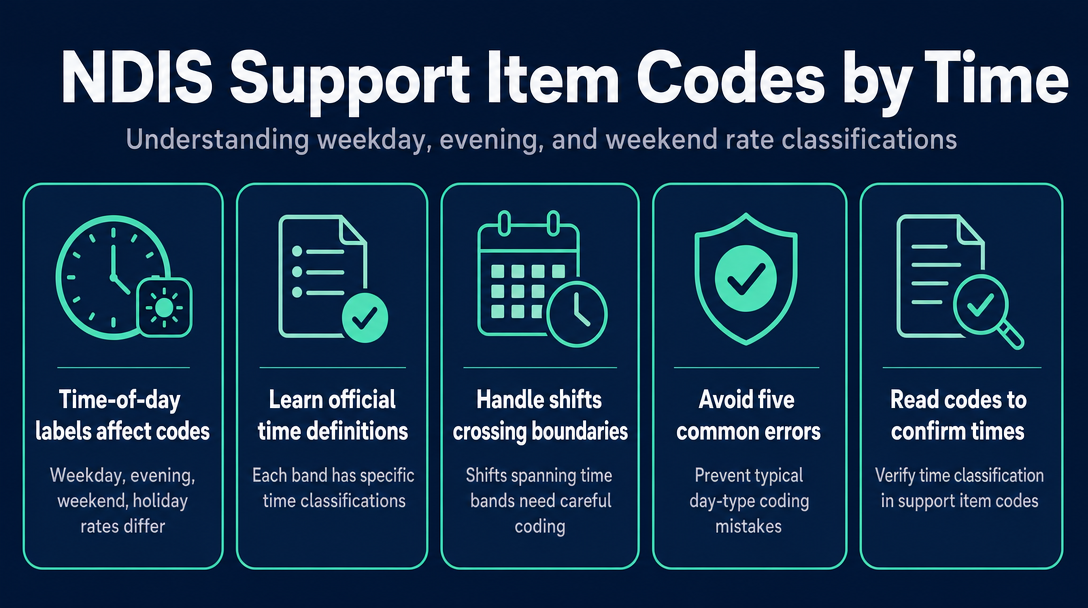
Every NDIS support item code carries a time-of-day label - Weekday Daytime, Weekday Evening, Saturday, Sunday, Public Holiday - and choosing the wrong one for your shift is one of the most common reasons NDIS invoices are queried or returned. This guide gives you the exact classification rules for each time band, shows what happens when a shift crosses a boundary, and names the five errors that catch providers out most often.
Why the Same Support Delivered at Different Times Has a Different Item Code
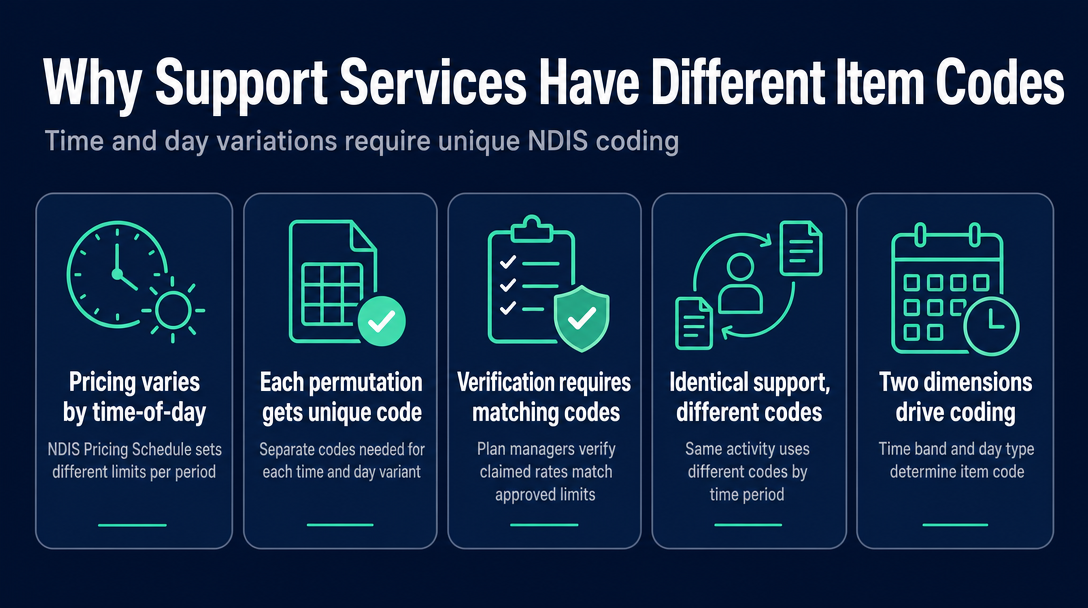
The NDIS doesn't have a single code per service type. It has a separate item code for each time-of-day and day-type variant of that service. The reason is structural: the NDIS Pricing Schedule 2026-27 sets different price limits depending on when support is delivered, so a unique code is needed for each permutation. Without separate codes, plan managers and the NDIA portal cannot verify that the claimed rate matches the approved limit for that time period.
Take Assistance with Self-Care Activities as a concrete example. A support worker helping a participant with morning routine on a Wednesday afternoon uses item code 01_011_0107_1_1 (Weekday Daytime). The same support worker helping the same participant on Tuesday night uses 01_015_0107_1_1 (Weekday Evening). On Christmas Day, there is yet another code. The physical support delivered is identical - the codes differ because the permissible price limit differs.
These two dimensions - time band (when in the day the shift occurs) and day type (which category of day it is) - drive every classification decision. The NDIS Support Catalogue contains hundreds of time-of-day variants across support categories, and the item description in the catalogue always includes the time-band label in plain English.
The Official Time-of-Day Definitions (What Each Band Means)
The NDIS Pricing Schedule 2026-27 - published by the NDIA on 22 June 2026 and in effect from 1 July 2026 - defines each time band precisely. These are not approximations: the boundaries are exact, and a shift that finishes at 8:01 pm is in a different band from one that finishes at 7:59 pm.
| NDIS Time Band | When It Applies | Key Exclusions |
|---|---|---|
| Weekday Daytime | Mon-Fri, 6:00 am to 8:00 pm | Public Holidays; Sleepover Supports |
| Weekday Evening | Mon-Fri, after 8:00 pm to midnight (12:00 am) | Public Holidays; Sleepover Supports |
| Weekday Night (Active Overnight) | Mon-Fri, commences at or before midnight and finishes after midnight; OR starts before 6:00 am on a weekday | Public Holidays; Saturdays; Sundays; Sleepover Supports |
| Saturday | Any Saturday | Public Holidays; Sleepover Supports |
| Sunday | Any Sunday | Public Holidays; Sleepover Supports |
| Public Holiday | Gazetted public holiday, midnight to midnight | Sleepover Supports (separate code) |
| Night-Time Sleepover Support | Continuous 8+ hours crossing midnight, any day type, worker permitted to sleep | Applies across all day types - overrides standard overnight codes |
Two points worth marking clearly:
Public Holidays override all other day-type classifications. If a shift falls even partly within a gazetted public holiday period, the public holiday code applies to those hours. The hours outside the public holiday window are coded to the appropriate preceding band.
"Weekday" means Monday through Friday. When a public holiday falls on a Monday - Australia Day, Easter Monday, Melbourne Cup Day (in Victoria) - that Monday is classified as a Public Holiday, not a weekday. The weekday codes do not apply.
The Boundary Problem - What Happens When a Shift Crosses a Time-Band Line
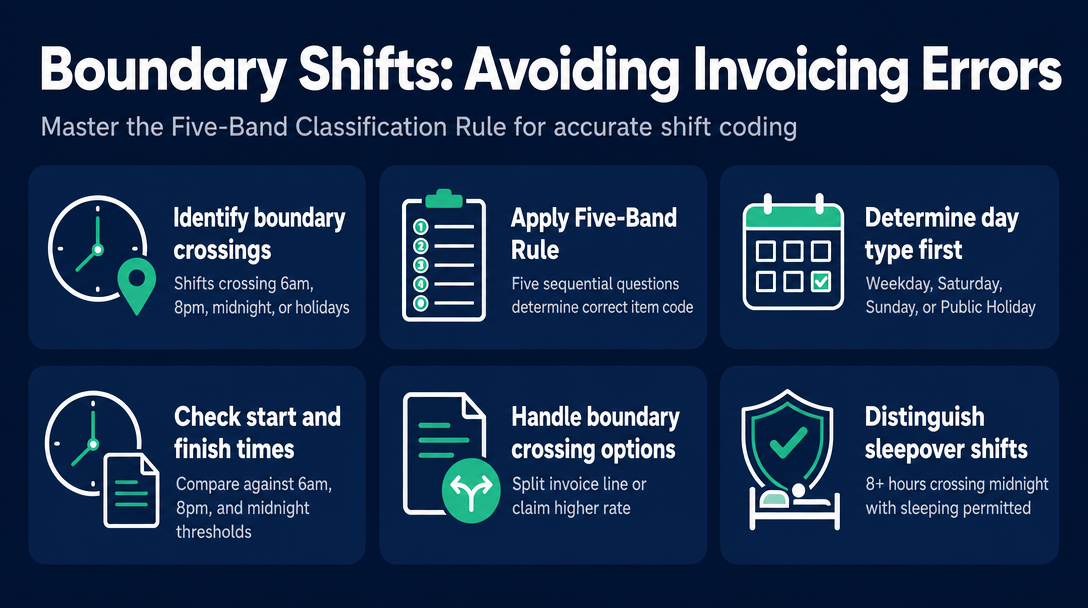
A boundary shift is any shift where the start or finish time crosses one of the classification thresholds: 6:00 am, 8:00 pm, midnight, or the start or end of a public holiday. Boundary shifts are not unusual - a 6:00 pm to 9:30 pm shift is routine - but they are the point where invoicing errors are most likely to occur.
To work through any boundary shift correctly, apply the Five-Band Classification Rule - five questions in sequence before selecting an item code:
- What day type is it? (Weekday / Saturday / Sunday / Public Holiday)
- What time did the shift start? (Before or after 6:00 am / 8:00 pm / midnight)
- What time did the shift finish? (Before or after 8:00 pm / midnight)
- Does the shift cross a band boundary? (If yes - split the invoice line, or claim the higher rate for the whole shift)
- Is it a sleepover? (If 8+ hours crossing midnight with sleeping permitted - use the Sleepover Support code, not the active overnight code)
Here is how those questions play out across three scenarios that regularly cause errors.
Scenario 1: Shift spans the 8:00 pm daytime/evening boundary
Example: Support delivered 6:00 pm to 9:30 pm on a Wednesday.
The shift starts within the Weekday Daytime band (before 8:00 pm) but finishes within the Weekday Evening band (after 8:00 pm). You have two valid options:
- Split the invoice: One line item for 6:00 pm to 8:00 pm at the Weekday Daytime rate ($73.58/hr in 2026-27 for standard Assistance with Self-Care Activities, nationally), and a second line item for 8:00 pm to 9:30 pm at the Weekday Evening rate ($81.07/hr). This accurately reflects the cost of each portion.
- Claim the whole shift at the higher evening rate: You may invoice the entire 3.5 hours at the Weekday Evening rate, provided you are paying your support worker at least the evening-rate equivalent under the SCHADS Award for the whole shift. If you claim the higher rate but pay the worker the lower rate, that is a compliance issue.
Splitting is not compulsory under the NDIS Pricing Schedule - but it ensures each portion is claimed at its correct rate, which matters when participant budgets are tight.
Scenario 2: Shift crosses midnight into a public holiday
Example: Support delivered 10:00 pm Tuesday through 2:00 am Wednesday (and Wednesday is a gazetted public holiday).
The public holiday begins at midnight. Apply the classification by portion:
- 10:00 pm to midnight: Weekday Evening rate ($81.07/hr)
- Midnight to 2:00 am: Public Holiday rate ($163.46/hr)
Two separate line items, two different codes. Providers who invoice the entire shift at the Weekday Evening rate are under-claiming and short-changing themselves. Providers who invoice the entire shift at the Public Holiday rate are over-claiming - and plan managers increasingly flag these. The midnight-to-midnight definition is precise: the public holiday begins at 12:00 am on the gazetted day and ends at 11:59 pm that same day.
Scenario 3: Sunday shift extends into a Monday public holiday
Example: Support delivered 11:00 pm Sunday through 1:00 am Monday (and Monday is a public holiday, e.g. Australia Day).
- 11:00 pm to midnight: Sunday rate ($133.50/hr)
- Midnight to 1:00 am: Public Holiday rate ($163.46/hr)
This two-hour shift requires two line items with two different codes. It is the scenario most likely to be invoiced entirely as "Sunday" (under-claiming) or entirely as "Public Holiday" (over-claiming). Neither is correct.
Sleepover note: If a boundary shift runs continuously for 8 or more hours crossing midnight and the support worker is permitted to sleep for the majority of the shift, check whether it qualifies as a Night-Time Sleepover Support. That is a flat-rate item ($311.79/night in 2026-27) and uses an entirely separate code - it cannot be combined with active overnight or evening codes on the same shift. The NDIS Quality and Safeguards Commission publishes additional guidance on what constitutes a sleepover versus an active overnight arrangement.
The Five Most Common Day-Type Coding Errors (and How to Avoid Each)
Day-type classification errors are among the most common reasons plan managers query NDIS invoices. These five come up repeatedly.
1. Claiming weekday daytime for an entire shift that finished after 8:00 pm The support worker started at 5:00 pm and finished at 9:00 pm. The entire shift is invoiced at the daytime code. The provider under-claims by an hour at the higher rate. Fix: split at 8:00 pm, or claim the whole shift at the evening rate (and confirm the worker is paid accordingly).
2. Claiming weekday evening for a shift that crossed midnight into a public holiday The shift ran from 10:30 pm to 1:30 am on a public holiday. The provider invoiced three hours at the weekday evening rate. The hours after midnight should be at the public holiday rate. Fix: split the line at midnight and apply the public holiday code to the hours from 12:00 am onward.
3. Using a weekday code for a public holiday that falls on a Monday Easter Monday is Monday. So is the Queen's Birthday (in some states). The provider reaches for the Monday code out of habit. But those days are gazetted public holidays - they are not classified as weekdays regardless of which day of the week they fall on. Fix: check the public holiday calendar for the relevant state or territory before coding any Monday shift.
4. Applying the public holiday rate to an entire shift when only part of it falls within the gazetted period A shift from 8:00 pm on the evening before a public holiday through to 6:00 am on the public holiday day is invoiced entirely at the public holiday rate. The hours before midnight fall outside the public holiday window. Fix: split at midnight; only the post-midnight hours attract the public holiday rate.
5. Confusing Weekday Night (Active Overnight) with Night-Time Sleepover Support These are different codes with very different rate structures. A shift from 11:00 pm to 7:00 am where the support worker is actively assisting throughout is an active overnight arrangement - use the Weekday Night code. If the worker is permitted to sleep and the shift is 8 or more continuous hours crossing midnight, that is a Night-Time Sleepover Support - a separate, flat-rate code entirely. Fix: check the NDIS Pricing Schedule definition and confirm whether the participant requires active support throughout, or whether the arrangement is genuinely a sleepover.
Catching these before you send - not after a plan manager returns the invoice - keeps your payment timeline intact. NDISInvoice.com.au validates every line item against the current NDIS Support Catalogue before sending, flagging time-band mismatches automatically.
How to Read a Support Item Code to Confirm the Time Classification
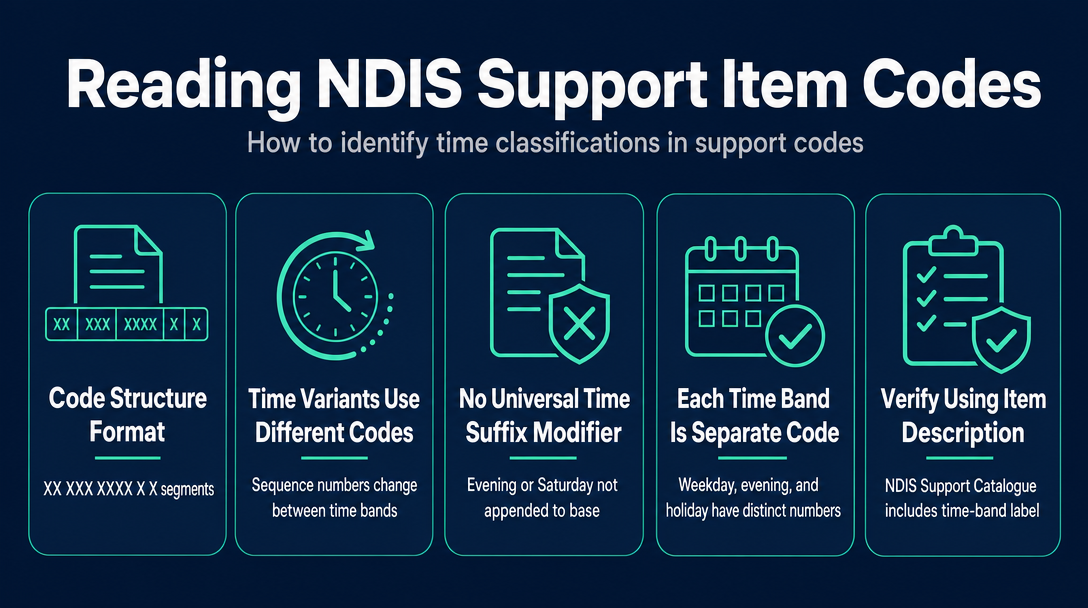
NDIS support item codes follow a structured format: XX_XXX_XXXX_X_X. The segments identify the support category, item sequence, support purpose, registration group, and unit type. Here is the key point for time classification: the sequence number changes between time-band variants - there is no universal suffix modifier that simply appends "_Evening" or "_Saturday" to a base code.
Using Assistance with Self-Care Activities as the example:
01_011_0107_1_1- Assistance with Self-Care Activities - Standard - Weekday Daytime01_015_0107_1_1- Assistance with Self-Care Activities - Standard - Weekday Evening
Saturday, Sunday, and Public Holiday variants are entirely separate, distinctly numbered codes - not the same base code with a time modifier. The only reliable way to confirm which time band a code covers is to read the full item description in the NDIS Support Catalogue. That description always includes the time-band label in plain English: "- Standard - Weekday Evening" or "- Standard - Saturday" or "- Standard - Public Holiday."
The verification step: When selecting a code, open the NDIS Support Catalogue, search for your code, and read the full item description. If the label matches your shift's day type and time band, the code is correct. If it doesn't, keep searching.
Alternatively, NDISInvoice.com.au cross-references every code you enter against the current Support Catalogue automatically - if the time-band label in the catalogue doesn't match the day and time you've recorded for the shift, the validator flags it before you send.
Frequently Asked Questions
What time does weekday evening support start under the NDIS Pricing Schedule?
Weekday evening support starts after 8:00 pm and finishes at or before midnight (12:00 am) on a single weekday (Monday to Friday), excluding public holidays. A shift that finishes exactly at 8:00 pm falls within the Weekday Daytime band; a shift that finishes at 8:01 pm or later falls within the Weekday Evening band.
Is a public holiday always claimed at the public holiday rate, even if it falls on a weekend?
Yes. If a gazetted public holiday falls on a Saturday or Sunday, a shift worked on that day attracts the public holiday rate - not the Saturday or Sunday rate. If a substitute public holiday is declared on the following Monday, shifts worked on that Monday also attract the public holiday rate. The key question is whether the day on which support was delivered is gazetted as a public holiday.
Can I use one item code for a shift that spans both daytime and evening?
You have two valid options. You can split the shift into two line items - one for the hours before 8:00 pm (weekday daytime code) and one for the hours after (weekday evening code). Or you can claim the entire shift under the higher evening rate, provided you are paying your support worker at least the evening SCHADS rate for the whole shift. Splitting is not compulsory under the NDIS Pricing Schedule.
What code applies when a shift crosses midnight into a public holiday?
Split the invoice at midnight. The hours before midnight are claimed at the rate for the preceding time band (e.g. Weekday Evening or Sunday, depending on the day). The hours from midnight onward are claimed at the public holiday rate. Two separate line items are required - one for each band.
How is Night-Time Sleepover Support different from the Weekday Night (Active Overnight) rate?
A Night-Time Sleepover Support is a continuous 8-or-more-hour support that commences before midnight and finishes after midnight, where the support worker is permitted to sleep. The active overnight (Weekday Night) code applies to a shift crossing midnight where the worker is actively awake and assisting throughout. These use entirely different item codes and rate structures - the sleepover is a flat nightly rate ($311.79/night in 2026-27), while the active overnight is an hourly rate.
Check your day-type codes before you send.
NDISInvoice.com.au validates every line item against the current NDIS Support Catalogue - catching time-band mismatches, outdated codes, and rates above the 2026-27 price limit before your invoice reaches a plan manager or the NDIA portal. No subscription.
Create and validate your NDIS invoice free at NDISInvoice.com.au
More articles
- How to Create Your First NDIS Invoice in Under 5 Minutes (Step-by-Step Video Companion)
- NDIS Plan Manager Turnaround Times: How Long Should You Wait to Be Paid After Submitting an Invoice?
- NDIS Invoice Numbering: Do You Need a Sequential System? (And What Happens If You Don't Have One)
- How to Handle a Rejected NDIS Invoice: Diagnosis, Correction, and Resubmission Step by Step
- NDIS Allied Health Invoicing: How Physiotherapy, Speech Therapy, and OT Codes Work in the Price Guide