NDIS Remote and Very Remote Pricing: How the Modified Monash Model Affects What You Can Charge
Written by Cory Nathan, founder of NDIS Invoice · Last reviewed
The Modified Monash Model (MMM) is a seven-tier geographic classification system the Australian Government uses to categorise locations by population size
12 min read
NDIS Remote and Very Remote Pricing: How the Modified Monash Model Affects What You Can Charge
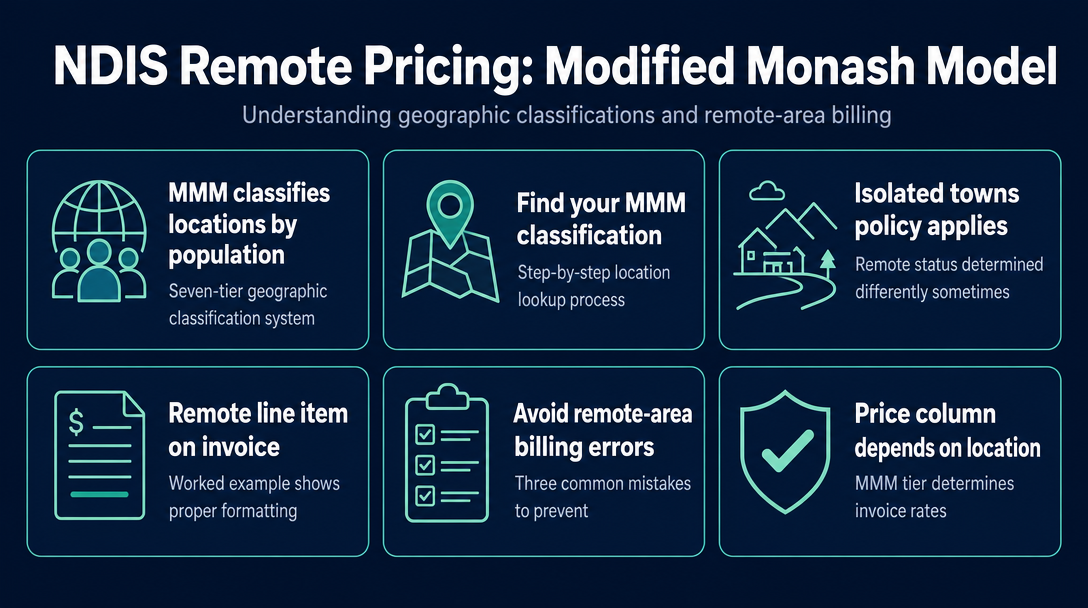
The Modified Monash Model (MMM) is a seven-tier geographic classification system the Australian Government uses to categorise locations by population size and remoteness. For NDIS sole-trader support workers, it determines one specific thing on every invoice: which of the three price columns in the NDIS Support Catalogue applies to the support you delivered. Get the column wrong and you are either leaving money on the table or overclaiming - both are problems worth avoiding before you hit send.
What the Modified Monash Model Is - and the One Thing It Changes on Your Invoice
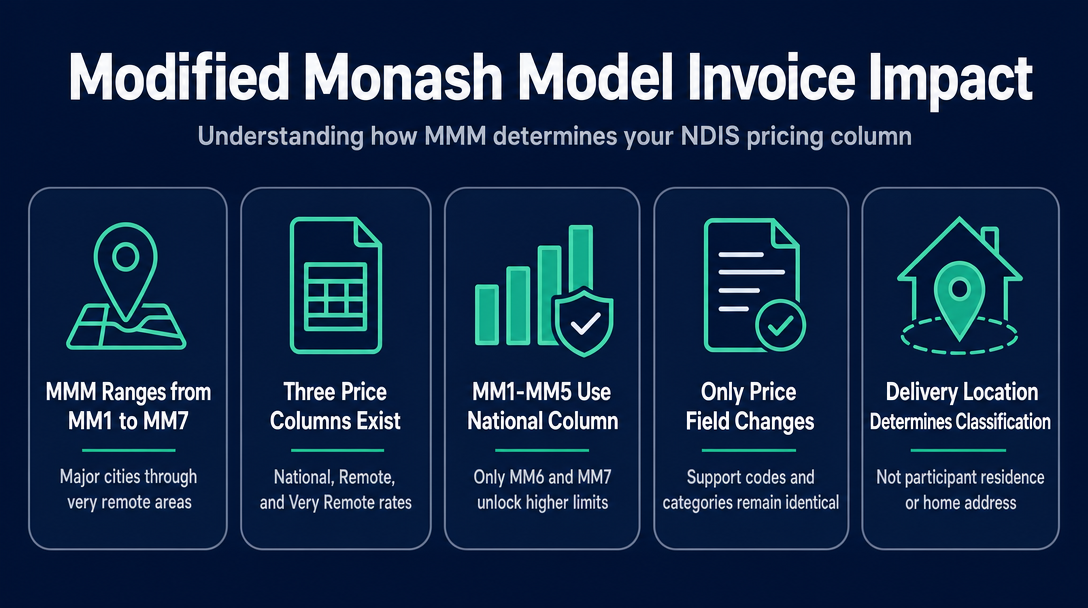
The MMM runs from MM1 (major cities like Sydney and Melbourne) through to MM7 (very remote Australia). The NDIS Support Catalogue has three price columns: National, Remote, and Very Remote. Tiers MM1 through MM5 all use the National column. Only MM6 (Remote) and MM7 (Very Remote) unlock different, higher price limits.
This is what you can think of as the Three-Column Rule: the Support Catalogue has three price columns - National, Remote, and Very Remote. The Modified Monash Model tells you which column is yours. Everything else on your invoice - the support item code, unit type, support category - stays exactly the same. Only the dollar figure in the price field changes.
One rule applies across all tiers: the classification that matters is where the support is delivered, not where you live or where the participant's home address is registered. A participant based in a remote area who travels to a regional city for a support session is invoiced at the regional (National column) rate for that session.
The MMM Tier Table - Which Price Column Applies to Your Location
Use this table as your quick reference. If your delivery location is MM1 through MM5, you use the National price column every time.
| MMM Tier | Area Type | NDIS Price Column | Remote Loading |
|---|---|---|---|
| MM1 | Major city | National | None |
| MM2 | Regional city (large) | National | None |
| MM3 | Regional city (medium) | National | None |
| MM4 | Regional town | National | None |
| MM5 | Small town / rural | National | None |
| MM6 | Remote | Remote | +40% above national |
| MM7 | Very remote | Very Remote | +50% above national |
Price limits for MM6 locations are 40% higher than the national rate, and MM7 locations are 50% higher - figures drawn directly from the NDIS Pricing Arrangements and Price Limits.
Two notes on this table:
First, from 24 November 2025, the NDIA uses MMM 2023 classifications. If your delivery location was reclassified under MMM 2023, the column you use may have changed from what you used before that date.
Second, the Isolated Towns Policy creates an exception: some towns that sit at MM4 or MM5 under the standard model are treated as MM6 for NDIS pricing purposes due to their practical isolation. This is developed fully in the section below.
How to Find Your MMM Classification - Step by Step
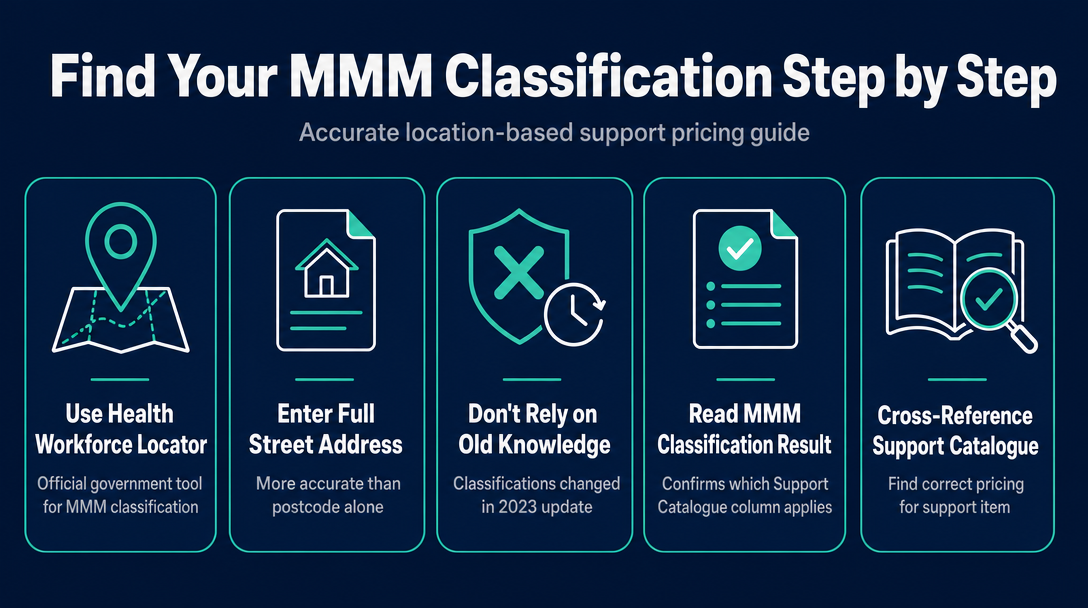
Never guess your MMM tier based on postcode alone or on what a colleague tells you. The MMM 2023 update reclassified a number of locations, so prior knowledge may be out of date.
Step 1: Go to the Health Workforce Locator, published by the Department of Health, Disability and Ageing. Enter the full address of the location where the support is delivered - not just the postcode where possible, as some areas sit near classification boundaries and the street address gives a more accurate result.
Step 2: Read the MMM classification shown for that address.
Step 3: Cross-reference the result against the table above to confirm which Support Catalogue column applies to your support item.
Step 4: Open the current NDIS Support Catalogue at ndis.gov.au and read the price from the correct column for your support item code.
A free third-party lookup tool - the NDIS MMM Finder, published by a plan management business - also shows an NDIS-specific pricing zone label (Metropolitan, Regional, Remote, or Very Remote) and can be useful for a quick cross-check. The Health Workforce Locator remains the official source, so use it for anything you are going to rely on for invoicing purposes.
What if support is delivered at the participant's home versus in the community?
The rule is still the delivery location, regardless of venue type. If the participant's home address is MM6, the MM6 rate applies to a support delivered there - even if you drove in from a regional centre.
What if I travel from a city to deliver support in a remote area?
The classification follows the delivery location, not your departure point. The remote-area price limit applies at the delivery end. There are also specific travel rules for MM6 and MM7 that differ from the national framework - see the travel section of the current NDIS Pricing Arrangements and Price Limits for the detail.
The Isolated Towns Policy - When a Town Is Remote Even If the Map Says Otherwise
Some towns are classified MM4 or MM5 under the standard MMM model but face practical isolation comparable to MM6 - surrounded by long distances from the nearest service hub with no equivalent local infrastructure. The NDIS Isolated Towns Policy allows these locations to access MM6 pricing and the associated travel arrangements.
For 2026-27, the Annual Pricing Review introduced a two-tier Isolated Towns framework:
- Type 1 Isolated Towns retain MM6 reclassification under an updated definition and continue to access remote loading and the MM6 travel arrangements.
- Type 2 Isolated Towns are treated differently - the specifics are set out in the current NDIS Pricing Arrangements and Price Limits document at ndis.gov.au.
The NDIS 3-Year Pricing Workplan flags MMM and Isolated Towns Policy review as ongoing work, which means the qualifying towns list can change from one Annual Pricing Review to the next.
Why this matters for your invoicing: If you deliver in a qualifying isolated town, you may be entitled to use the Remote price column - but you must confirm the town is on the current Isolated Towns list. Using the Remote column for a town not on the list is an overclaim. Failing to use it when you are entitled is an underclaim that eats into your income.
Check the current Pricing Arrangements and Price Limits document to confirm whether your town qualifies, and re-check after each Annual Pricing Review.
Writing the Remote-Area Line Item on Your Invoice - A Worked Example
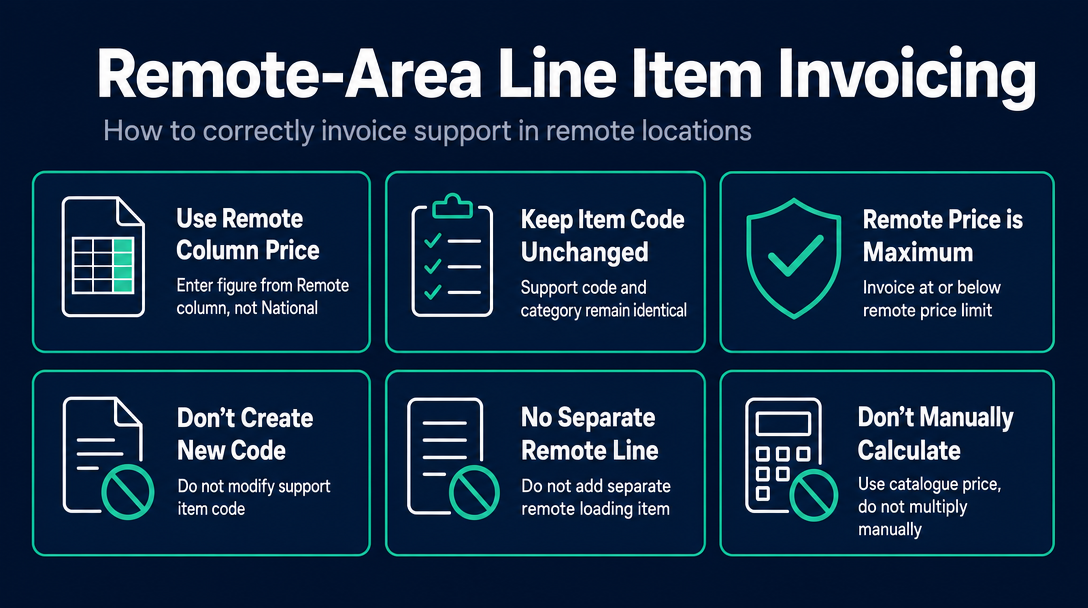
Take a common support item such as Assistance with Self-Care Activities - Standard - Weekday Daytime (item code 01_011_0107_1_1). When you are delivering this support in an MM6 location, three things are true about your invoice line item:
- The price per unit changes. You enter the figure from the Remote column in the Support Catalogue for that item - not the National column figure. These are different numbers for the same code.
- Nothing else on the line item changes. The support item code, unit type (hourly), and support category remain identical. The code is not different in a remote area. Only the price field is different.
- The remote price is a ceiling, not a floor. For plan-managed and NDIA-managed participants, the remote price limit is the maximum you can charge. You can invoice at or below it - you cannot invoice above it.
What not to do:
- Do not create a new or modified support item code to flag remote delivery.
- Do not add a separate "remote loading" line item beneath the support line.
- Do not take the national price and multiply it by 1.4 manually - go directly to the correct column in the current Support Catalogue, because rounding and annual review cycles mean manual calculation may not match the catalogue figure.
NDIS Invoice validates each line item against the Support Catalogue price for the correct regional column before you send. If a sole trader in a remote area enters the national price, the tool flags it as a potential under-billing. If they enter a figure above the remote limit, it flags an overclaim.
You can read more about finding the right support item code in the cornerstone guide NDIS Price Guide 2026-27: How to Find the Right Support Item Code for Any Service You Deliver.
Three Invoice Errors Specific to Remote-Area Billing
Error 1: Using the national price in an MM6 or MM7 location
This is technically a valid invoice - you cannot overclaim by charging less than the price limit - but it is systematic underpayment of yourself. Over weeks and months, consistently billing the national rate instead of the remote rate represents a meaningful income gap. Fix: check the delivery address MMM classification before you open the Support Catalogue, and go to the correct column first.
Error 2: Applying the remote rate when support is actually delivered at a non-remote location
A participant whose home is MM6 sometimes travels to a regional centre (MM3 or MM4) to receive a support. The correct rate for that session is the National column rate for that regional location - not the participant's home-address MMM classification. Using the remote rate for a session delivered at a non-remote location is an overclaim. Fix: always classify by the address where the support session actually took place.
Error 3: Not updating your MMM classification after the November 2025 switch to MMM 2023
Some locations moved between tiers when the NDIA adopted MMM 2023 on 24 November 2025. A sole trader who had not re-checked their classification since that date may have been using the wrong tier - and the wrong price column - for months. Fix: run the Health Workforce Locator check using the current address now, and re-check whenever the Annual Pricing Review is released. If your delivery location's classification changed on 24 November 2025, your invoices from that date forward should reflect the new classification.
Frequently Asked Questions
Do remote area price limits apply to all NDIS support items, or only some?
The 40% and 50% remote loadings apply broadly across Core Supports and Capacity Building, but not universally to every support item. Some items - including certain assistive technology - have different pricing rules. Always check the specific item row in the current Support Catalogue; if no Remote or Very Remote price is listed for that item, the national price applies.
The MMM 2023 update reclassified some areas - how do I know if my delivery location changed?
Use the Health Workforce Locator with the current address. The tool reflects MMM 2023 classifications as of 24 November 2025. If the result differs from what you previously used, update your invoices from that date forward - not retrospectively for sessions invoiced before the changeover.
Does remote loading affect the travel claim rules as well as the support rate?
Yes. In MM6 and MM7 locations, providers delivering core and capacity building supports may enter specific arrangements with participants to cover travel costs up to the relevant hourly rate for the support item. These travel rules are additional to - not instead of - the higher price limit. Review the current NDIS Pricing Arrangements and Price Limits at ndis.gov.au for the travel-specific rules.
Can a self-managed participant pay me more than the remote price limit?
Yes. The remote price limits function as caps only for NDIA-managed (agency-managed) and plan-managed participants. Self-managed participants are not bound by NDIS price limits. In practice, most do not exceed them, but you should confirm the participant's management type before setting your rate. Our earlier guide on self-managed invoicing covers the flexibility rules in detail.
What is the Isolated Towns Policy and how do I know if my town qualifies?
Some towns are geographically MM4 or MM5 but are treated as MM6 for NDIS pricing due to their practical isolation. The current list of qualifying towns is in the NDIS Pricing Arrangements and Price Limits document at ndis.gov.au. As of the 2026-27 Annual Pricing Review, a new two-tier framework applies (Type 1 and Type 2 Isolated Towns). Check the current document - the list changes with each Annual Pricing Review.
I work across multiple locations with different MMM tiers. Do I calculate the classification separately for each client?
Yes - the classification is per delivery location, not per client. Keep a simple record of each client's delivery address and its MMM classification. If a client moves, or if you occasionally provide community-based support at a different address, re-check the classification for each address. NDIS Invoice validates each line item individually against the current Support Catalogue, which makes managing varied delivery locations practical for sole traders who work across tiers.
Check Your Remote Area Rate Before You Send
If you deliver supports in an MM6 or MM7 area - or in a qualifying isolated town - the price limit on your invoice is different from the national rate. Billing at the wrong figure costs you income or creates a compliance issue, and neither is obvious until someone checks the Support Catalogue against what you submitted.
NDIS Invoice is a free, browser-based tool that checks each line item against the current NDIS Support Catalogue for your region before you finalise anything. It is built specifically for Australian sole-trader support workers and registered providers who need to get the price column right every time, not just most of the time.
Open NDIS Invoice and validate your next invoice
More articles
- How to Create Your First NDIS Invoice in Under 5 Minutes (Step-by-Step Video Companion)
- NDIS Plan Manager Turnaround Times: How Long Should You Wait to Be Paid After Submitting an Invoice?
- NDIS Invoice Numbering: Do You Need a Sequential System? (And What Happens If You Don't Have One)
- How to Handle a Rejected NDIS Invoice: Diagnosis, Correction, and Resubmission Step by Step
- NDIS Allied Health Invoicing: How Physiotherapy, Speech Therapy, and OT Codes Work in the Price Guide